Bookmarks Converter.
Turn the bookmarks file your browser exports into a list of links, a spreadsheet or Markdown. Free, instant, and nothing is uploaded.
No signup. Your bookmarks never leave your browser.


Save & Curate the Web.
AI Visual Bookmark Manager for Mac. Collect, organise & reference your links, images, videos across all platforms, in one place. No subscription and free for 14 days.
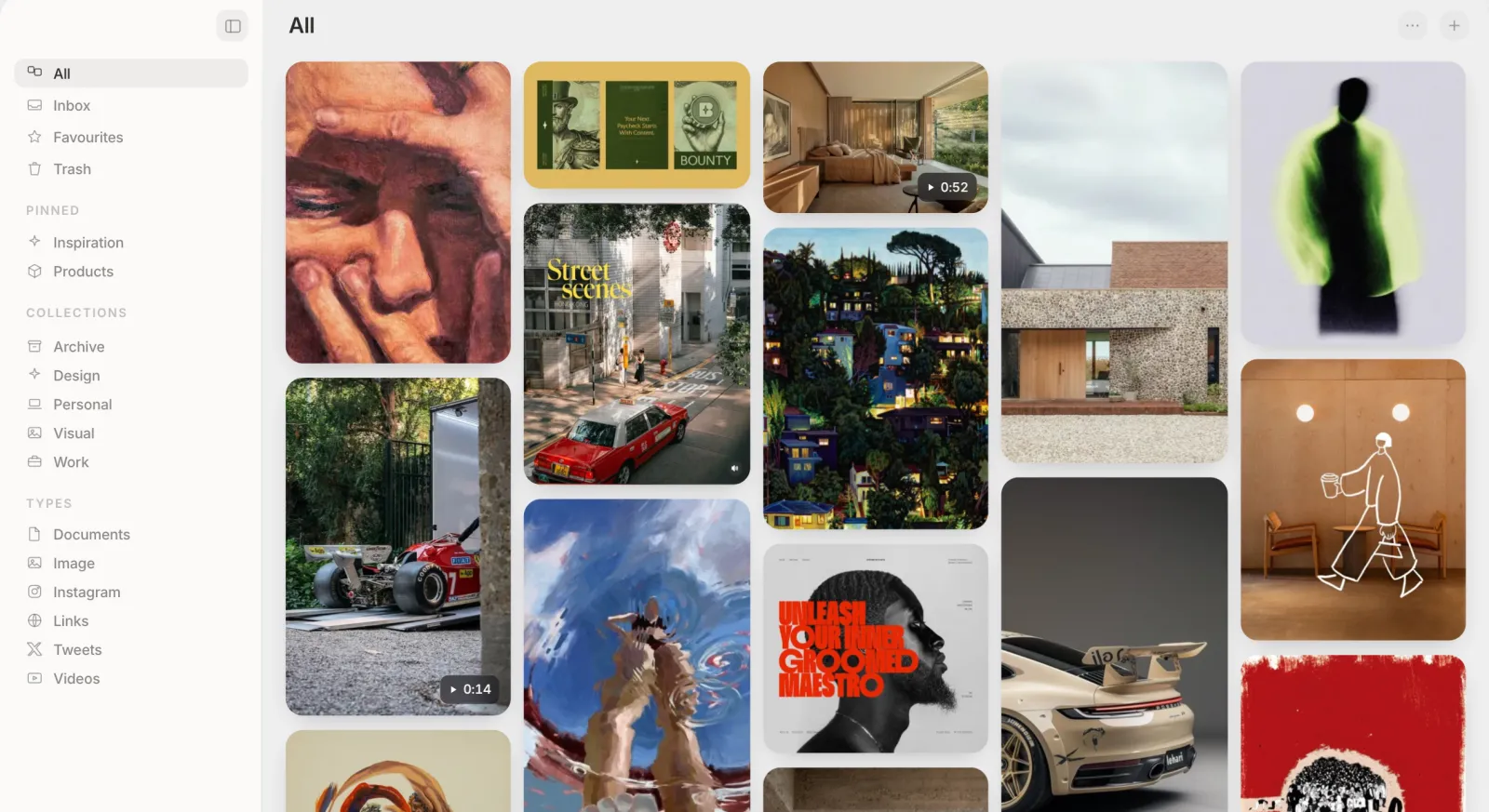
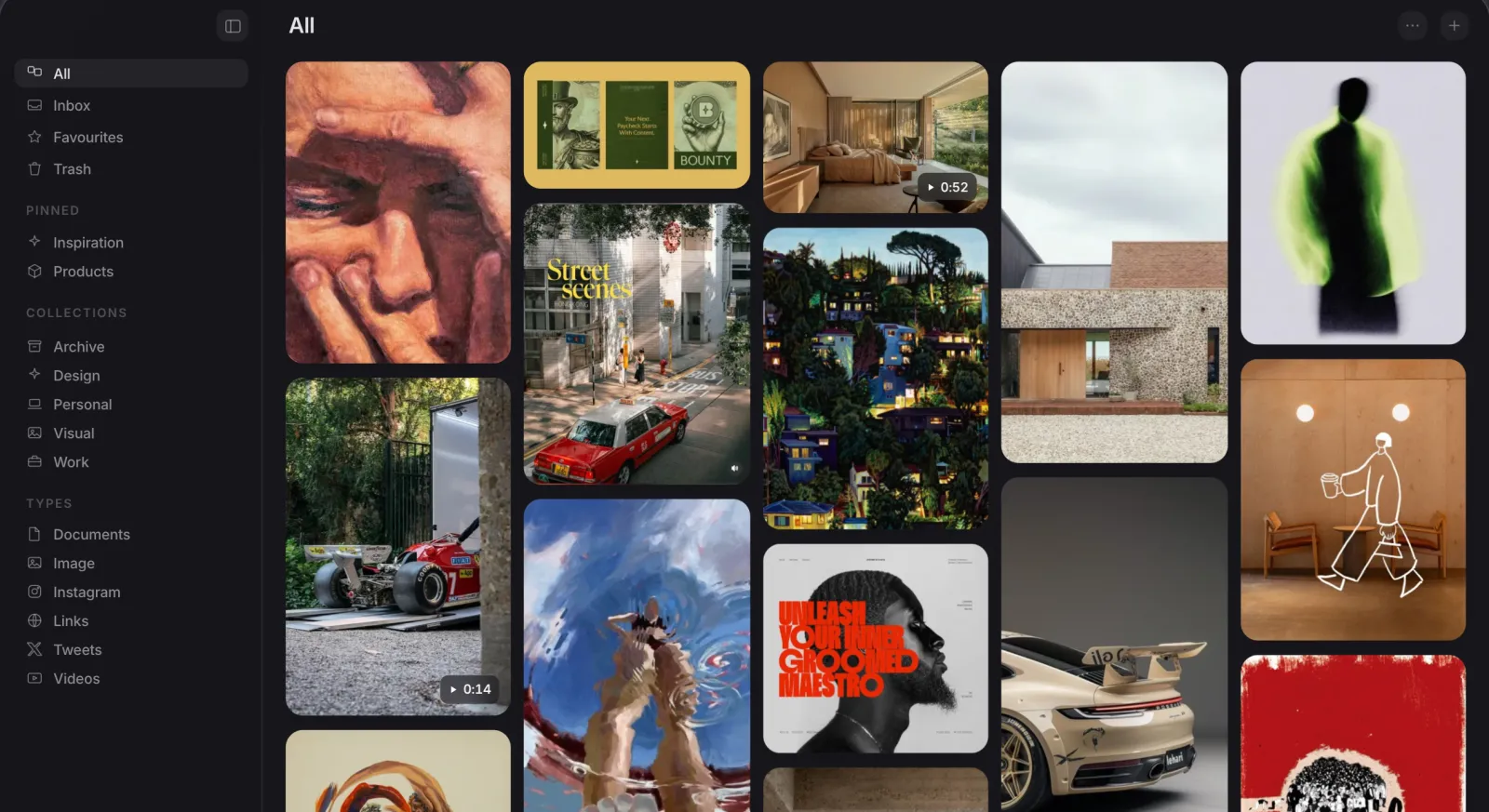
Living Bookmarks
Auto-cleaned title, favicon and key image for every saved link.
Easy Imports
One-click import from Eagle, Raindrop, CSV, browser bookmarks and Pinterest.
Collections and Boards
Nest collections, and file one item into many, without duplicating.
Your Own Tags
Tag anything yourself, right alongside what the AI already added.
Search Everything
Search by OCR text, a colour name, or plain meaning.
No Lock-In
Real files in a visible Finder folder. Exportable, nothing proprietary.
Good to know.
How do I export my bookmarks?
- Chrome: at the top right, select More, then Bookmarks and lists, then Bookmark Manager. At the top, select More, then Export Bookmarks. Full Chrome guide
- Safari: choose File, then Export Browsing Data to File, select Bookmarks and click Download. Safari saves a .zip, and you can drop it here as it is. Full Safari guide
- Firefox: open the menu, choose Bookmarks, then Manage bookmarks. In the Library window, choose Import and Backup, then Export Bookmarks to HTML.
Which files can it read?
Is my bookmarks file uploaded anywhere?
How are duplicates found?
Can I import the result into another browser?
What does the CSV include?
Can Muse import my bookmarks?
Try Muse free for 14 days
The whole app, every feature. No account, no card needed.