The short version
Pick in ten secondsChoose Muse if
You collect visual references and files on a Mac, want to own them as real files with no account, and would rather pay once than subscribe forever.
Choose Marqly if
You mainly save web links and articles to read later, want them on every device through the browser, and like AI that summarises pages and answers questions about YouTube videos.
Side by Side
Muse shows saved links as cards with previews, and Marqly shows a list with a chat panel beside it.
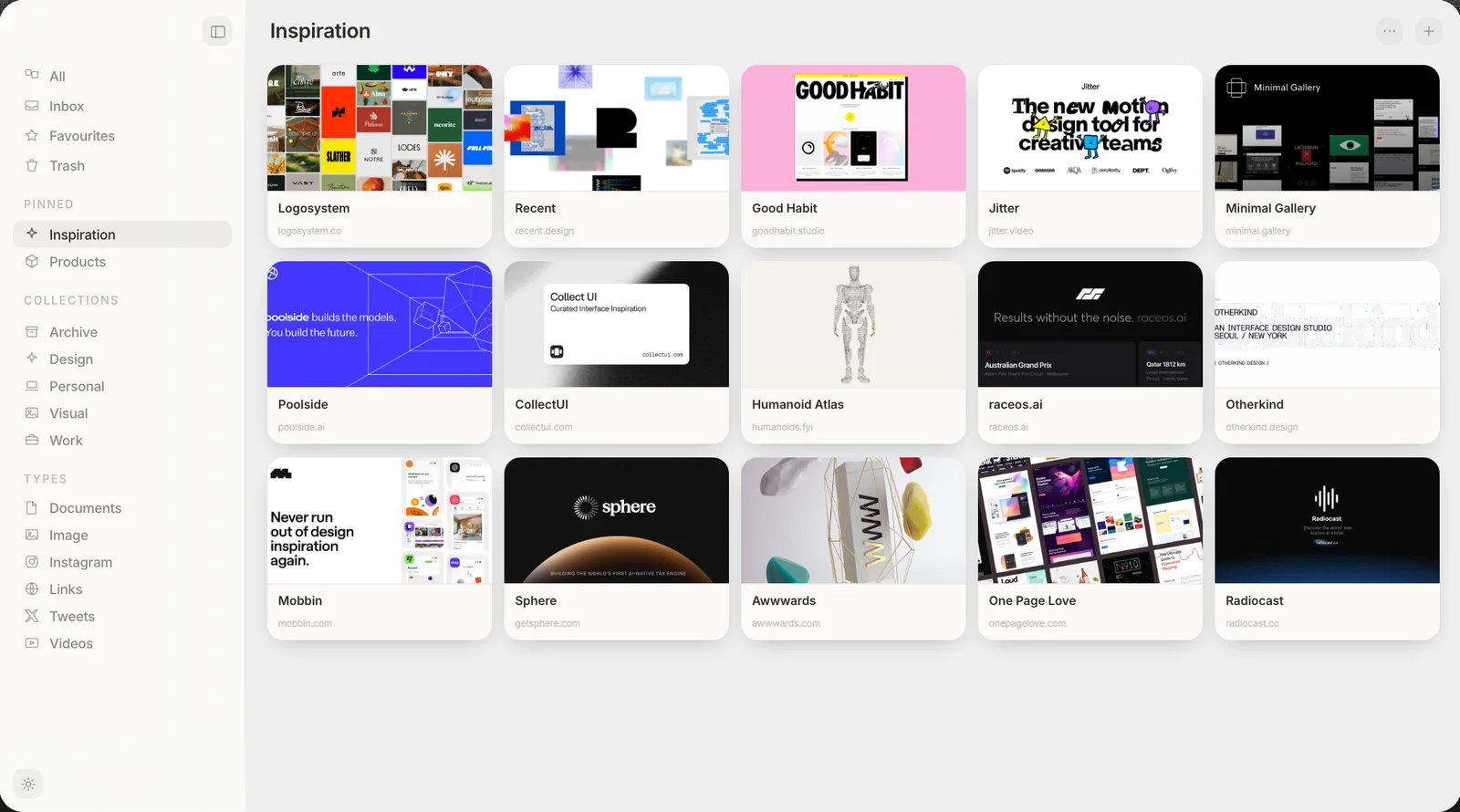
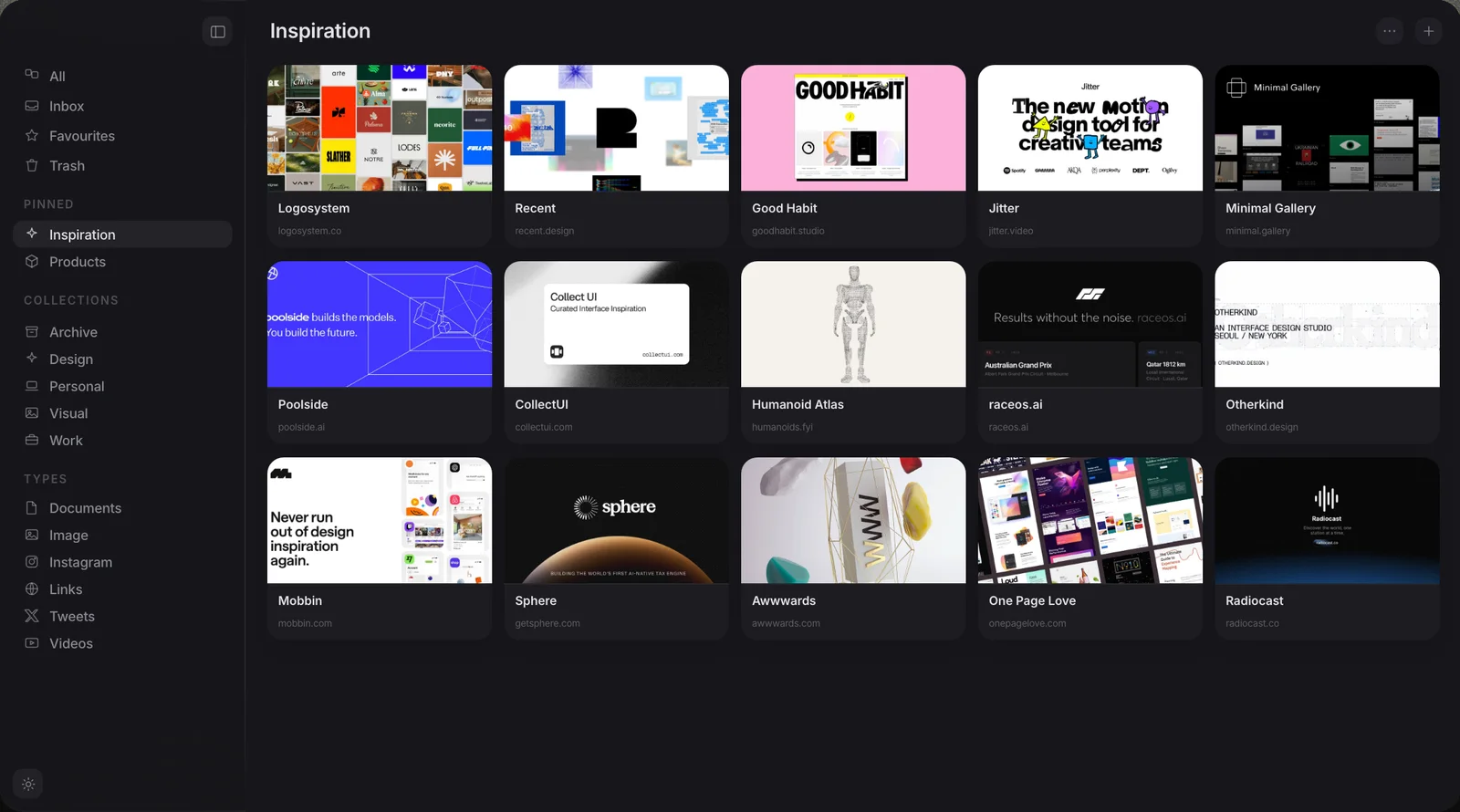
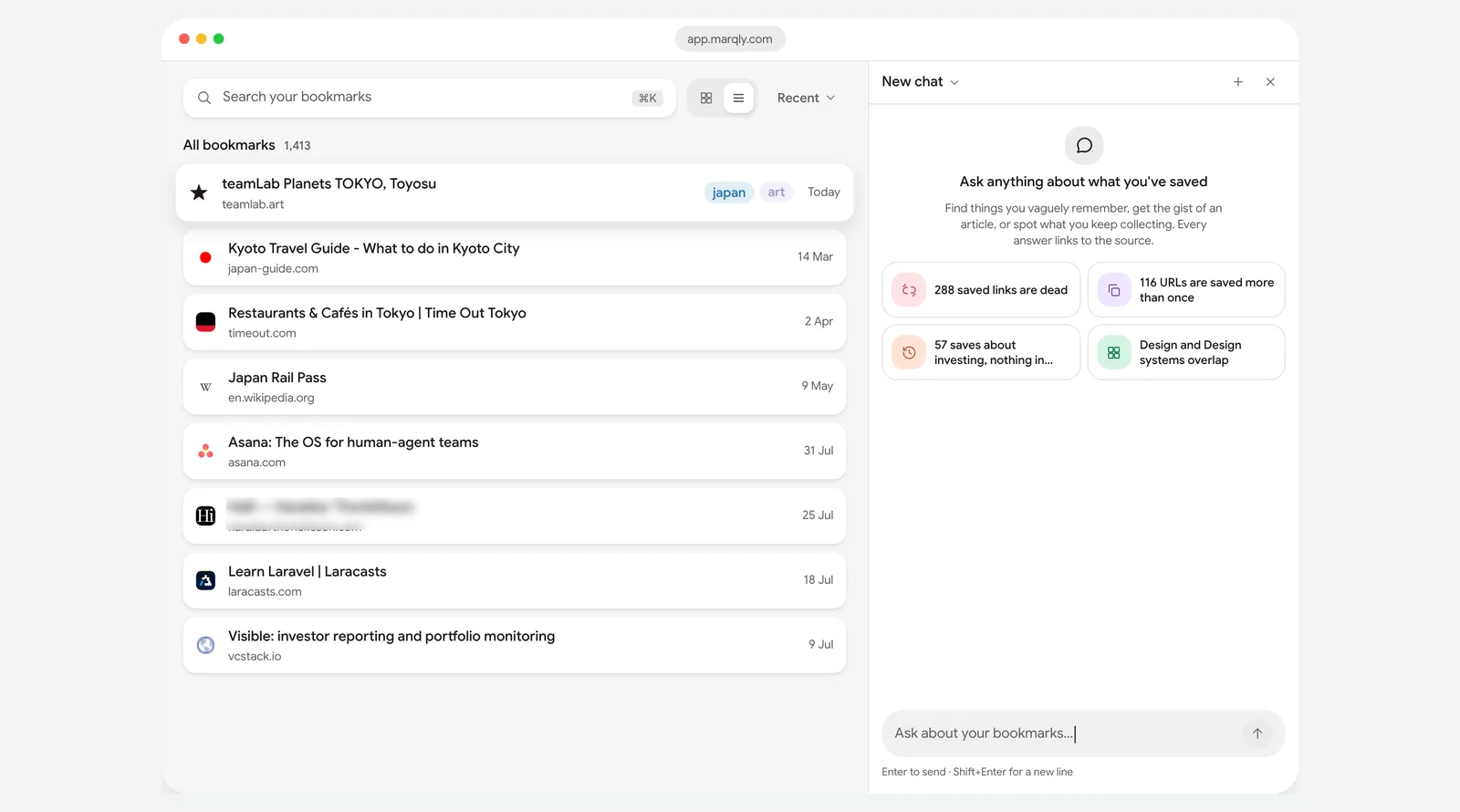
Muse vs Marqly at a glance
Eleven rows, side by side| Muse | Marqly | |
|---|---|---|
| Platform | Native Apple Silicon app, iPhone, iPad | Web app, not native |
| Where your library lives | Real files on your Mac | Marqly's cloud |
| Account | None needed | Required |
| What you can save | Images, video, links, notes | Web links and articles |
| Your own image files | Yes, first-class | No, links only |
| AI | Built-in AI on-device | Cloud AI only |
| Search inside images | Yes, on your Mac | No |
| MCP and API | Both included | MCP on Pro only, via its cloud |
| Price | $29 once | $72 a year |
| Export | Files or a PDF moodboard | No full export found |
| Works offline | Fully | Needs the cloud |
What each one is
Two different toolsMuse
A native Mac app for everything you collect.
Marqly
A cloud bookmark and read-it-later app.
Where each one wins
ScorecardWhere Muse pulls ahead
- Every media type. Images, video and your own files are first-class, not just links.
- It is yours. Real files on your Mac, no account, nothing to lose access to.
- On-device AI. Tagging, text-in-image search and visual search never leave your machine.
- Pay once. $29 flat, with every future update included, instead of a yearly bill.
- Native speed. Built for Apple Silicon, smooth with thousands of items.
- Works with your AI apps. Its MCP server and Local API come with the $29 and run on your Mac. Marqly's needs Pro and runs through its cloud.
Not for: Windows, Linux or Android, or anyone who needs a free tier. Muse runs on Mac, iPhone and iPad only, and the Mac app asks $29 after the trial.
Where Marqly is the better fit
- Every device. Works in any browser and on iPhone and iPad, not only a Mac.
- Reading. A proper reader mode, highlights and notes for long articles.
- YouTube AI. Summarises videos and chats with the transcript, which Muse does not do.
- A free tier. Free to start with no card, or add AI for $9 a month.
- Page snapshots. Freezes a web page as a PDF exactly as it looked.
Not for: people who collect images and files rather than links and articles, or who want their library offline.
Which should you choose?
The bottom lineMostly saving web links and articles to read across your phone and laptop? Marqly fits, and its YouTube AI is a real plus. Collecting visual references and files on a Mac, and want to own your library and pay once? Muse is the better home. One is a cloud link manager; the other a native library that stays on your machine. Still weighing your options? See our roundup of the best Marqly alternatives, with six tools compared.
Common questions
Five answersIs Muse or Marqly better for saving images?
Does Marqly have a native Mac app?
Is Muse a subscription like Marqly?
Can I move my Marqly bookmarks into Muse?
Does Muse do AI like Marqly?
Does Muse work with Claude and other AI apps?
Try Muse free for 14 days
The whole app, every feature. No account, no card needed.
Free for 14 days, then $29 once. macOS 14 or later.
Related reading: the best bookmark managers for Mac.