Ask anyone with a few hundred saved links what is in their bookmarks folder, and the answer is usually "no idea". One Hacker News commenter put it well: bookmarks are "this drawer in your basement where you have to actively spend energy to find them". Filing something away is easy. Going back for it later is where the system falls apart.
The same threads keep connecting that failure to tab hoarding: people leave dozens of tabs open for weeks because sending a page to bookmarks feels like sending it somewhere it will never be seen again. A bookmark manager's whole job is to make that untrue. Here is a look at the real options on a Mac: your browser's own bookmarks, Raindrop, Anybox, Resurf, Bookmarker, and Muse.
Side by Side
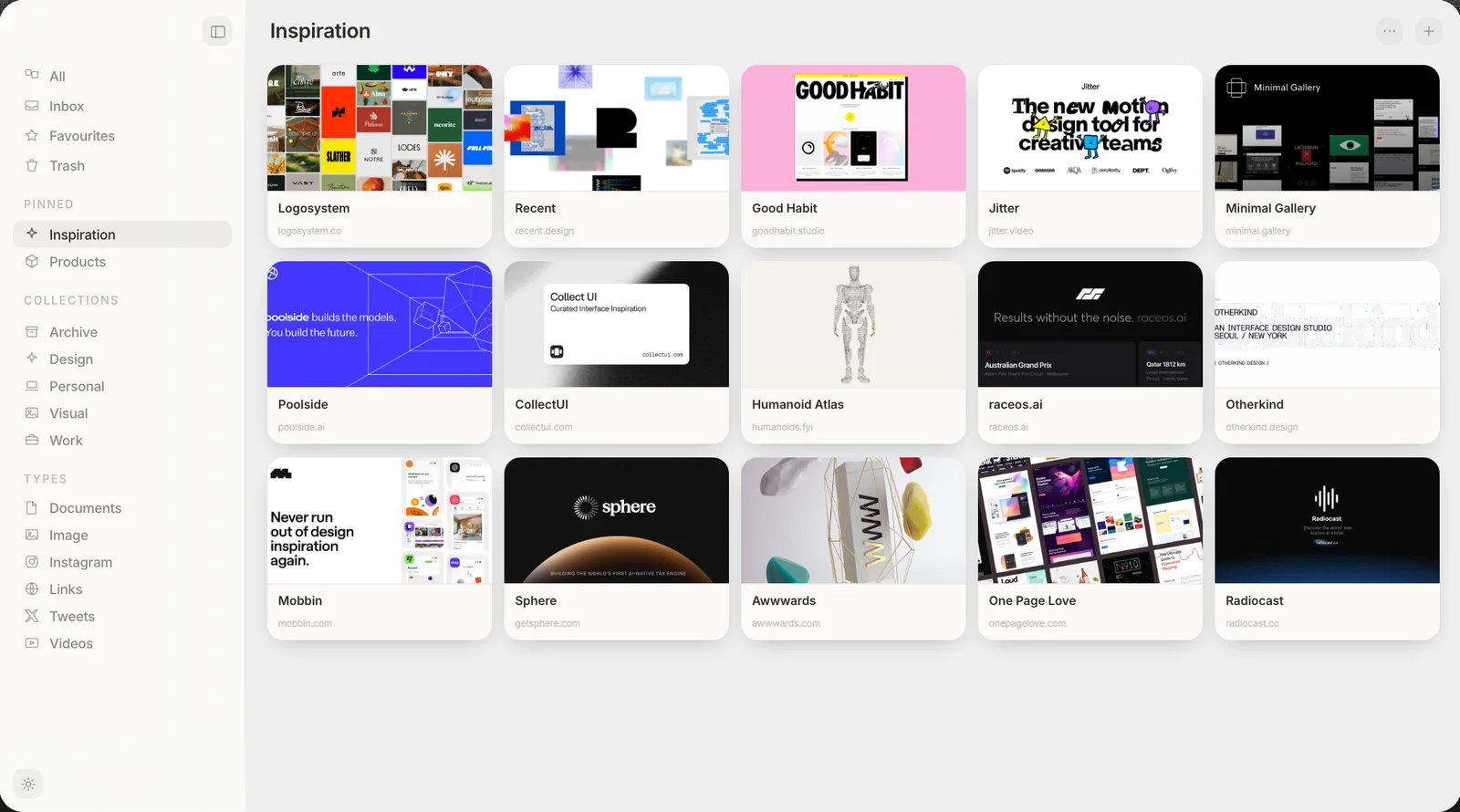
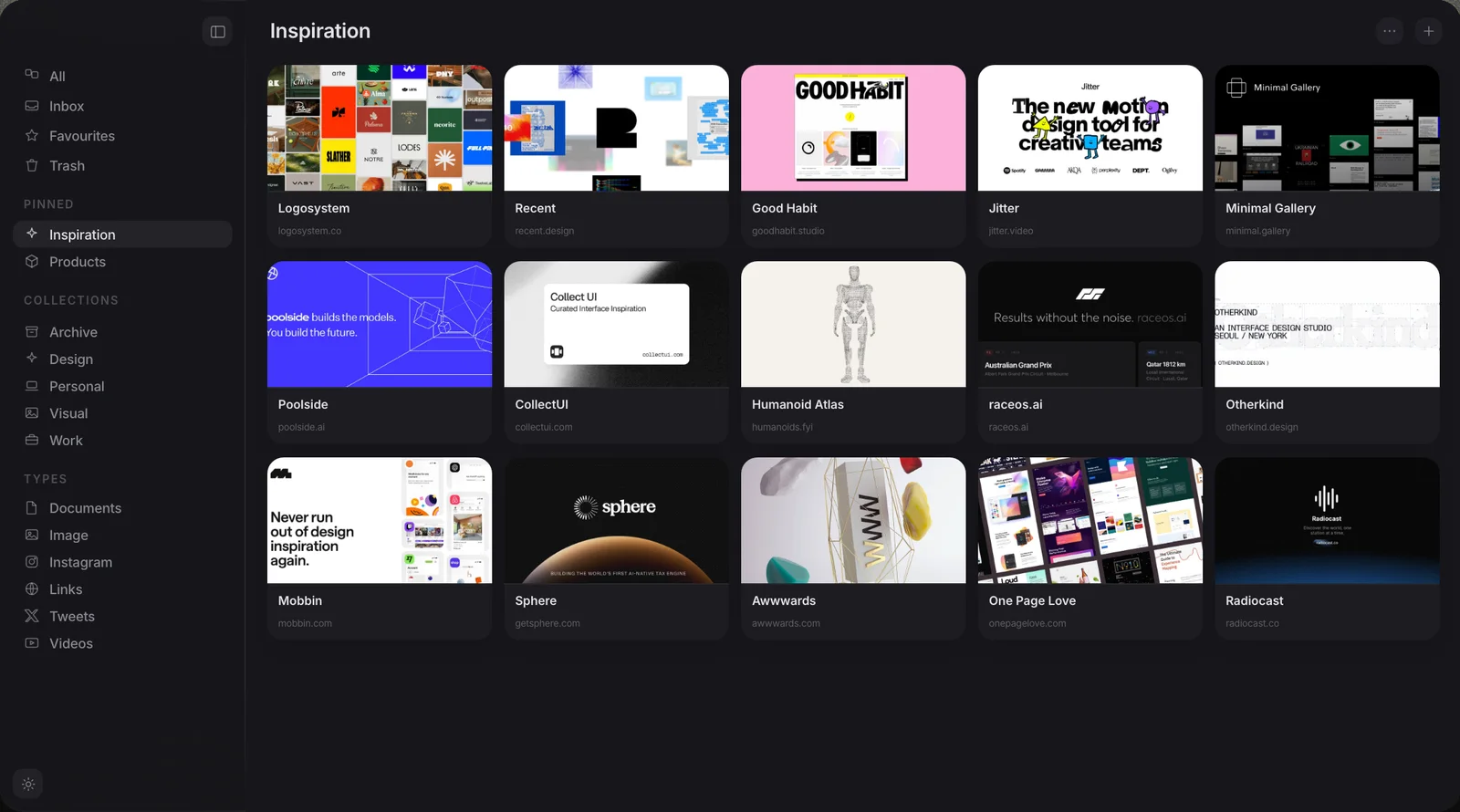
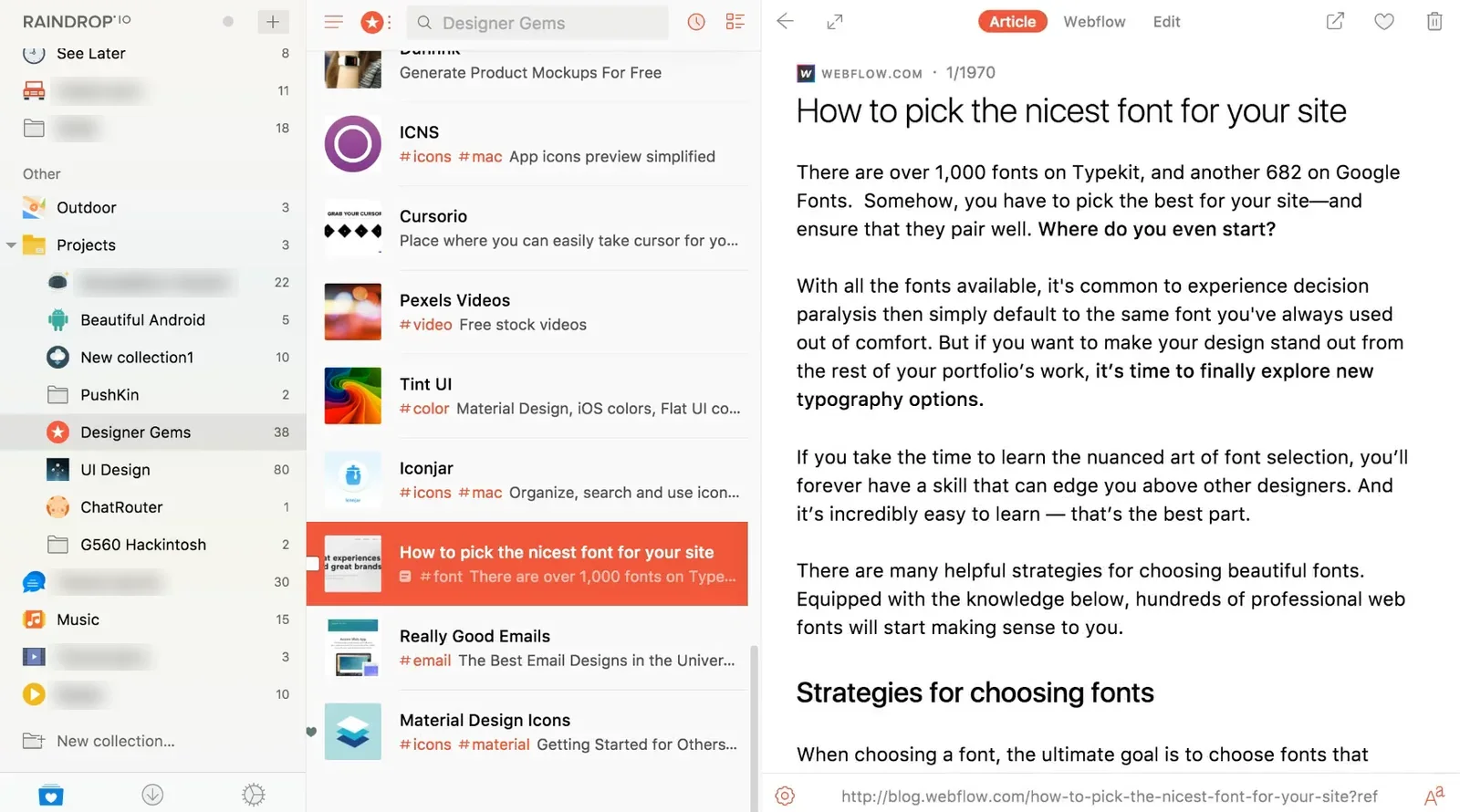
Muse shows saved links as cards, and Raindrop shows them as a list.
Is your browser's own bookmarks bar fine?
For most people, yes, up to a point. Chrome, Safari and Firefox bookmarks are free, already installed, and sync across your devices the moment you are signed into your Google or Apple account. If you are saving under about fifty links, a folder or two is enough. You will remember roughly what is in there, and the bookmarks bar puts your most-used pages one click away.
The trouble starts once that number climbs into the hundreds. Browser bookmarks store only a title and a URL, so a folder of forty links about the same topic looks like forty identical blue lines. There is no preview to jog your memory, no way to search for a word you remember from the page itself, and nested folders only get slower to dig through as you add more of them. This is the point where a dedicated bookmark manager starts to earn its keep.
Raindrop: the cross-platform default
Raindrop is the bookmark manager most people land on first, and for good reason. It has apps for Mac, Windows, iOS, Android and every major browser, which none of the native Mac tools below can match. It pulls a preview image for each saved link, supports nested collections and tags, and its free tier is generous enough that plenty of people never need to pay for anything beyond it.
What you trade for that reach is that Raindrop is a cloud service. Your bookmarks live on Raindrop's servers as well as your Mac, and the apps are one shared design spread across five platforms rather than something built specifically for macOS. If cross-platform really is the requirement, Raindrop is the answer, and nothing else on this list beats it there.
Anybox, Resurf and Bookmarker: three native Mac options, three different bets
Anybox, Resurf and Bookmarker all skip the shared cross-platform app in favour of something built specifically for the Mac, and each is betting on a different thing mattering more to you.
Anybox is a one-time $39.99 for lifetime use, with native apps for Mac, iPhone and iPad that sync through iCloud. That is a genuine advantage if your bookmarks need to follow you onto your phone, which, of the native Mac apps here, Resurf and Muse also do. It is also worth a note of caution: a user on r/macapps reported losing everything stored in Anybox after not realising the app depends entirely on iCloud sync to hold their library. That does not mean iCloud sync is unreliable day to day. It means a cloud-synced library is only as safe as your own iCloud backup, which is worth checking before you trust years of saved links to it. If Anybox's reliance on iCloud gives you pause, a roundup of plain Anybox alternatives for Mac covers the other native options worth weighing.
Resurf, new in 2026, keeps notes, links, images and files as real files on your Mac, with no account, and syncs through your own iCloud to free iPhone and iPad apps. It is free up to 50 captures; past that it is a one-time $79 for lifetime updates, or $39 with two years of updates, on up to two Macs. Its AI features, summaries and questions across your library, use your own OpenAI key. We compare it with Muse in detail in Muse vs Resurf.
Bookmarker takes the opposite bet. It is Mac only, with no iPhone or iPad app, and it does not sync through any cloud service at all: everything stays local, tagged and searched by on-device AI. That independence comes at a real cost, a one-time $99, roughly three times what Anybox charges. If you want a native, fully local bookmark manager and are prepared to pay for the on-device AI that comes with it, Bookmarker is built for exactly that combination, and a closer look at Muse vs Bookmarker lays out how its $99 stacks up against Muse's $29 feature for feature.
How the six compare
Put plainly, side by side:
| Muse | Browser bookmarks | Raindrop | Anybox | Resurf | Bookmarker | |
|---|---|---|---|---|---|---|
| Price | $29, once | Free | Free tier, paid plans | $39.99, once | $39 or $79, once | $99, once |
| Syncs to iPhone and iPad | Yes | Yes | Yes | Yes | Yes | No |
| Needs a cloud account to work | No | Yes | Yes | Yes | No | No |
| Native Mac app | Yes | Built in | No | Yes | Yes | Yes |
| On-device AI tagging or search | Yes | No | No | No | No | Yes |
| Holds files and screenshots alongside links | Yes | No | Yes, as uploads | Yes | Yes | No |
| MCP and API | Both included | Neither | MCP on Pro only (beta, cloud), API | MCP announced, not yet released | MCP and a command-line tool | Neither listed |
No single column wins every row. Raindrop and the browser both sync without any setup, where Muse syncs through your own iCloud once you turn on Sync With iCloud. Anybox and Resurf beat it on reaching your phone. Raindrop, Anybox and Resurf can all hold images and files beside your links too; what none of them does is search them by what they look like, on your Mac, with no API key.
Where does Muse fit in?
Muse is a different kind of tool from most of the others. It is not primarily a bookmark manager, it is a visual library that treats a saved link the same way it treats a screenshot, an image or a PDF: one item, filed and searchable alongside everything else you have collected. A link comes in with its title, its site icon and the page's own preview image, so a saved bookmark looks like the thing it points to rather than a line of blue text.
That is the plain wedge, and it is a narrow one. If what you want is your bookmarks and the screenshots and reference images that usually live in a separate folder, all in one place you can search by what things look like, Muse does that. Resurf comes closest, holding the same mix but searching it by text. If what you need is your bookmarks on Windows and Android, Raindrop covers that today, while Muse stays on Mac, iPhone and iPad. For anyone whose link list currently lives in a Notion database rather than a browser, there is a straightforward walkthrough for bringing a Notion database of links into Muse without retyping anything by hand.
Muse is a one-time $29 for a Mac running Apple Silicon and macOS 14 Sonoma or later, with a 14-day trial that unlocks every feature and asks for no card.
Frequently asked
Is Raindrop better than Muse?
Is Anybox worth it over free browser bookmarks?
Why does Bookmarker cost so much more than the others?
When do browser bookmarks stop being enough?
Does Muse sync bookmarks to iPhone or iPad?
Is Resurf a good bookmark manager for Mac?
One library for everything you save
Free for 14 days. Then $29 once, and it is yours.