The short version
Pick in ten secondsChoose Muse if
You collect visual references and files on a Mac, want to own them as real files with no account, and would rather pay once than subscribe forever.
Choose Raindrop if
You mainly save web links and want them on every device, value a free tier and a web archive that keeps saved pages alive, and share collections with other people.
Side by Side
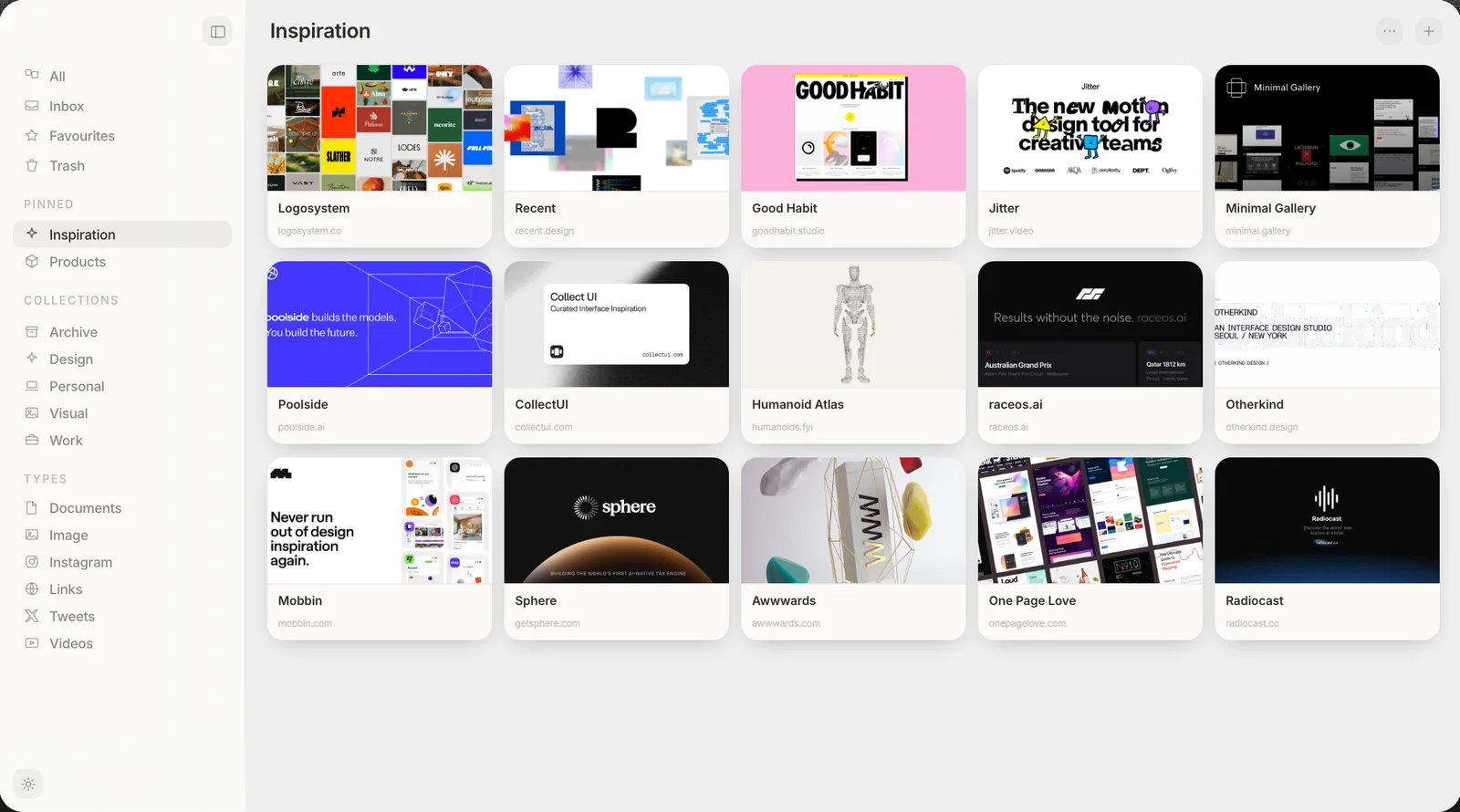
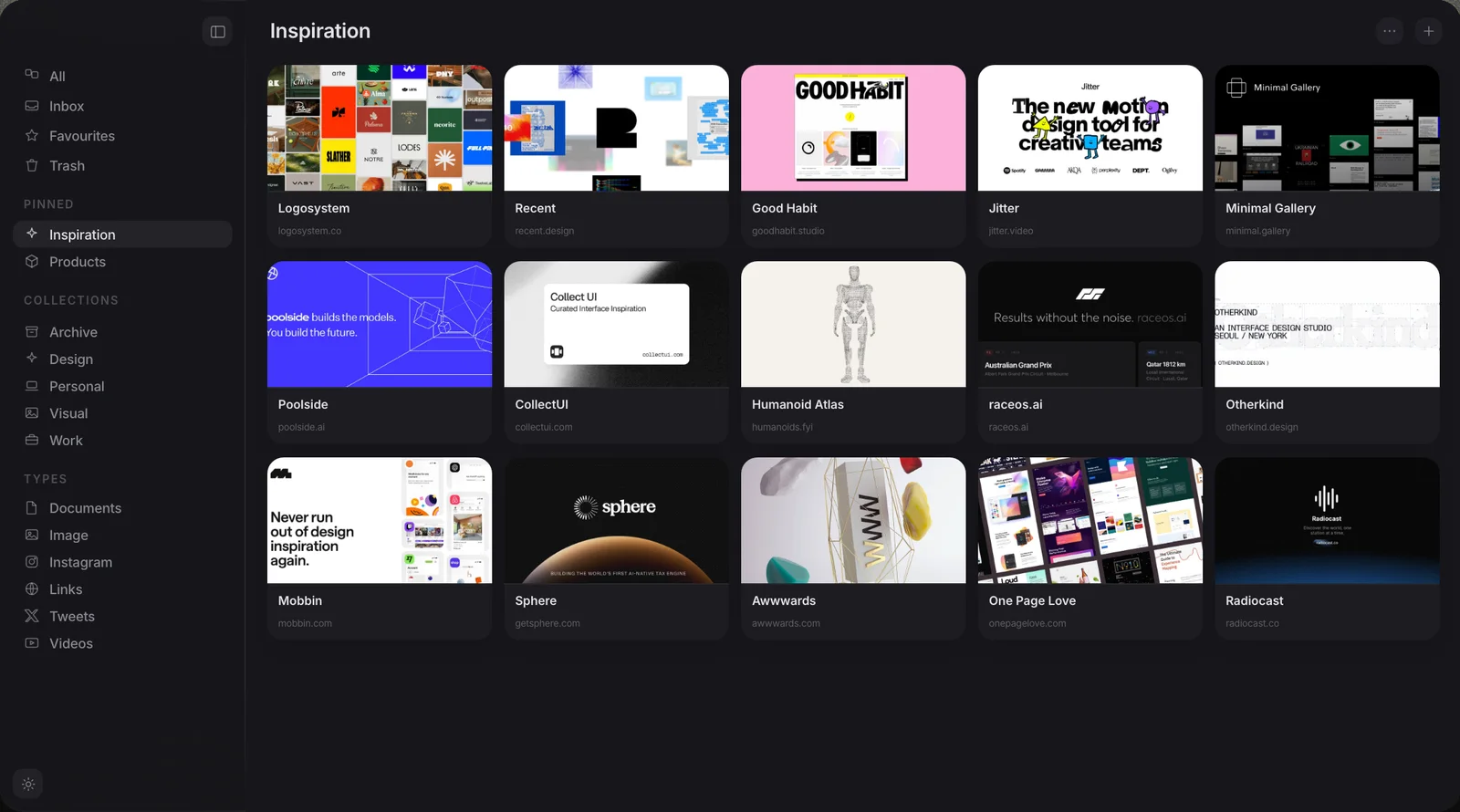
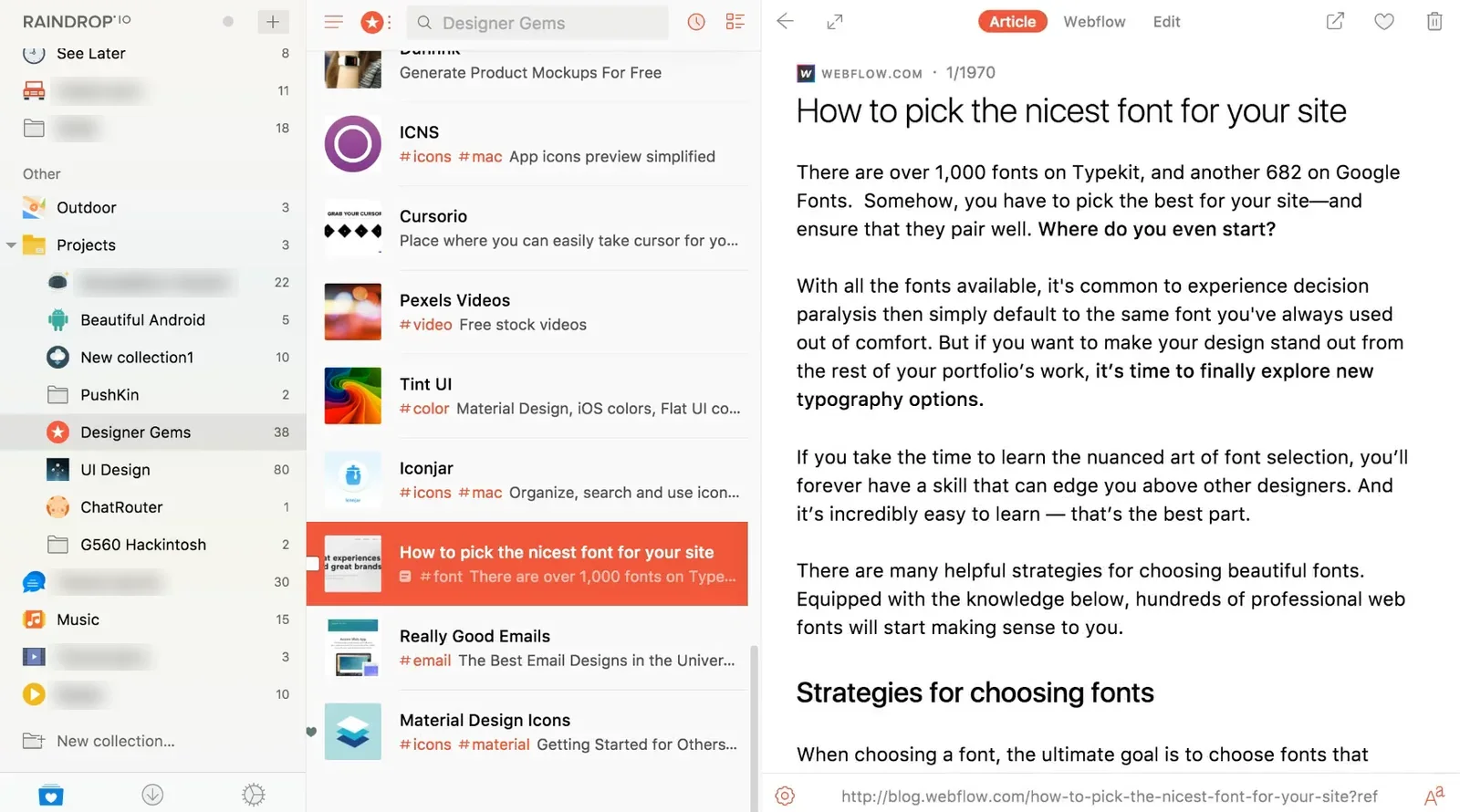
Muse shows saved links as cards, and Raindrop shows them as a list next to a reader.
Muse vs Raindrop at a glance
Ten rows, side by side| Muse | Raindrop | |
|---|---|---|
| Platform | Native Apple Silicon app, iPhone, iPad | Web app, plus an Electron desktop app |
| Where your library lives | Real files on your Mac | Raindrop's cloud |
| Account | None needed | Required |
| What you can save | Images, video, links, notes | Links first; files are a capped add-on |
| Free to start | 14-day full trial, no card | Free tier, unlimited bookmarks |
| AI | Built-in AI on-device | Cloud AI, "Stella" |
| Search inside images | Yes, on your Mac | No, no OCR |
| MCP and API | Both included | MCP on Pro only (beta, cloud), API |
| Price | $29 once | About $28 a year, recurring |
| Works offline | Fully | Needs the cloud |
What each one is
Two different toolsMuse
A native Mac app for everything you collect.
Raindrop
A cross-platform cloud bookmark manager.
Where each one wins
ScorecardWhere Muse pulls ahead
- Native Mac. A real Apple Silicon app, not an Electron web wrapper in a window.
- Every media type. Images, video and your own files are first-class, not a capped upload add-on.
- It is yours. Real files on your Mac, no account, nothing to lose access to.
- On-device AI. Tagging, image text search, colour and visual search never leave your machine.
- Pay once. $29 flat, with every future update included, instead of a yearly bill.
- Works with your AI apps. Its MCP server and Local API come with the $29 and run on your Mac. Raindrop's is Pro only, in beta, and runs through its cloud.
Not for: Windows, Linux or Android, or anyone who needs a free tier. Muse runs on Mac, iPhone and iPad only, and the Mac app asks $29 after the trial.
Where Raindrop is the better fit
- Every device. Works on the web, mobile and desktop, not only a Mac.
- A free tier. Unlimited bookmarks for free, with an affordable Pro plan on top.
- Web archive. Its Pro plan keeps a permanent copy of saved pages, so links survive when a site goes down.
- Sharing. Shared and public collections make it easy to collaborate with others.
- Strong import. Brings in bookmarks from many other tools with ease.
Not for: people who mainly collect images and files. Raindrop is links-first and stores your library in its cloud.
Which should you choose?
The bottom lineMostly saving web links you want on every device? Raindrop fits, and its free tier and web archive are real strengths. Collecting visual references and files on a Mac, and want to own your library and pay once? Muse is the better home. One is a cross-platform link manager in the cloud; the other a native library that stays on your machine. Still weighing your options? See our full roundup of the best Raindrop alternatives, with seven tools compared.
Common questions
Five answersIs Raindrop's Mac app native?
Is Muse cheaper than Raindrop long-term?
Can Raindrop store my image files?
Does Raindrop search inside images?
Can I import my Raindrop bookmarks into Muse?
Does Muse work with Claude and other AI apps?
Try Muse free for 14 days
The whole app, every feature. No account, no card needed.
Free for 14 days, then $29 once. macOS 14 or later.
Related reading: exporting everything from Raindrop and how Raindrop compares to Eagle.