The short version
Pick in ten secondsChoose Muse if
You work on a Mac, want links and notes treated as equals to files, and want the built-in AI, including text-in-image search, to run on your own machine.
Choose Eagle if
You need Windows as well as Mac, save a very wide range of file types like fonts and audio, and want one licence to cover two devices from a long-proven app.
Side by Side
Both screens show a library of images with a sidebar on the left.


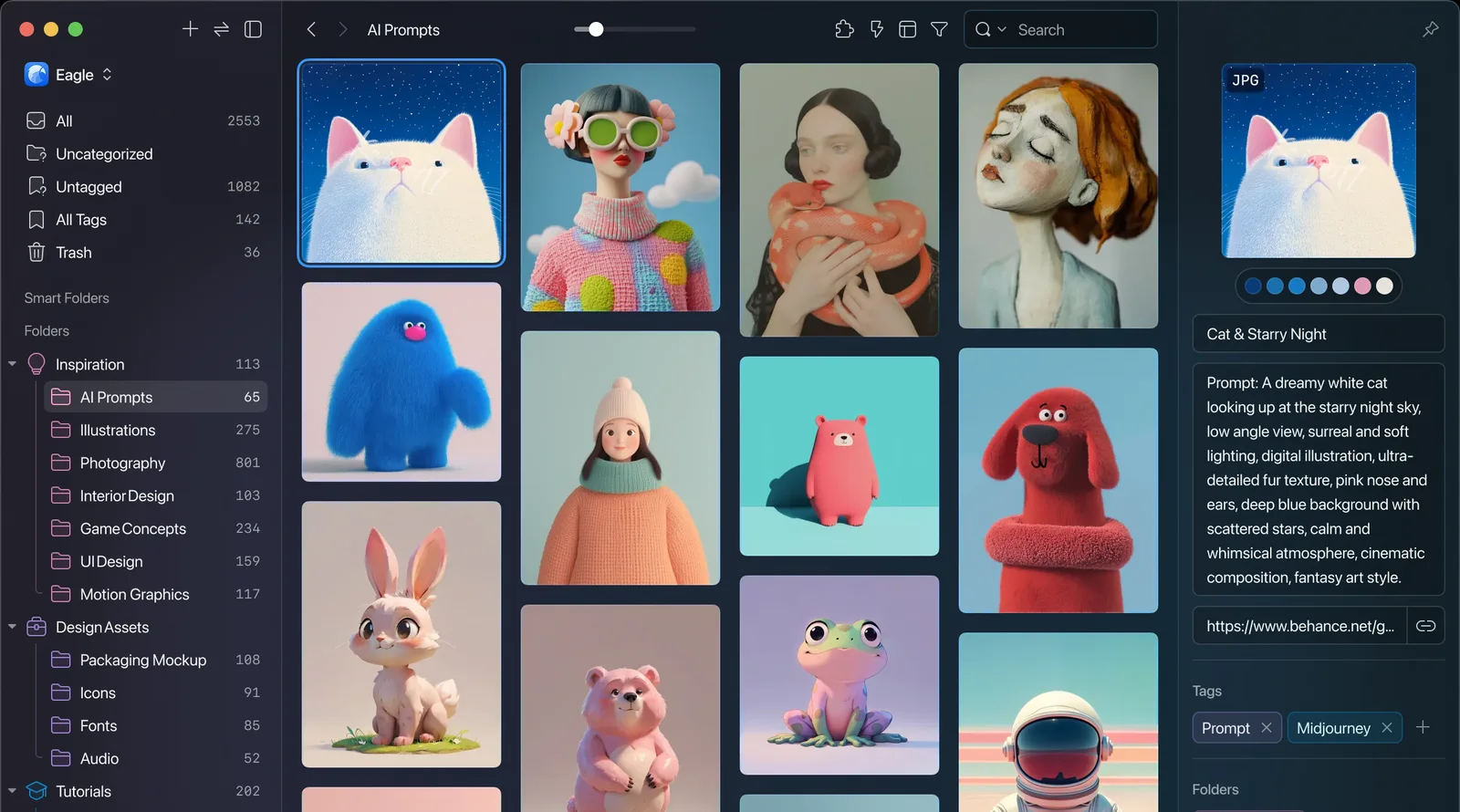
Muse vs Eagle at a glance
Eleven rows, side by side| Muse | Eagle | |
|---|---|---|
| Platform | Native Apple Silicon app, iPhone, iPad | Mac and Windows desktop |
| What it saves | Links, files and notes | Wide file types, links secondary |
| Notes | First-class | None |
| AI processing | Built-in AI on-device | Visual search on-device |
| Text inside images | On-device search | No OCR search |
| MCP and API | Both included | Beta MCP plugin, local API |
| Price | $29 once | $34.95 once |
| Devices per licence | 3 Macs | 2 devices |
| Import your library | Eagle, Raindrop, CSV, more | Drag-and-drop, clipper, folders |
| Export | Files or a PDF moodboard | Full export to plain files |
| Track record | New, Mac-focused | Established, proven |
What each one is
Two different toolsMuse
A native Mac app where links, files and notes are equals.
Eagle
A mature, cross-platform library for design assets.
Where each one wins
ScorecardWhere Muse pulls ahead
- Links and notes as equals. Not just visual assets, bookmarks and rich notes are first-class citizens.
- Built-in AI on-device. Even text-in-image search stays on your Mac, a search Eagle does not offer at all.
- Built only for the Mac. Tuned for Apple Silicon rather than split across two platforms.
- Imports a whole Eagle library. Plus Raindrop, browser bookmarks, CSV and Pinterest.
- A PDF moodboard export. Share a set of items as one file, not only plain files.
- Works with your AI apps. Its MCP server and Local API come with the $29 and run on your Mac. Muse's is part of the app, not a beta plugin.
Not for: Windows, Linux or Android, or anyone who needs a free tier. Muse runs on Mac, iPhone and iPad only, and the Mac app asks $29 after the trial.
Where Eagle is the better fit
- Windows too. Runs on Mac and Windows, so a library follows you off Apple hardware.
- The widest file range. Fonts, audio and more that Muse does not handle.
- Years of proof. A long-established app with a large, active community behind it.
- A plugin ecosystem. Plugins extend it, including an AI search plugin, where Muse ships its features built in.
- Full plain-file export. Your library leaves exactly as it came in, so lock-in is low.
Not for: people who mainly save links, or who want a freeform canvas. Eagle organises into folders and grids.
Which should you choose?
The bottom lineIf you need Windows as well as a Mac, save the widest range of file types like fonts and audio, or want Two devices on one licence from a long-proven app, Eagle is the safe, capable choice. If you want links and notes treated as equals to files, with every part of the AI on-device, Muse is the better home, and it imports a whole Eagle library in one step. Still weighing your options? See our roundup of the best Eagle alternatives, with six tools compared.
Common questions
Five answersIs Muse or Eagle better on a Mac?
Is Eagle a subscription?
Does Eagle run its AI on-device?
Can Muse import my Eagle library?
Does Eagle handle links and notes?
Does Muse work with Claude and other AI apps?
Try Muse free for 14 days
The whole app, every feature. No account, no card needed.
Free for 14 days, then $29 once. macOS 14 or later.
Related reading: the blog's Eagle comparison and how Eagle and Raindrop differ.