Eagle has been the default answer to "what should I use instead of Pinterest or a messy folder of screenshots" for a few years now, and it earned that spot. It is fast, it handles more file formats than almost anything else in the category, and it runs on both Windows and Mac. Muse is a native Mac app built around the same idea: a private library that lives on your own machine, not a service you rent.
The two apps solve the same problem in different ways, and neither is a clean sweep for the other. This is a straight look at where each one wins, priced against what Eagle charges today, so you can decide with the real facts rather than a marketing page. If a reference manager is also on your shortlist rather than a file library, the comparison between Muse and Refern covers that different kind of trade-off.
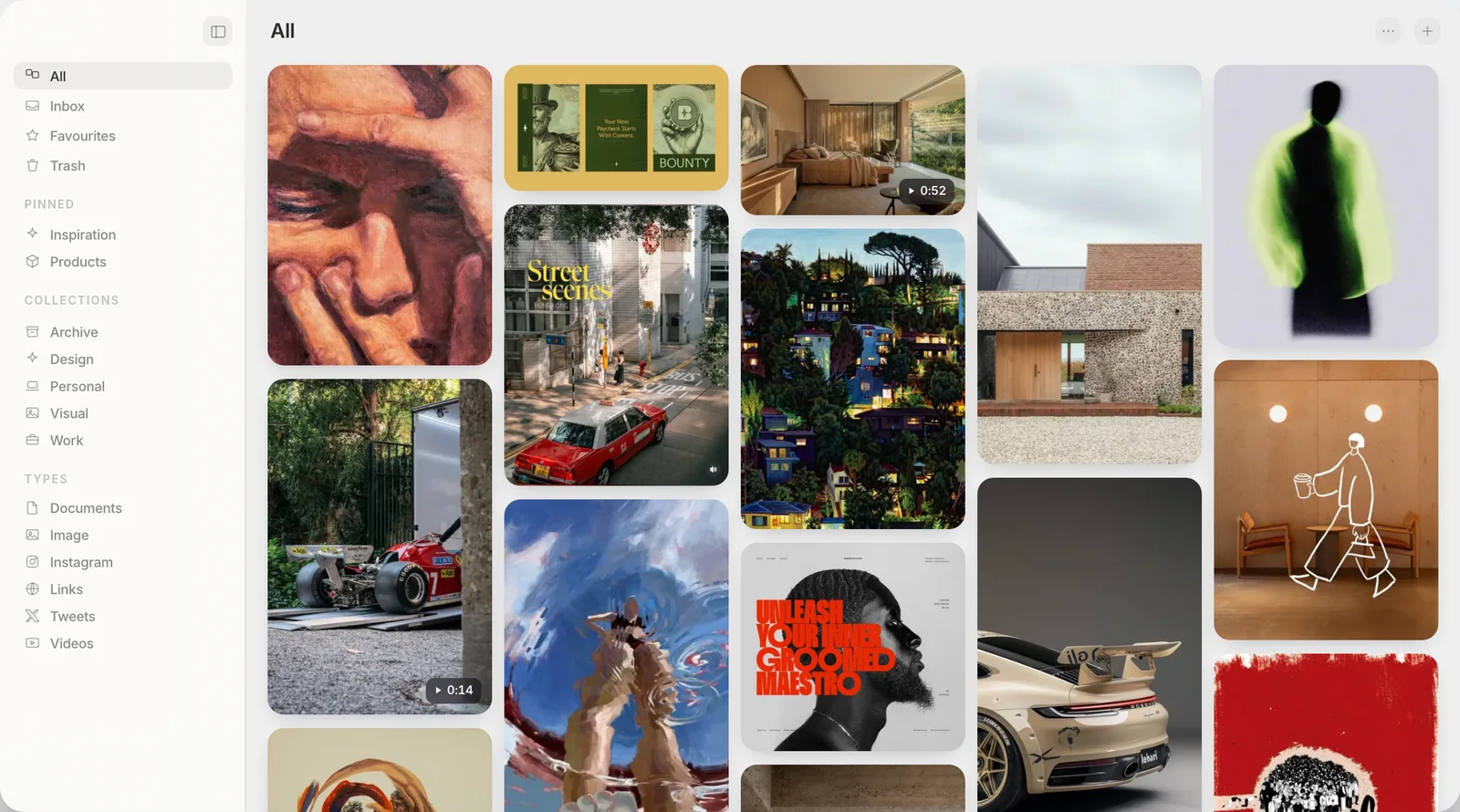
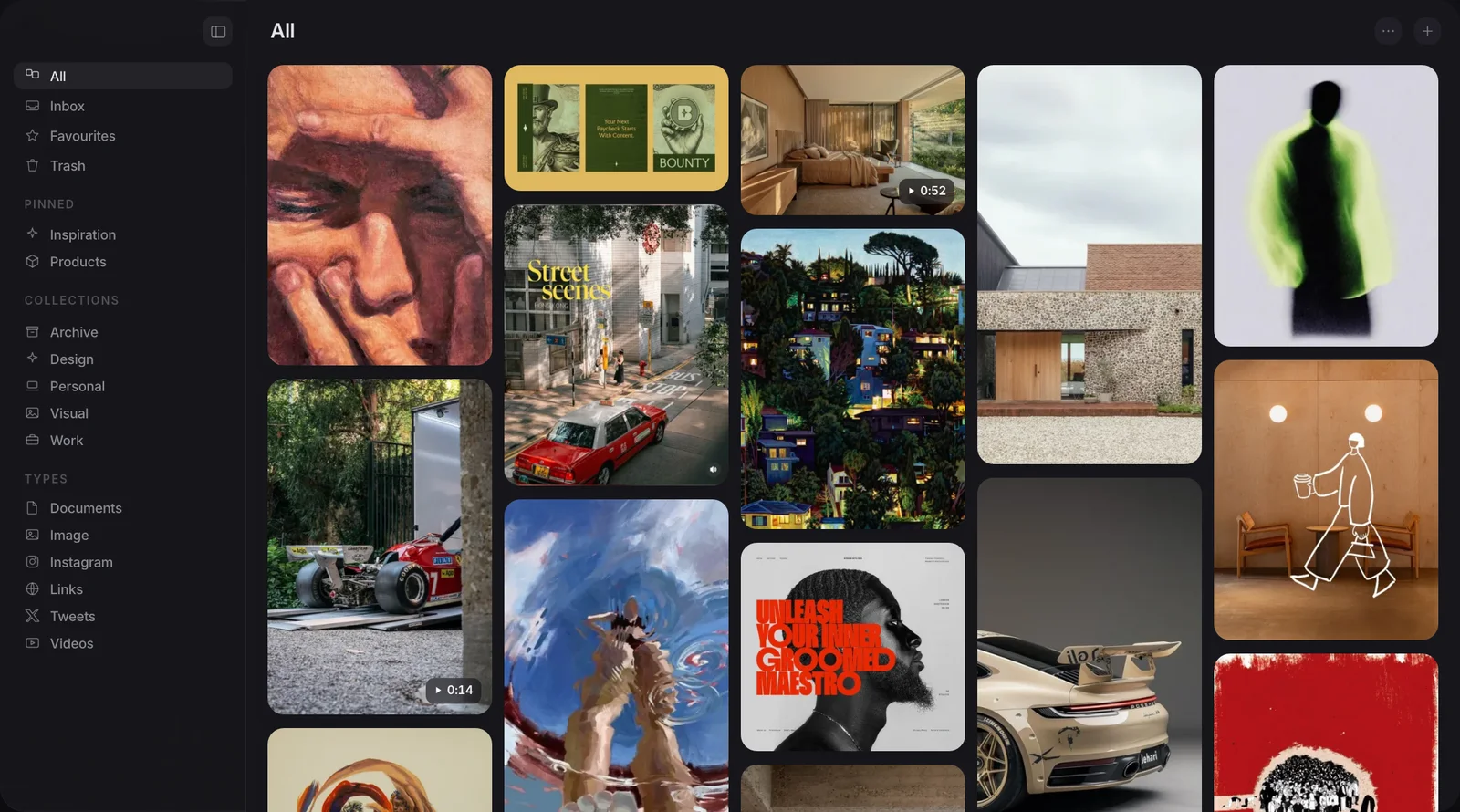
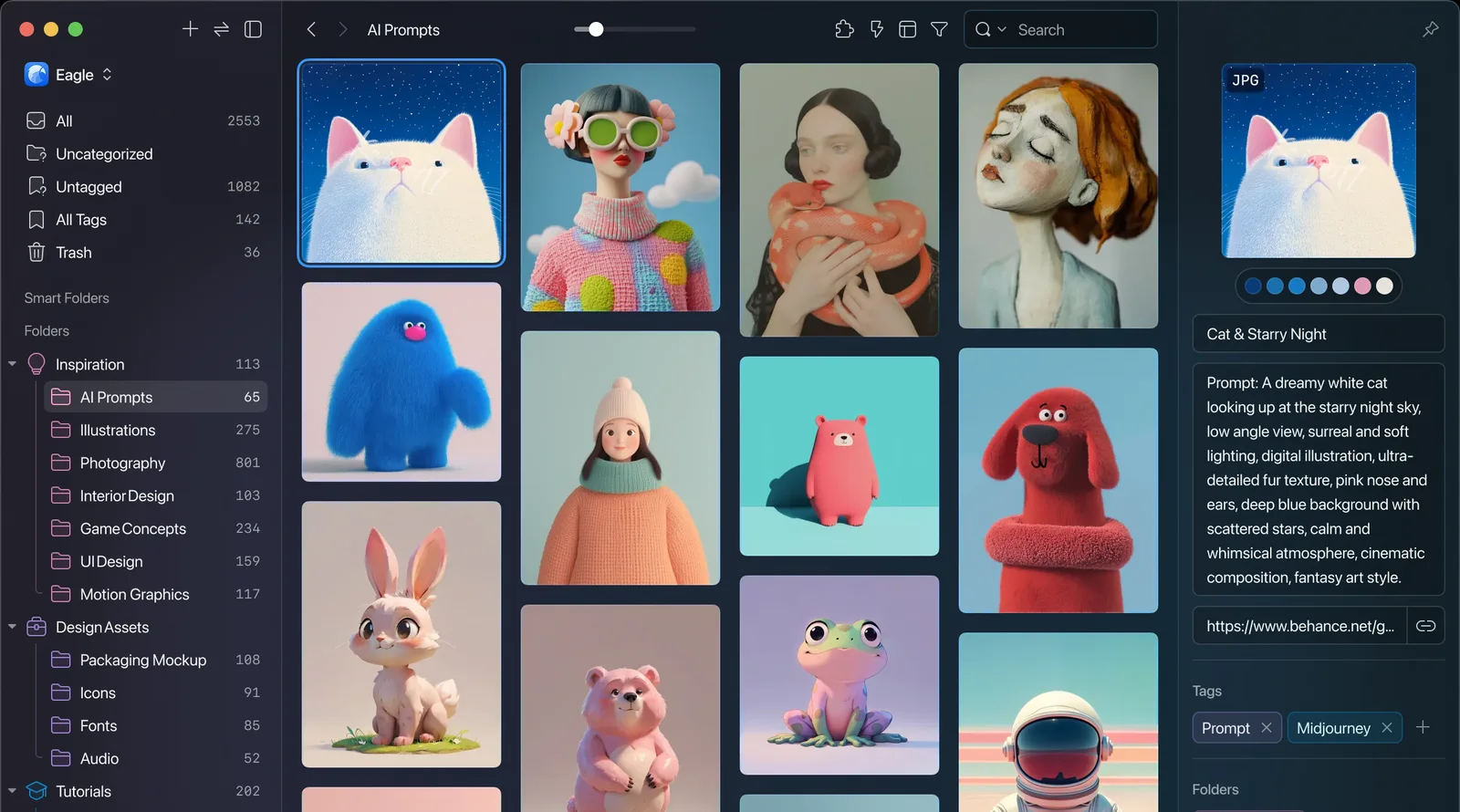
Side by Side
Both screens show a library of images with a sidebar on the left.
Why are Eagle users looking for an alternative?
Eagle's software is not usually the complaint. What comes up repeatedly on r/macapps is the licensing layer around it. One user described their copy of Eagle as it "keeps requesting reactivation like every 3 days" and reported "failed license verification 30 times" before it settled down. Other threads ask outright whether the app has been abandoned, with replies suggesting it "doesn't seem to be supported anymore".
That second part is not entirely fair. Eagle published a 5.0 teaser and shipped a new offline AI Search plugin in 2026, so development has clearly not stopped. But a reactivation prompt that fires every few days, on software you already paid for, is the kind of friction that sends people searching for a replacement regardless of what is happening on the roadmap behind the scenes.
Where Eagle still wins
Eagle deserves a fair hearing here, because it is strong at a few things Muse does not attempt.
It runs on Windows as well as Mac, which matters if you switch machines or work with people who do not use Apple hardware. It supports well over a hundred file formats, from design files to audio, far beyond the images, video, links, PDFs and notes that Muse focuses on. And it has years of maturity behind it: a large existing user base, a plugin ecosystem, and a team that is still actively shipping features, including that new AI Search plugin.
If cross-platform support or unusual file types are what you need, Eagle is the more capable tool today.
Price and licensing, compared
On the day this was checked, Eagle's own store page listed a one-time licence at $34.95, usable on two devices, with free lifetime updates and unlimited deactivations. Muse is a one-time $29, also with every future update included.
| Muse | Eagle | |
|---|---|---|
| Price | $29, once | $34.95, once |
| Platforms | Mac, iPhone and iPad | Windows and Mac |
| Supported file types | Images, video, links, PDFs, notes | 100+ formats, including design and audio files |
| Searches text inside images | Yes, built in | No |
| Finds visually similar items | Yes, built in | Yes, via a separate plugin |
| Imports an existing Eagle library | Yes | Not applicable |
| Reported frequent reactivation prompts | No | Some users report this |
| MCP and API | Both included | Beta MCP plugin, local API |
Both are one-time purchases rather than subscriptions, which already puts them ahead of most of the category. The gap between them is smaller in price than it is in what each one is built to hold.
Does Muse avoid Eagle's file duplication problem?
No. The single most repeated complaint about Eagle is that it copies every file into its own library rather than leaving them where they were. Muse works the same way: when you add something, a copy goes into the Muse Library folder on your Mac.
The difference is what that folder is. It is not a hidden database or a proprietary container. It is a plain folder of real files that you can open in Finder at any time, and Export My Library writes any collection back out as ordinary files and folders whenever you want. If you are switching specifically to stop your files being duplicated, neither app will give you that. What Muse gives you is a library you can always see and always get out of.
How does the AI search compare?
Eagle added an offline AI Search plugin in 2026 that does two things: it finds visually similar images in your library, and it runs a semantic search over the metadata you already have, filenames, descriptions and notes. Both run locally and both are useful. What it does not do, by Eagle's own documentation, is read the words inside an image.
Muse builds that in rather than treating it as an add-on. It reads the text inside every image and screenshot, so a screenshot of a receipt is findable by typing part of what is written on it, and it matches by colour and, with the optional Pro AI pack, by meaning. All of that runs on your Mac. Two features go further and reach the network: Muse Vision, which searches for visually similar images out on the web, and the optional Claude-powered writing and tagging tools, which use an API key you supply yourself. Both are opt-in, and neither is required to use the app.
Can you move your Eagle library across?
Yes. Muse has a direct Eagle importer, so your existing tags, folders and files come across rather than you starting from zero. That is usually the deciding factor for anyone who has spent years building an Eagle library and does not want to lose the organising work already done. For the specifics of what carries over and what does not, a closer look at moving an Eagle library across covers it in more detail.
One thing to check before you switch: Muse needs an Apple Silicon Mac running macOS 14 Sonoma or later. It does not run on Intel Macs, and it does not run on Windows, so if a cross-platform library is a hard requirement, Eagle is still the only one of the two that offers it.
Muse gives you 14 days to try the whole app with nothing locked and no card required. After that, it asks you to buy a licence before you can keep using it. Your files stay exactly where they were, and Export My Library is still available on that screen if you decide Muse is not for you.
Frequently asked
Is Muse cheaper than Eagle?
Can I import my existing Eagle library into Muse?
Does Muse run on Windows like Eagle does?
Does Muse avoid duplicating files the way Eagle does?
What happens to my Muse library after the 14-day trial?
Does Muse work with Claude and other AI apps?
Bring your library across
Free for 14 days. Then $29 once, and it is yours.