The short version
Pick in ten secondsChoose Muse if
You work mainly on a Mac, want to own your library as real files with no account, would rather pay once than subscribe, and need to bring an existing collection across from another tool.
Choose MyMind if
You want the same private library on your Mac, iPhone, iPad, Android and the web, and you love a hands-off design that auto-tags and groups everything with no folders to manage.
Side by Side
Both screens show a search box with saved items below it.
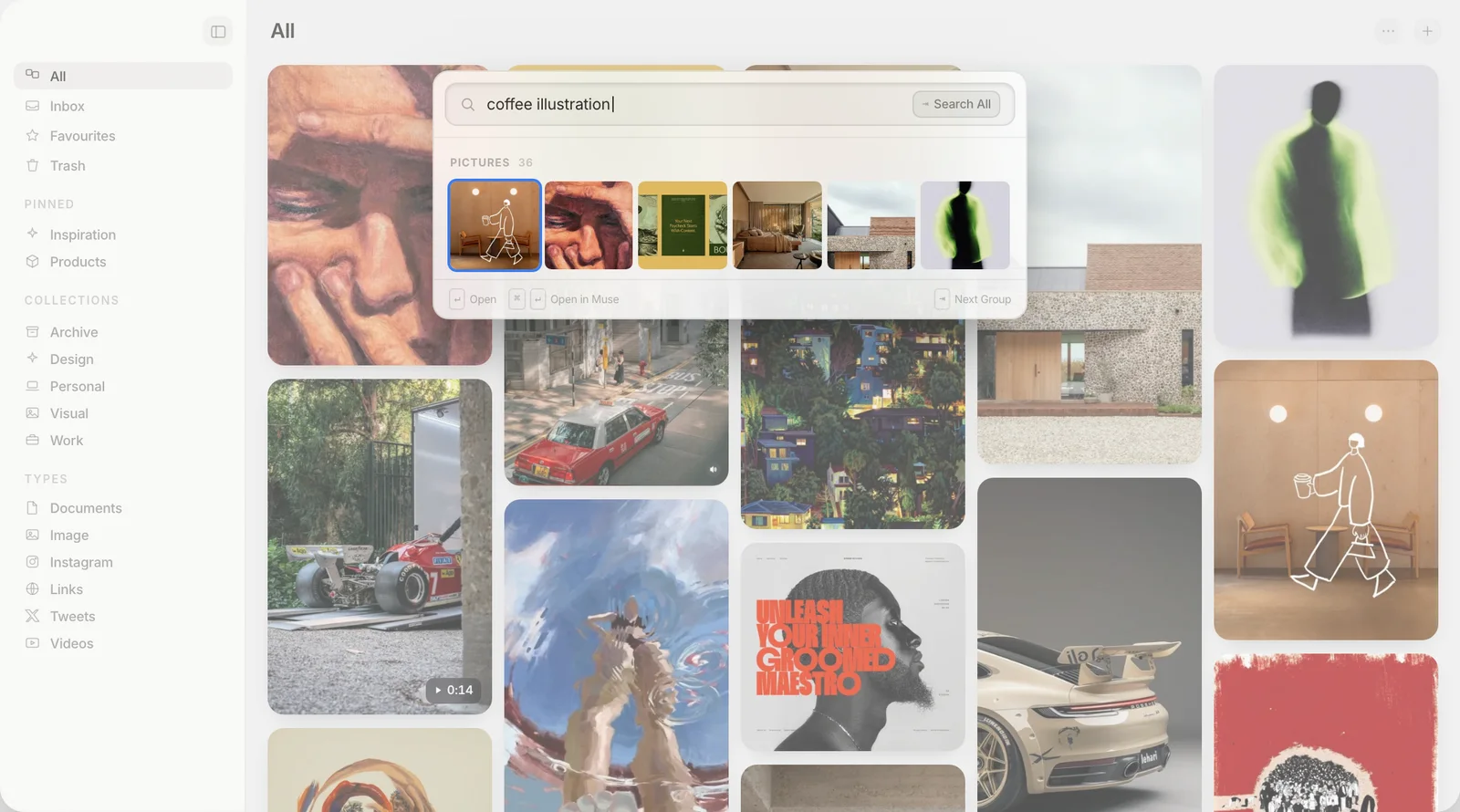
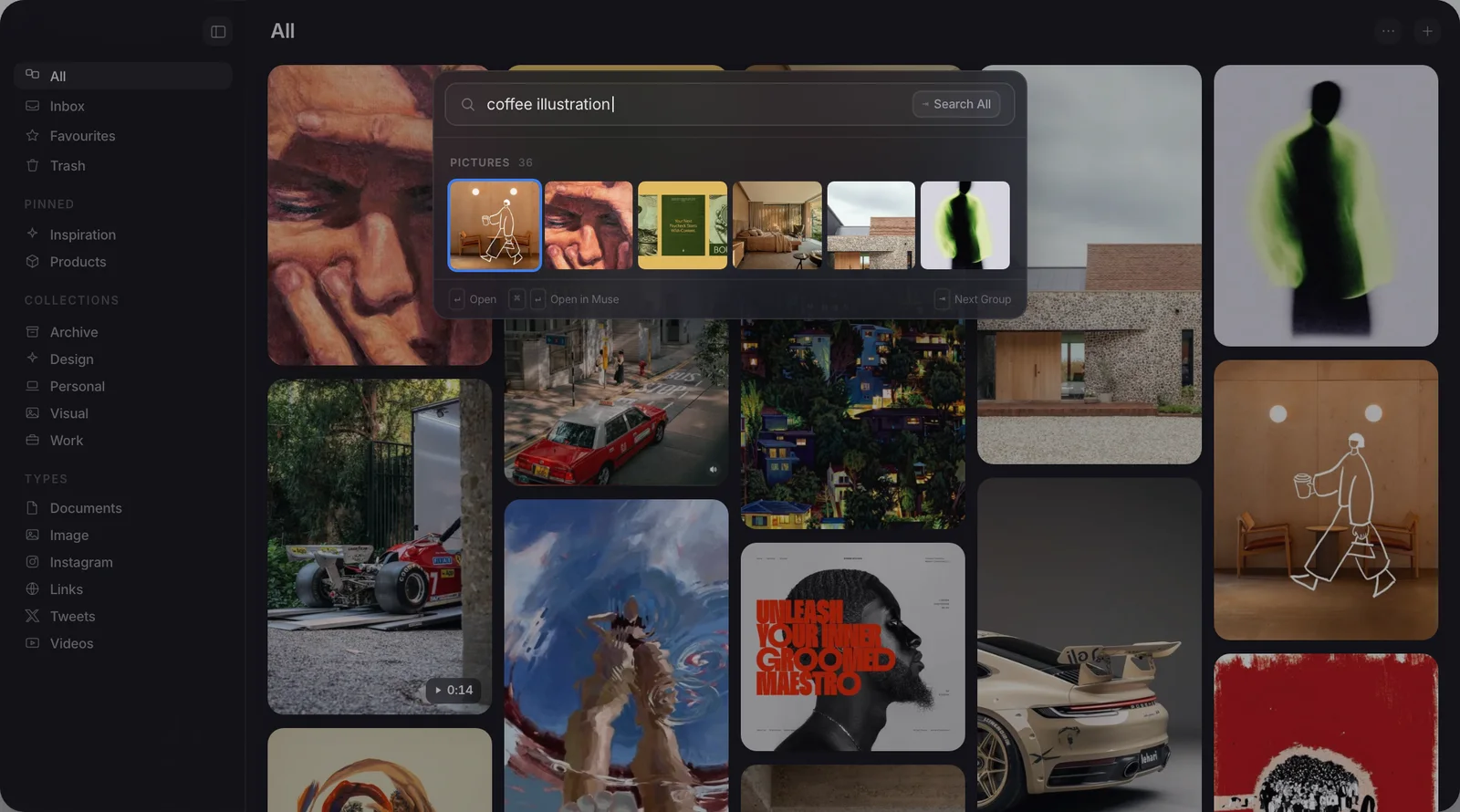

Muse vs MyMind at a glance
Ten rows, side by side| Muse | MyMind | |
|---|---|---|
| Platform | Native Apple Silicon Mac app, iPhone, iPad | Mac, iPhone, iPad, Android, web |
| Where your library lives | Real files on your Mac | MyMind's cloud, on AWS |
| Account | None needed | Required |
| What you can save | Images, video, links, PDFs, notes | Images, links, notes, PDFs, video |
| AI | On-device tagging and search | Cloud tagging, recognition, summaries |
| MCP and API | Both included | MCP and a beta API, via its cloud |
| Price | $29 once | $79 to $129 a year |
| Import | Eagle, Raindrop, CSV, Pinterest, mymind | None, no bulk import |
| Export | Files, or a PDF moodboard | Images, PDFs, CSV |
| Works offline | Fully | Needs the cloud |
What each one is
Two different toolsMuse
A native Mac app for everything you collect.
MyMind
A private cloud second brain that organises itself.
Where each one wins
ScorecardWhere Muse pulls ahead
- It is yours. Real files on your Mac, no account, despite MyMind's own privacy focus.
- Pay once. $29 flat, instead of $79 to $129 every year.
- On-device AI. Tagging and search never leave your machine, unlike MyMind's cloud AI.
- Imports your library. Eagle, Raindrop, browser, CSV, Pinterest and mymind itself, where MyMind refuses bulk import.
- Native speed. Built for Apple Silicon, smooth with thousands of items.
- Works with your AI apps. Its MCP server and Local API come with the $29 and run on your Mac. mymind's runs through its cloud.
Not for: Windows, Linux or Android, or anyone who needs a free tier. Muse runs on Mac, iPhone and iPad only, and the Mac app asks $29 after the trial.
Where MyMind is the better fit
- Every device. Native apps on Mac, iPhone, iPad, Android and the web, not only a Mac.
- Organise nothing. A hands-off design that auto-tags and auto-groups, with no folders.
- Strong privacy stance. No ads and no tracking, a genuine point of pride.
- Cards for everything. Notes, links and images handled cleanly side by side.
- Mature and polished. A well-loved product with years of refinement.
Not for: anyone who wants folders, manual control over how things are filed, or a one-time price.
Which should you choose?
The bottom lineWant the same private library on every device, and love a design that files things away for you? MyMind is a polished, privacy-minded home for it. Work mainly on a Mac, want to own your library as real files with no account, and would rather pay once? Muse is the better fit. Both care about privacy; the split is local files you own versus a cloud library behind a login. Still weighing your options? See our roundup of the best mymind alternatives, with seven tools compared.
Common questions
Five answersIs Muse or MyMind more private?
Is MyMind a subscription?
Can I import my existing library into MyMind?
Does MyMind have a Mac app?
Which is better for mixed images and notes?
Does Muse work with Claude and other AI apps?
Try Muse free for 14 days
The whole app, every feature. No account, no card needed.
Free for 14 days, then $29 once. macOS 14 or later.
Related reading: exporting everything from mymind.