Most comparisons on this blog are between two different ideas of what a saved-things app should be. This one is not. Bookmarker and Muse are built from the same premise: a local database on your Mac, on-device AI doing the tagging, no account, one payment instead of a subscription. If you are choosing between the two, the pitch is not going to settle it. The detail will.
Side by Side
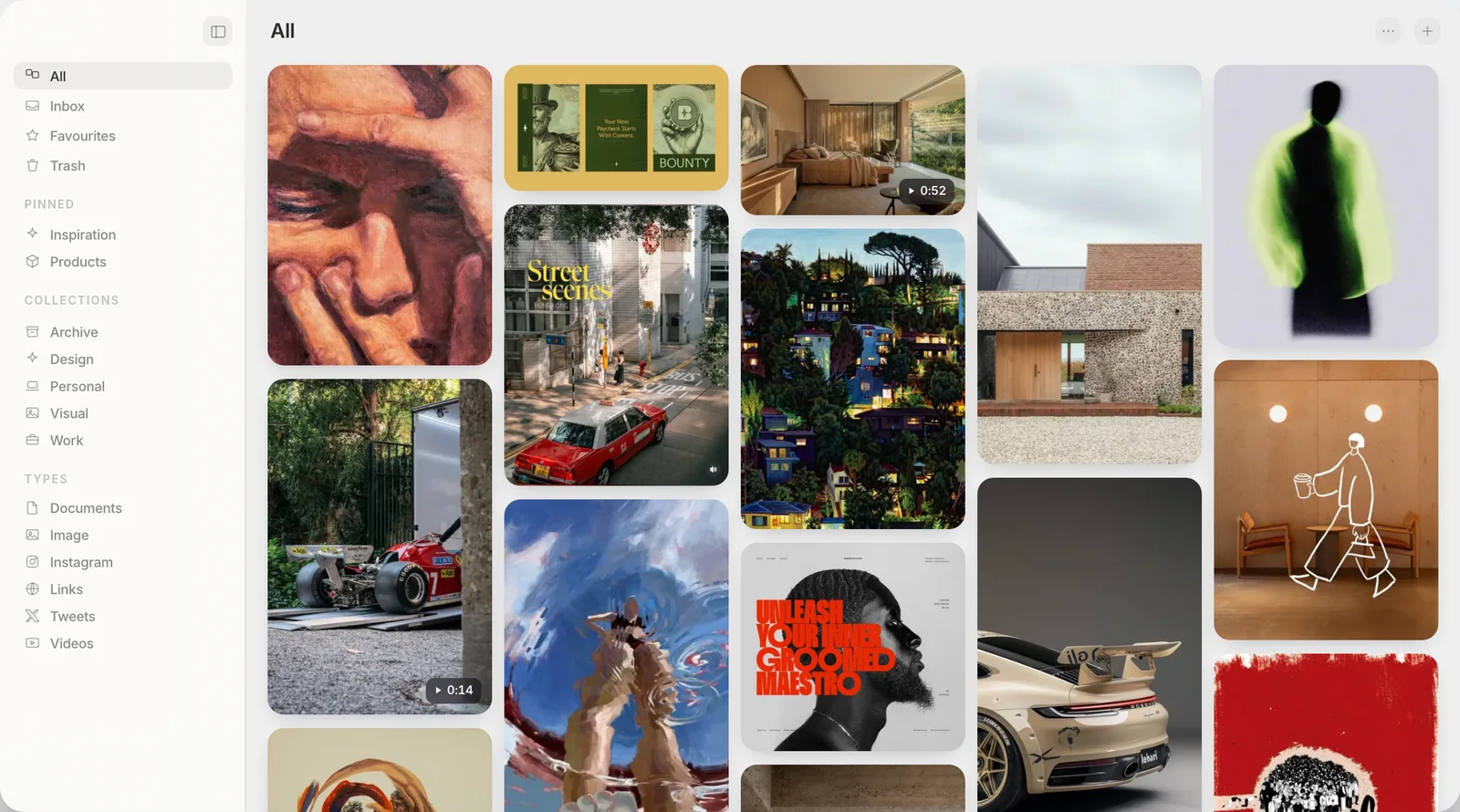
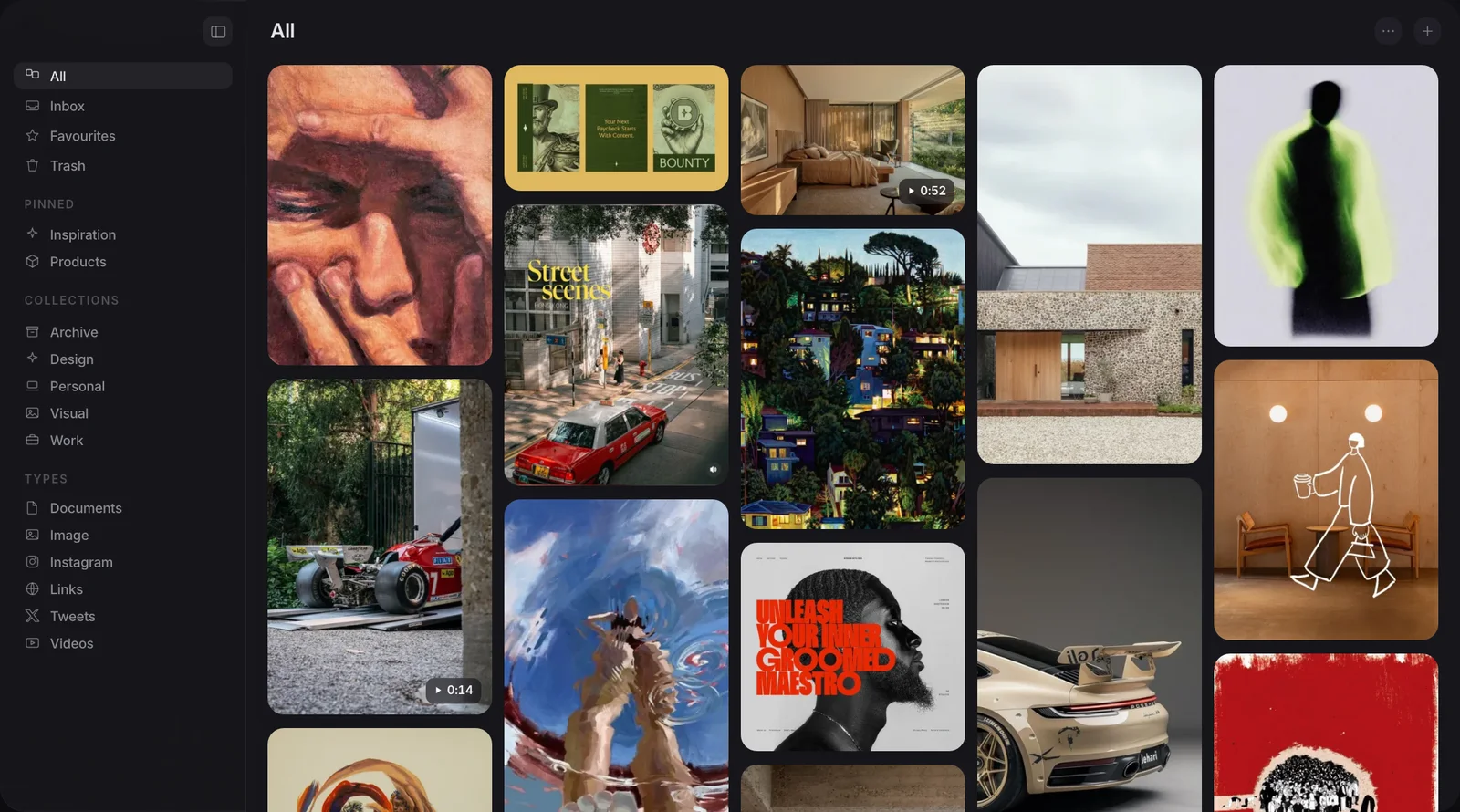
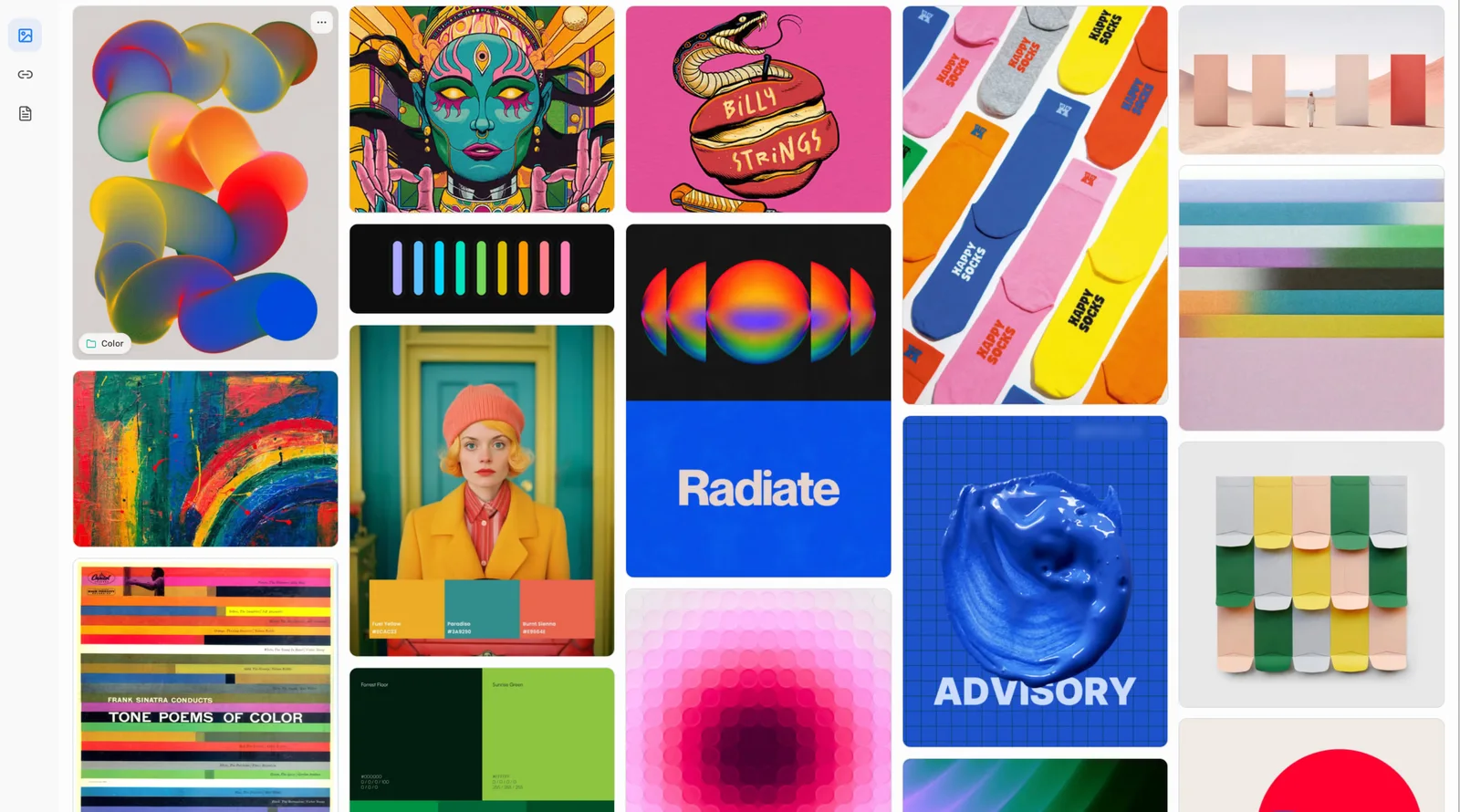
Both screens show saved pictures filling a grid.
What does Bookmarker do well?
Bookmarker's own site opens with "Your library. On your Mac", and the app backs that up. It saves links, images and whole PDFs with one click or a drag, and its search is described as full-text: type a word and it looks across everything you have kept, offline. Tagging and summarising run through Apple's own on-device Foundation Models, so a save gets sorted without you doing the sorting, and without anything leaving the machine to do it.
Two things stand out that Muse does not offer. First, reading view: Bookmarker strips a saved article down to "just the text, clean and readable, no ads, no banners, no pop-ups", and lets you highlight and annotate it. Muse does not do this at all. Second, platform reach: Bookmarker states it runs on macOS 13 or later, on Apple Silicon and Intel Macs alike. Muse needs macOS 14 Sonoma and an Apple Silicon chip, which rules out both older macOS versions and any Intel Mac still in service.
Import is covered too, one click from Raindrop, Pocket, browser bookmarks or a folder of PDFs, and if you want more than colour-based image analysis, you can add your own Gemini key and pay the provider directly. None of that is a small list. A careful, native Mac app at a fair architecture is not something to wave away because the price is higher.
Where does Muse do something different?
Bookmarker's own feature list names three kinds of save: links, images, PDFs. Video is not mentioned anywhere on its site, and screenshots are not called out as their own thing, only images in general. Muse treats images, screenshots and video as first-class items from the start, alongside links, PDFs and notes, all filed and searched the same way.
Search is where that shows up. Bookmarker's search is full-text, which is well suited to links, articles and PDFs with real body copy. What its page does not describe is reading the words rendered inside an image, or matching an image by what it looks like rather than by a caption. Muse does both: it reads text inside a picture, so a screenshot of a receipt is findable by typing part of what it says, and with the optional Pro AI pack it can match on meaning, so a search like "quiet interior with warm light" can return a photo that was never labelled with any of those words. Bookmarker's colour-palette tool covers one slice of that, letting you copy a hex from an image, which is an useful and different thing from finding an image by its content.
Bookmarker's library lives in a local database on your Mac. Muse's images and files live in a visible Muse Library folder you can open in Finder. Neither leaves your files where they originally were, which is normal for a library app, not a hidden catch in either one.
Why does Bookmarker cost more than Muse?
Bookmarker is $99, once. Muse is $29, once. That is a real gap, and it is worth being clear about what it does and does not mean. A solo developer charging more for a narrower, more polished tool is not automatically wrong, and a lower price is not automatically the better deal. Reading view with annotation, Intel support, and a tighter focus on getting links and documents exactly right are real engineering choices that cost time to build well, and Bookmarker's price can reasonably reflect that.
What the price difference does not do is settle which tool fits what you collect. If most of what piles up on your Mac is articles, PDFs and the odd link, paying more for a tool that reads and annotates them properly is a fair trade. If most of it is screenshots, reference images and the occasional clip, you are paying $99 for a library that names images as one of three formats it handles, with no video at all, against $29 for one built around exactly that kind of material.
Price, platform and trial, compared
| Muse | Bookmarker | |
|---|---|---|
| Price | $29, once | $99, once |
| Trial | 14 days, full app, no card | 14 days, full app, no card |
| macOS | 14 Sonoma or later | 13 or later |
| Processor | Apple Silicon only | Apple Silicon and Intel |
| Video as a saved item | Yes | Not listed |
| Reading view with annotation | No | Yes |
| Search text inside an image | Yes | Not described |
| Match an image by meaning, not caption | With optional Pro AI pack | No |
| MCP and API | Both included | Neither listed |
On the trial specifically: Muse gives you twice as many days to decide, which matters more than it sounds for a library you are meant to build up over weeks, not test in an afternoon.
Which one should you use?
If your Mac is running an Intel chip, or an older macOS, Bookmarker is simply available to you and Muse is not, and that alone can decide it. If what you save is mostly links, articles and PDFs, and you want to read and mark them up properly rather than just find them again, Bookmarker's reading view is a real feature Muse does not have, and $99 once for a tool that does that well is not a bad trade against a subscription reader.
If what piles up is images, screenshots and the occasional screen recording, and the moment you dread is knowing you saved something but not what to type to find it, that is the problem Muse is built around, and it costs less to try and less to buy. Neither of those is the objectively correct answer. They are built for different piles.
Frequently asked
Does Bookmarker handle video and screenshots the way Muse does?
Can Bookmarker search the text inside an image?
Why is Bookmarker $99 and Muse $29?
Does Muse run on an Intel Mac?
How long is each trial?
Does Muse work with Claude and other AI apps?
Built for the pile of images, not just the pile of links
Free for 14 days. Then $29 once, and it is yours.