Anybox and Muse both start from the same complaint: browser bookmarks are a flat list that nobody ever goes back to. Past that, they solve it in different ways for different jobs. Anybox is a bookmark manager, built properly, with a phone app and a tablet app to go with the Mac one. Muse is not really a bookmark manager first. It treats a saved link the same as a screenshot, an image or a note, and its case rests on search, not on syncing.
This is a straight comparison, including what Anybox does that Muse does not.
Side by Side
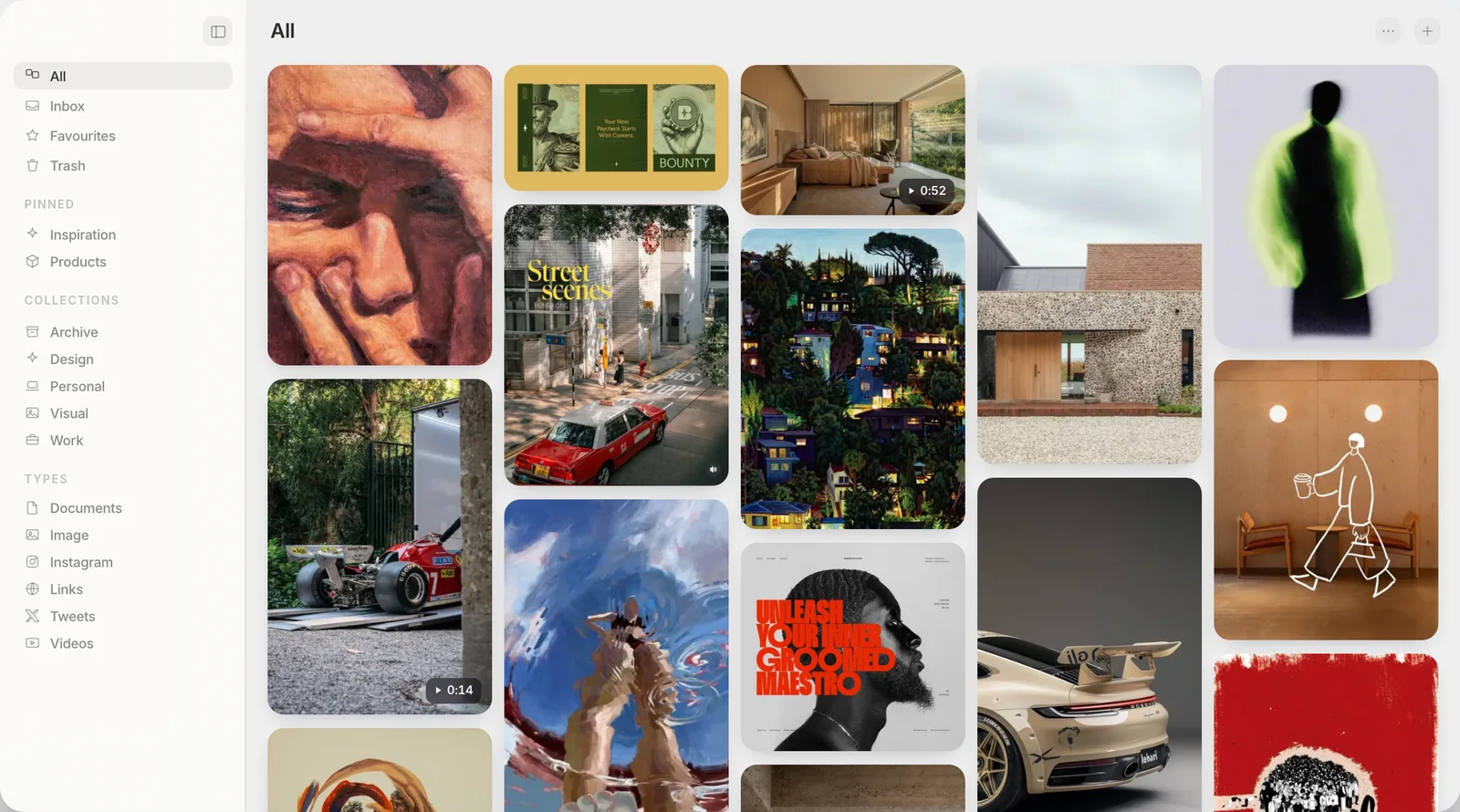
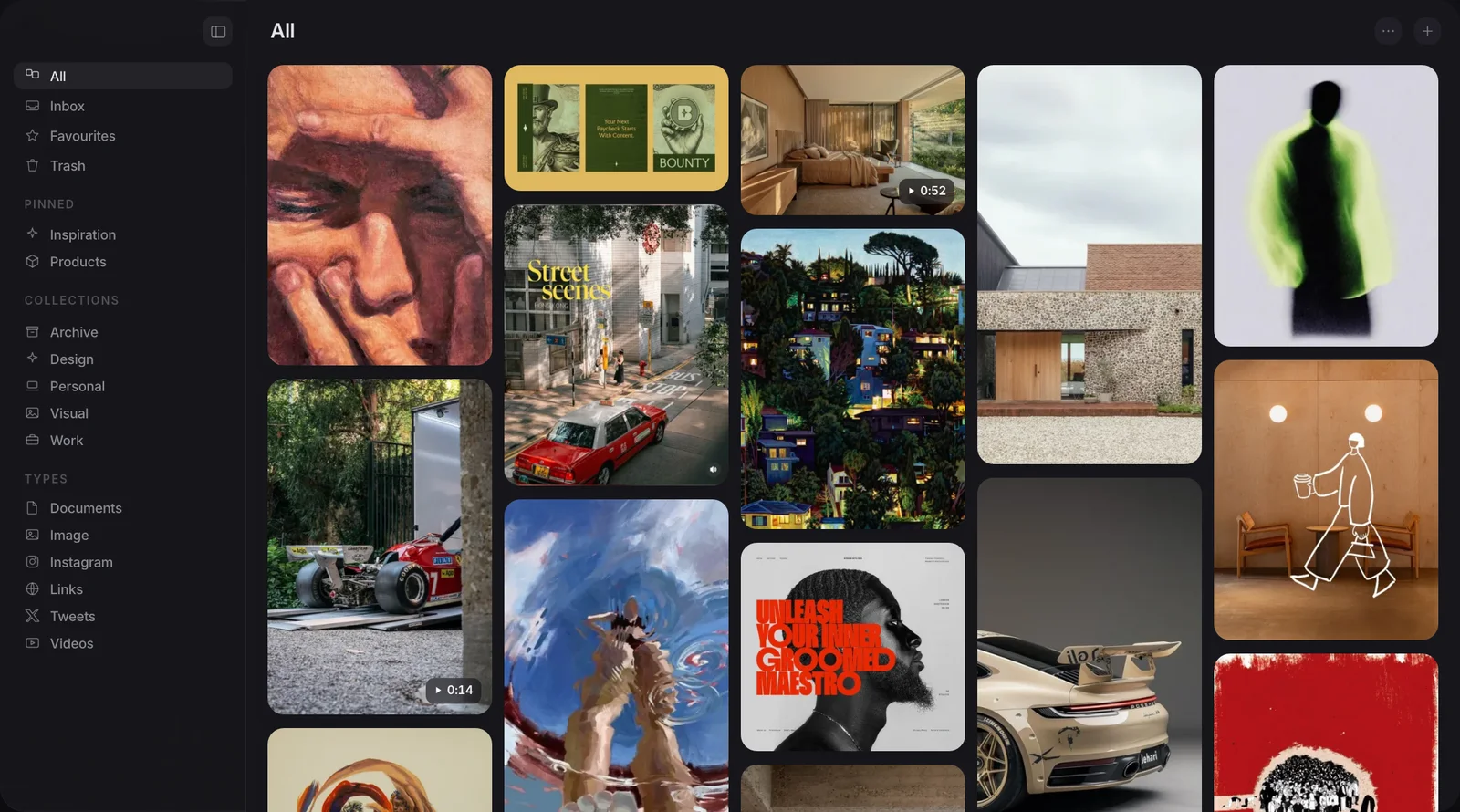
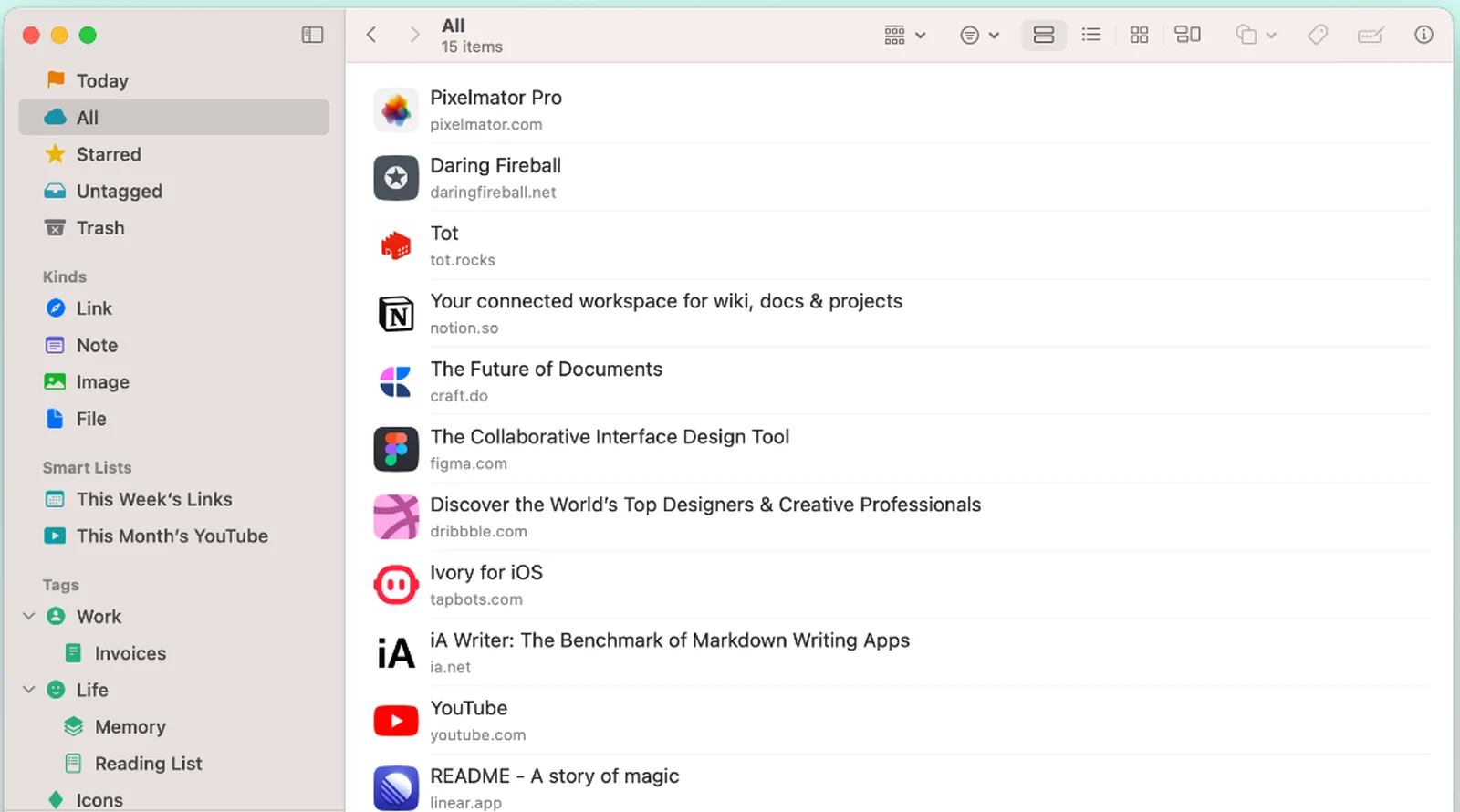
Both screens show a library with a sidebar for sorting what you save.
What is Anybox good at?
Anybox is a native app in the fullest sense. Its own site describes it as "Built with Swift and AppKit/UIKit, uncompromising native apps", and it runs as three separate apps: Mac, iPhone and iPad. That matters more than it sounds. If you save a link on your phone on the train and want it open on your Mac an hour later, Anybox does that without you thinking about it, because it syncs through iCloud.
It also archives what you save. Anybox can keep a bookmark as a PDF, a web archive or a screenshot at the moment you save it, so if the original page changes or disappears, you still have a copy of what it looked like. And it has a free tier: 50 links, with most of the core features included, not a crippled trial that expires.
None of that is a small thing to build. A lot of "native" apps in this category are a web view with a menu bar icon. Anybody who has used Anybox for a while and reads that this is a fair comparison should know it starts from a position of real respect for what it does. Bookmarker is another native entrant taking a similar local-first approach, compared directly in Muse vs Bookmarker, at a considerably higher price than either app covered here.
Where does Muse do something different?
Muse is not trying to be a better bookmark manager. It is a library for everything you collect, and a link is only one of the things that go in it. Images, screenshots, video, PDFs and plain notes sit in the same collections as your links, filed the same way, searched the same way. If a Pinterest board, a folder of screenshots and a pile of saved articles all describe the same research, Muse is built to hold all three together rather than asking you to split them across three tools.
The other difference is what search does once things are in there. Muse reads the words inside an image, so a screenshot of a receipt is findable by typing part of what it says. It reads the colours in an image, so you can search for the dark green thing you cannot name. And with the optional Pro AI pack, it matches on meaning rather than exact words. None of that is what Anybox is built to do, because Anybox's library is mostly links and PDFs, not a mixed set of visual material.
Muse's images and files live in a visible Muse Library folder on your Mac. Anybox stores your data in its own local database with iCloud handling the sync. Neither leaves things where they originally were, which is normal for this category, not a hidden catch in either one.
The gap: archiving
One thing Anybox does that Muse does not: archiving. Anybox can save a page as a PDF, a web archive or a screenshot at the moment you bookmark it, so the page survives even if the live version changes or the site goes down. Muse does not archive pages at all. What Muse keeps is the preview image, the title, any tags and a note you add yourself, which is often enough to remember what a link was for, but it is not the page itself. If the site goes dark, the page is gone. If "never lose a page again" is the actual job you are hiring a bookmark tool to do, Anybox has an answer for that and Muse does not.
Third, price of entry. Anybox has a real free tier, capped at 50 links with most features included. Muse has a 14-day trial with everything unlocked, then the whole app locks until you buy a licence. Anybox has a free tier capped at 50 links, where Muse gives you the whole app for 14 days instead; the other native options are set out in the roundup of Anybox alternatives for Mac sets out.
Price and licensing, compared
Anybox's own pricing page lists a free tier at 50 links, a subscription at $1.99 a month or $14.99 a year, and a lifetime unlock at $39.99. Muse is a single $29 payment with no free tier and no subscription option at all.
| Muse | Anybox | |
|---|---|---|
| Price | $29, once | Free up to 50 links, or $39.99 lifetime |
| Platforms | Mac, iPhone and iPad | Mac, iPhone and iPad |
| Syncs between devices | Yes, via iCloud (optional) | Yes, via iCloud |
| Archives pages as PDF or screenshot | No | Yes |
| Holds images, video and notes alongside links | Yes, as first-class items | Links and files, not built around images |
| Searches text inside images | Yes, built in | No |
| Free tier | No, 14-day trial only | Yes, 50 links |
| MCP and API | Both included | MCP announced, not yet released |
Each column wins different rows. It wins on price against the lifetime tier, and it loses on platform reach, syncing and archiving, plainly.
What happens if iCloud sync goes wrong?
One thread on r/macapps is worth reading before you pick a syncing tool of any kind, not just Anybox. A user reported: "I have recently lost all data stored on Anybox... didn't know it 100% relies on iCloud sync." That is not a verdict on Anybox's engineering. Any app whose only copy of your data lives in a shared sync account carries the same risk if that account has a bad day, on any platform, from any vendor. It is the tradeoff that comes with syncing being automatic: the same mechanism that keeps three devices in step is the one place a fault can touch all three at once.
A Muse library with iCloud sync left off cannot have that specific failure, because there is nothing to sync and nothing shared to lose. That is a real, structural difference, not a dig at Anybox. It also means a library with sync off cannot give you the thing sync is for in the first place. Which one matters more depends on whether you save from more than one device.
Which one should you use?
If you save links mostly from your phone, want them waiting on your Mac without doing anything, and want a page to survive the site going down, Anybox is built for exactly that and does it well. The free tier means you can find out for nothing.
If most of what you collect is not a link at all, if screenshots and reference images pile up faster than bookmarks do, and if what you want is to type a word you remember and have the right picture appear, that is closer to what Muse is for. Ownership and price are the case for Muse; page archiving is the case for Anybox. Neither claim needs inflating.
Muse gives you 14 days to try the whole app with nothing locked and no card required. After that it asks you to buy a licence, and Export My Library still writes every collection out as ordinary files if you decide it is not for you.
Frequently asked
Does Muse sync between devices like Anybox does?
Does Muse archive pages the way Anybox does?
Is Anybox free to use?
Why would I use Muse instead of a bookmark manager like Anybox?
Is my data safe if I do not use iCloud sync?
Does Muse work with Claude and other AI apps?
One library, everything you save
Free for 14 days. Then $29 once, and it is yours.