Colour Palette From Image.
Drop in any picture and get its main colours as hex, RGB or HSL codes. A free tool from Muse for Mac: instant, and nothing is uploaded.
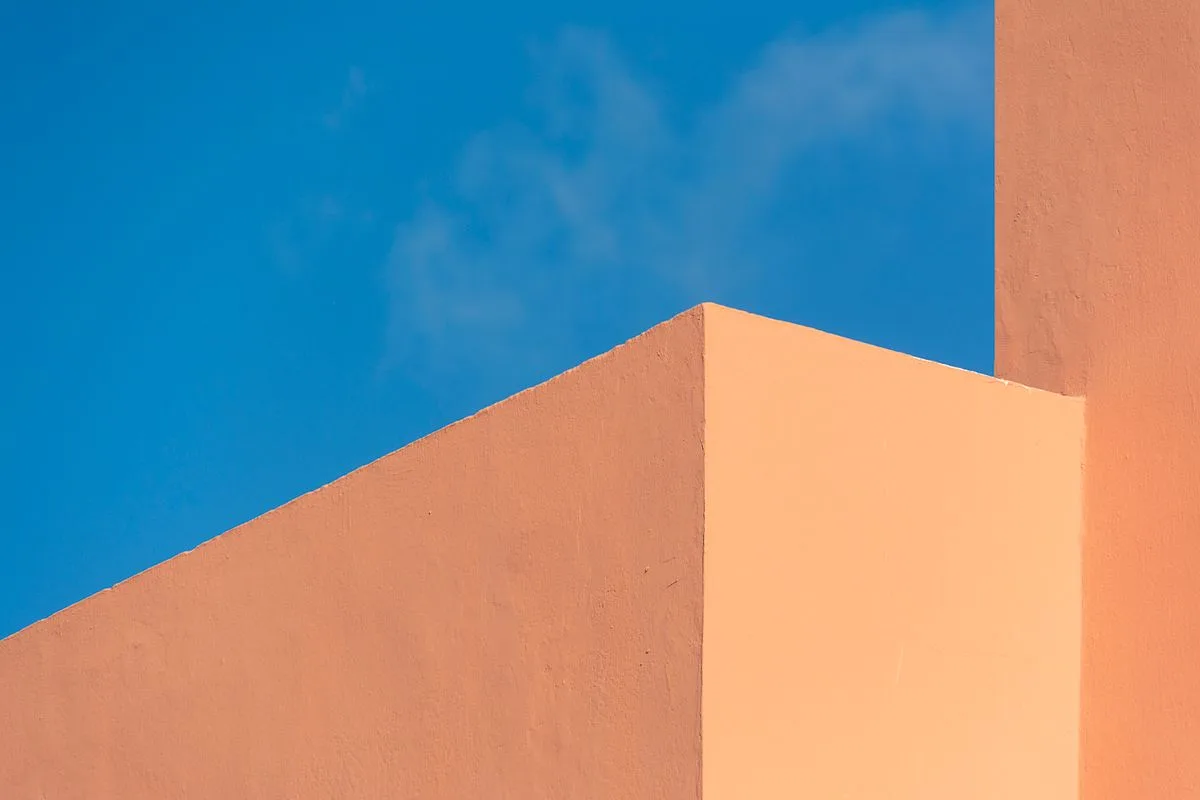
Click the picture to pick any colour, or drop in your own
No signup. Your image never leaves your browser.

Save & Curate the Web.
AI Visual Bookmark Manager for Mac. Collect, organise & reference your links, images, videos across all platforms, in one place. No subscription and free for 14 days.
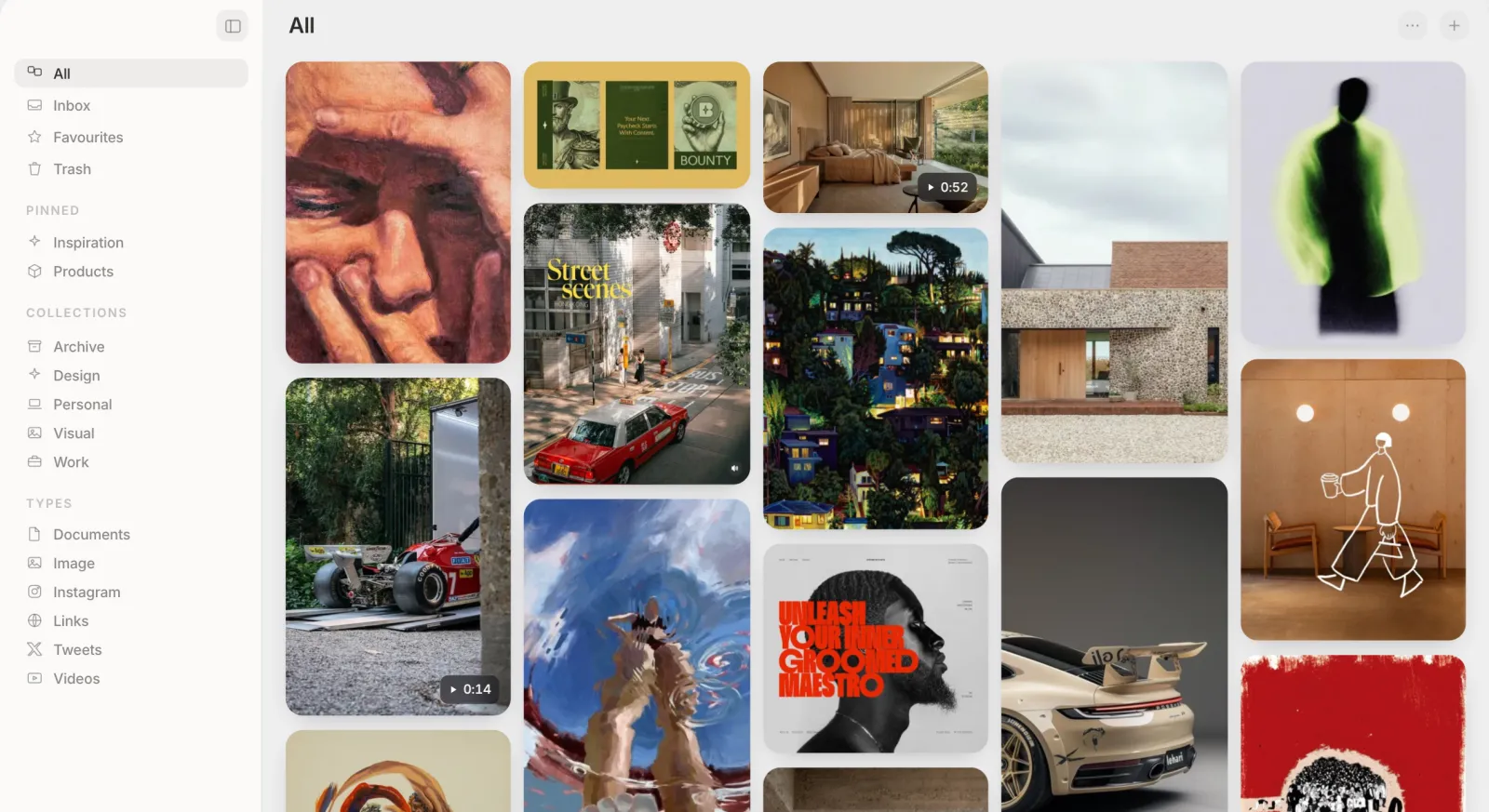
Copy Any Colour
Hover any card, click a colour dot, it's copied instantly.
Search Everything
Search by OCR text, a colour name, or plain meaning.
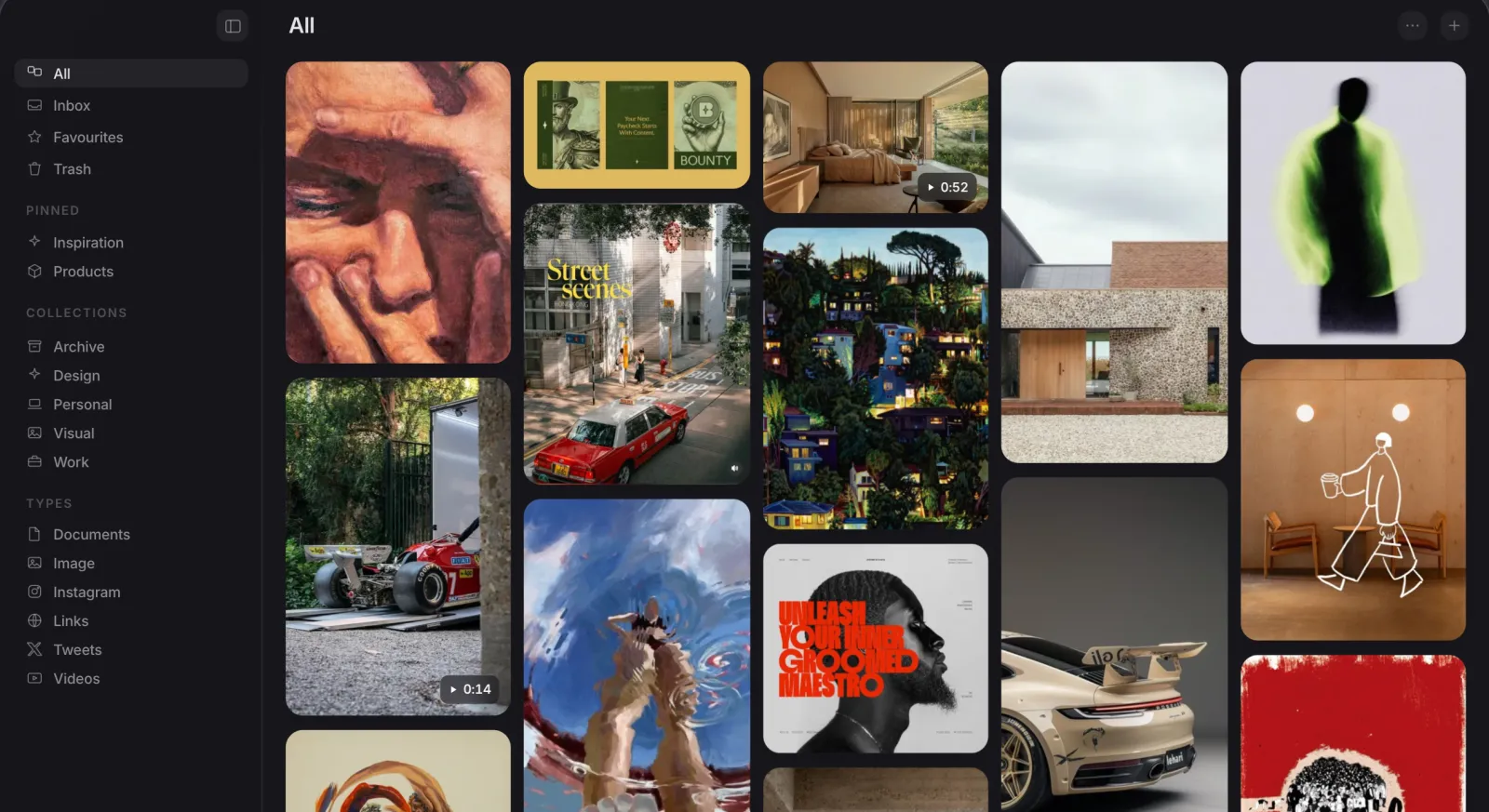
Matching Colour Backdrop
The background behind an open image matches its own colours.
Find Similar
One click in any item's Info panel finds similar items.
Save Instantly
Drag, paste, clip or screenshot: saves instantly, no confirm dialog.
Easy Imports
One-click import from Eagle, Raindrop, CSV, browser bookmarks and Pinterest.
Good to know.
How do I get a colour palette from an image?
- Drop a picture on the page, paste one, or choose a file.
- The tool finds its main colours straight away. Use the plus and minus buttons to show from 3 to 10.
- Click any colour to copy it as a hex, RGB or HSL code, or use Copy All for the whole palette.
Is my image uploaded anywhere?
How are the colours chosen?
Can I pick a single colour from the picture?
Which images can I use?
Is it free?
Can Muse do this for every image I save?
Try Muse free for 14 days
The whole app, every feature. No account, no card needed.