Image Colour Picker.
Click anywhere on a picture to get the colour of that spot as a hex, RGB or HSL code. A free tool from Muse for Mac: instant, and nothing is uploaded.
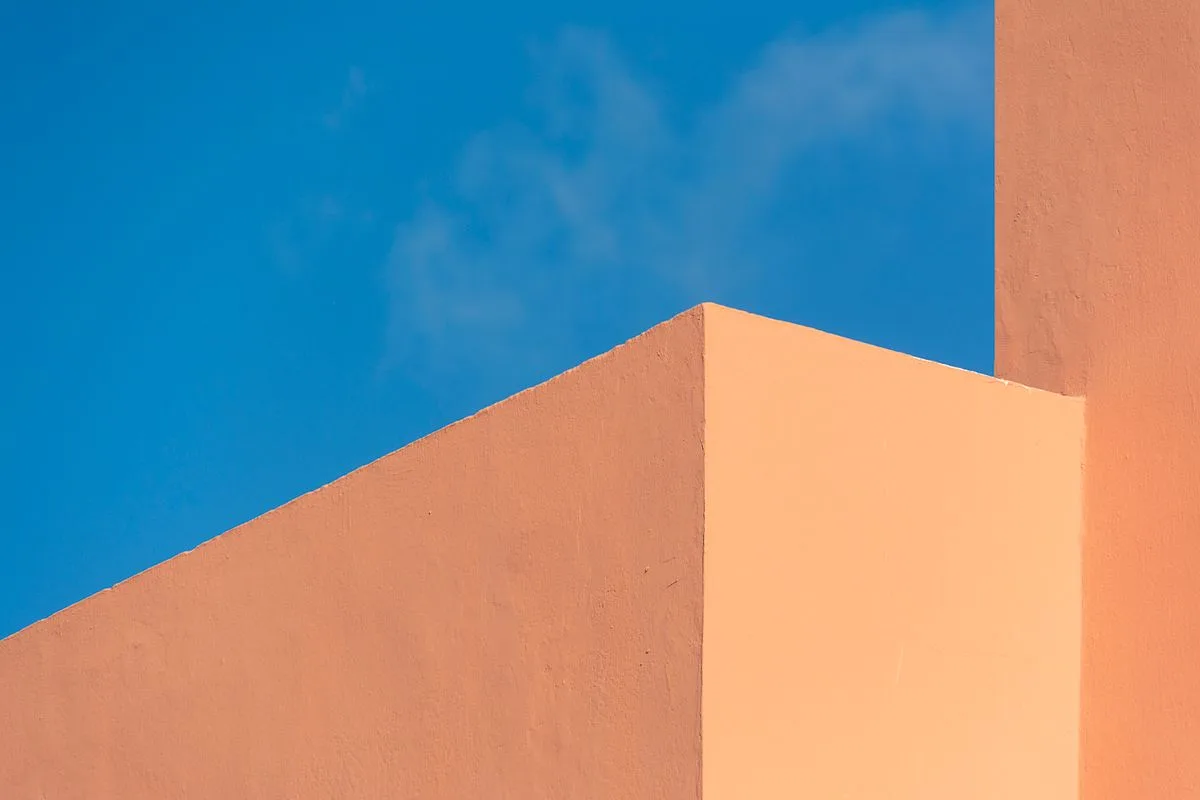
Click anywhere on the picture to pick its colour
No signup. Your image never leaves your browser.

Your Own Visual Bookmark Manager.
Personal, private, and packed with everything you need.
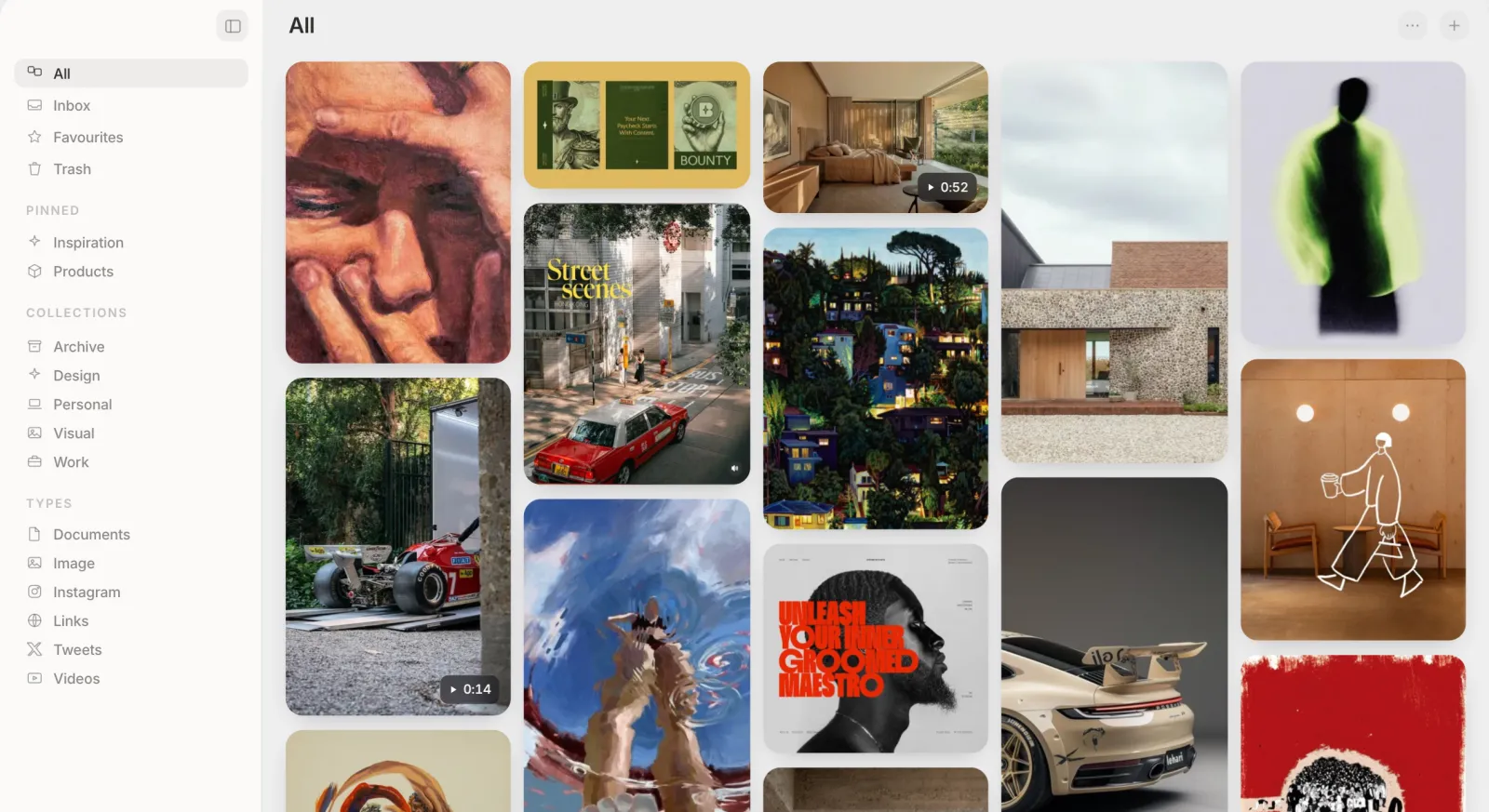
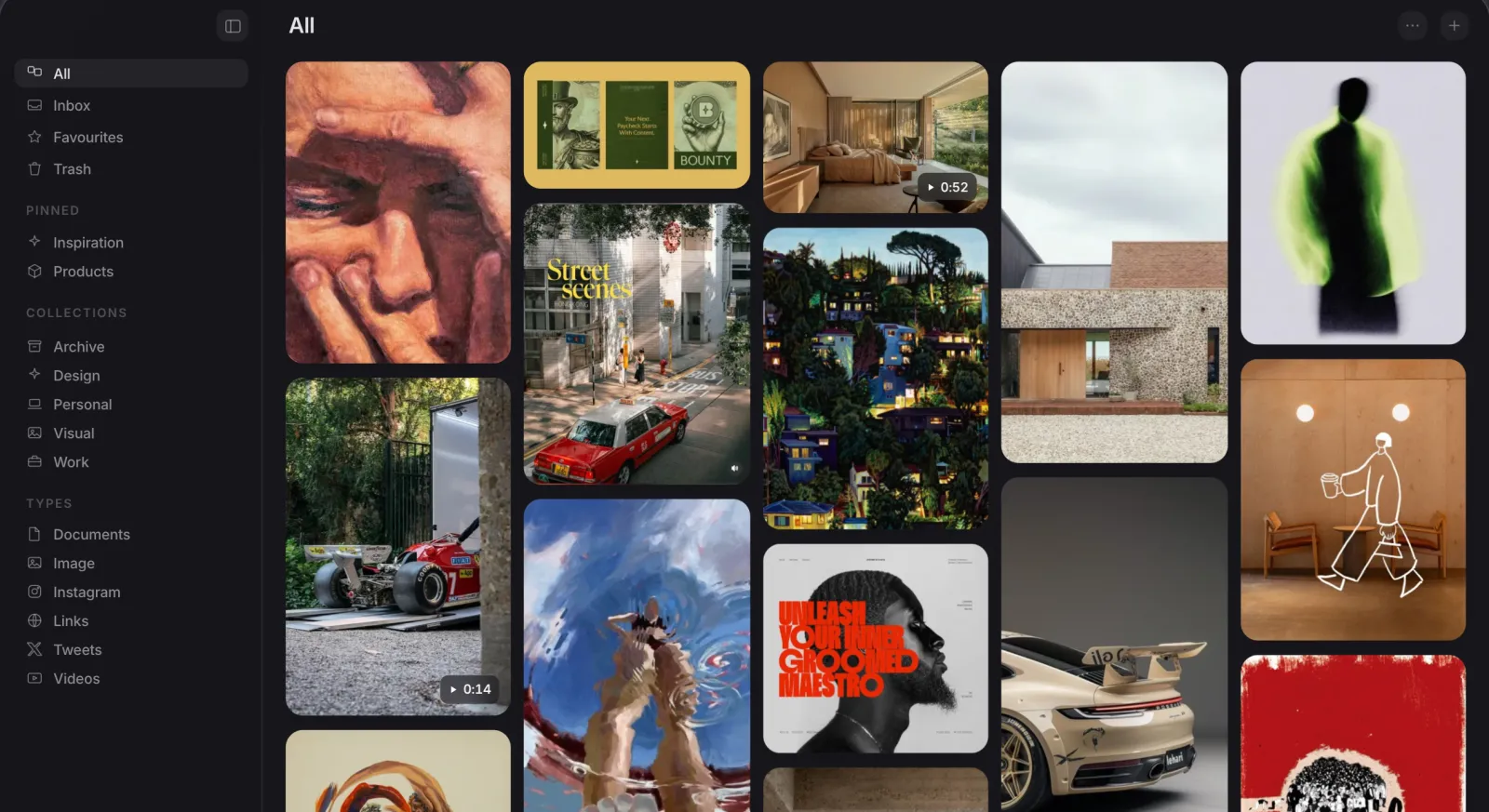
Search Everything
Search by OCR text, a colour name, or plain meaning.
On-Device AI
Automatic tagging on your Mac, plus an optional Pro visual-search pack.
Visual Search
Find visually similar images from across the web, right inside Muse.
AI Art Prompts
Reverse-engineer any image into an art prompt with your own Claude key.
Full-Sentence Search
Type "dark moody screenshots from the app", not just keywords.
AI Renames Filenames
A meaningless screenshot slug gets a real name, automatically chosen.
Good to know.
How do I pick a colour from an image?
- Drop a picture on the page, paste one, or choose a file.
- Move over the picture to preview the colour under the pointer, then click to pick it. The code is copied straight away.
- Switch between HEX, RGB and HSL, and click the picked colour to copy it again.
Is the picture sent anywhere?
How exact is the picked colour?
What is the difference between HEX, RGB and HSL?
Can I get the whole palette too?
Does it work on a phone?
Does Muse have a colour picker?
Try Muse free for 14 days
The whole app, every feature. No account, no card needed.