Read Receipt
A read receipt is an email that tells you when your message was opened, with the time and date. Google says read receipts in Gmail are only available to work or school accounts, and they do not work with personal @gmail.com accounts.
If you use a personal Gmail account, Gmail itself cannot tell you. The rest of this page covers how to request a receipt where it works, and what to use where it does not.
Request a Read Receipt
On a work or school account, on a computer:
- Open Gmail and click Compose.
- Write your email as you normally would.
- At the bottom right, click More options, then Request read receipt.
- Click Send.
The person you send to may need to approve the receipt before it reaches your inbox. See Google's guide to read receipts.
Work or School Accounts
An administrator controls whether read receipts are available, and can limit them to people inside the organization or to named outside addresses. When a message asks for a receipt and the organization wants approval first, the recipient sees Send receipts or Not now. If there is no prompt, the receipt is sent automatically. See Google's guide to read receipts and Google's admin guide, updated 26 October 2026.
You will not get a receipt if you send to a group mailing list or alias, or if the recipient reads mail in a program that does not sync in real time. Google also says that getting a receipt does not always mean the person read your message. A person using an IMAP-based email program can mark a message as read without opening it, and some mobile email apps may not return receipts at all.
Personal Gmail
On a personal account there is no switch to find. You have two routes: an extension that watches the email, or a link that watches the file. The first tells you about the email. The second tells you about the file, and only if the person clicks.
Tracking Extensions
Mailtrack, Boomerang and HubSpot's free email tracking all add something to the email you send and tell you when it is opened or when a link in it is clicked. Mailtrack says it adds a tiny image to each email, and that when the email is opened the image loads and tells its servers. HubSpot says it uses pixels within emails to notify you when emails are opened or links are clicked.
Their makers are open about the limits. Mailtrack's maker, Mailsuite, says no email open tracker is 100% accurate, and that it cannot track some recipients, for example when someone's mail service blocks images from loading. Boomerang's FAQ says open times are approximate.
Tracking the File
An extension tells you about the email. If what you care about is whether your proposal, deck or document was looked at, you can track the file instead. Loop is a Mac app that turns a file into your own branded link. You paste the link into your Gmail message, and Loop shows when it is opened.
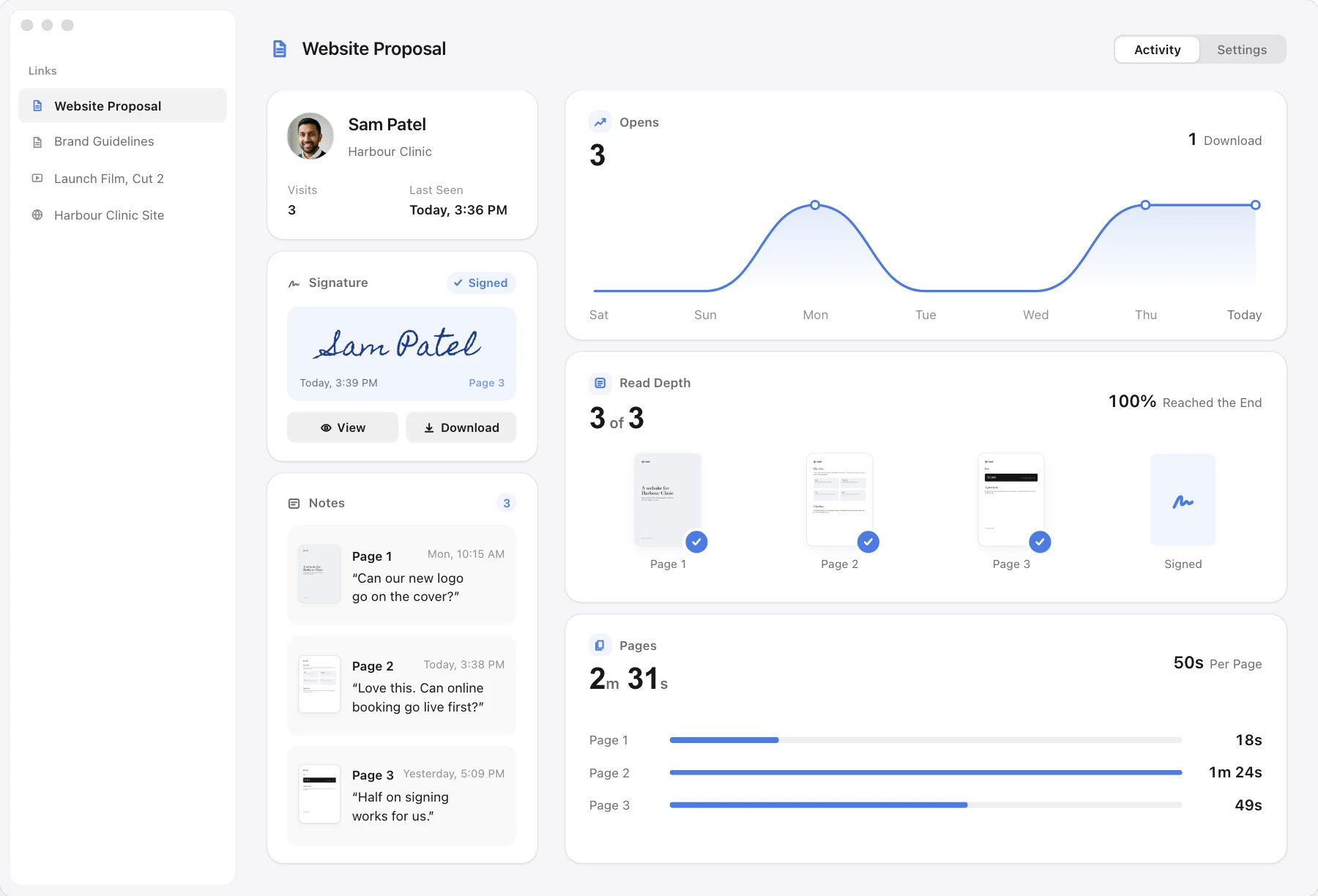
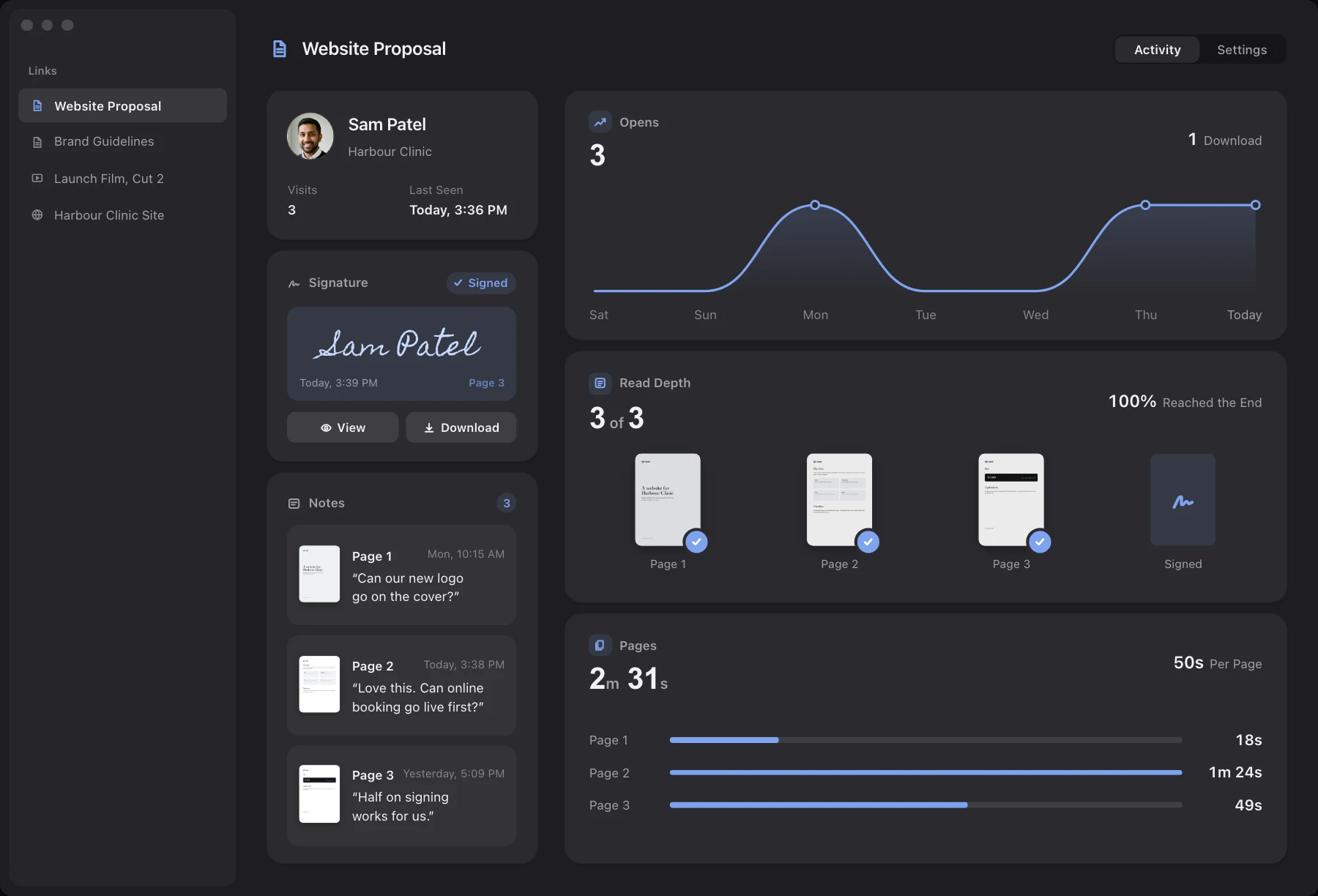
- Opens are visits to the page. Loop counts a person opening the link or downloading, not another page loading it as an image, and it ignores chat-app previews, and your own visits in the browser where Exclude Me is on.
- See how far they read. For a PDF, Loop shows the furthest page reached and the average time on each page.
- A notification. Your Mac shows a notification the first time each reader's browser opens the link, while Loop is running.
- Send one link per person, so the opens and times belong to one reader.
Loop does not tell you whether the email was opened. If nobody clicks the link, you learn nothing, and you cannot tell "never saw the email" from "saw it and did not click". It also cannot track a file attached to the email, because the file has to be shared as a link. Loop does not send your email, is Mac only on your side, and alerts you only on your Mac. We have not tested whether a company mail scanner that opens links counts as a visit.
Your own branded link, with notes on the exact second. $49 once.
Cost
| Tool | How it knows | Cost, one person |
|---|---|---|
| Gmail read receipt | Recipient's Gmail replies | Work or school accounts |
| Mailtrack | Tiny image in email | Free, or 35.88 EUR a year |
| Boomerang | Read receipt notice | Free, or $59.76 a year |
| HubSpot Sales | Tracking pixel, extension | Free |
| Loop | Your file link is opened | $49 once |
Mailtrack's page shows euros only, so we quote it in euros. Boomerang's Personal plan is $4.98 a month billed annually, which is $59.76 a year. Boomerang's free plan has 10 message credits a month, and its page does not say whether free includes read receipts. HubSpot's free plan includes unlimited tracking, notifications and basic analytics. Loop tracks the file link, not the email.
Loop includes a 14-day free trial that starts on first run, and Loop asks for no payment to begin it. During the trial a small "Shared with Loop" badge shows on the pages your clients see, and it goes with a licence. Your files are stored in your own Cloudflare account, and Cloudflare may ask for a card when you switch storage on.