Loop vs Loom

Loop vs Loom

Both record your screen to a link. Loom is $180 a year with your branding. Loop is $49 once, and shares any file as a tracked link.

Updated 13 October 2026

Summary

Two good tools. One you own.

Choose Loop If

You want to share recordings and any file as your own tracked links, paid for once.

  • Paid once. $49 for one person, against $180 a year for Loom Business.
  • Any file. Documents, slides and websites share as tracked links too.
  • Your own domain. Links carry your logo, colours, typeface and your own domain.
  • Markup and signing. Readers mark up the page, and sign in the order you set.

Not for: recording on Windows or in a browser, or a team video library.

Choose Loom If

You record quick video messages on Mac, Windows or a phone, with editing built in.

  • Video editing. Trim and stitch clips, with text and arrow overlays on Business + AI.
  • AI help. Summaries, chapters and meeting notes on Business + AI.
  • More platforms. Record on Mac, Windows, iOS, Android or in Chrome.
  • Team library. Shared libraries, spaces, comments and emoji reactions for your team.

Not for: anyone who would rather pay once than pay for Loom every year.

Overview

Two ways to share a recording.

Loop

Loop is a Mac app that turns a recording or any file into your own branded link, and follows every open, page and signature.

Loop records your screen, webcam and microphone straight to a link, and shares every other file the same way: decks, PDFs, pictures and websites. Viewers leave notes pinned to a moment in the video, and you see how much of it they watched. Every link carries your logo, colours and domain. It is $49 once; recording needs macOS 15.

Loom

Loom is a video messaging app from Atlassian that records your screen and camera and shares the video as a link.

Record in the desktop app, in Chrome or on your phone, then trim and stitch clips on a paid plan. Loom adds transcripts in 50+ languages, comments, emoji reactions and viewer insights, and on Business + AI summaries, chapters and meeting notes. The free Starter plan has 25 videos. Business is $15 a user a month billed yearly, or $18 billed monthly, and adds your logo and colours to the video page.

Comparison

Side by side.

LoopLoom
Price
One person$49 once$180 a year
Five people$199 once$900 a year
Over three years$49$540
Free to try14-day trialFree plan, 25 videos
Sharing
Your brandLogo, colours, typefaceLogo and player colour
Your own domainIncludedNot listed
What you shareAny file, and recordingsVideos and screenshots
PasswordIncludedBusiness and up
PlatformMac appMac, Windows, Chrome, phone
Tracking
Who opened itIncludedViewer insights, every plan
Engagement detailPages and watch timeEngagement insights, Business and up
Review
Notes and commentsNotes at a moment in a videoComments, emoji reactions
SignaturesIncluded, in orderNot listed
Video editingRecord and shareTrim, stitch, overlays

Compared by the Loop team. Loop Pro against Loom Business, the first plan with your own logo and colours, billed yearly. Loom's figures read from loom.com/pricing and its help centre on 13 October 2026. Not listed means those pages do not mention it. Every price comparison.

Reader View

The page your reader sees.

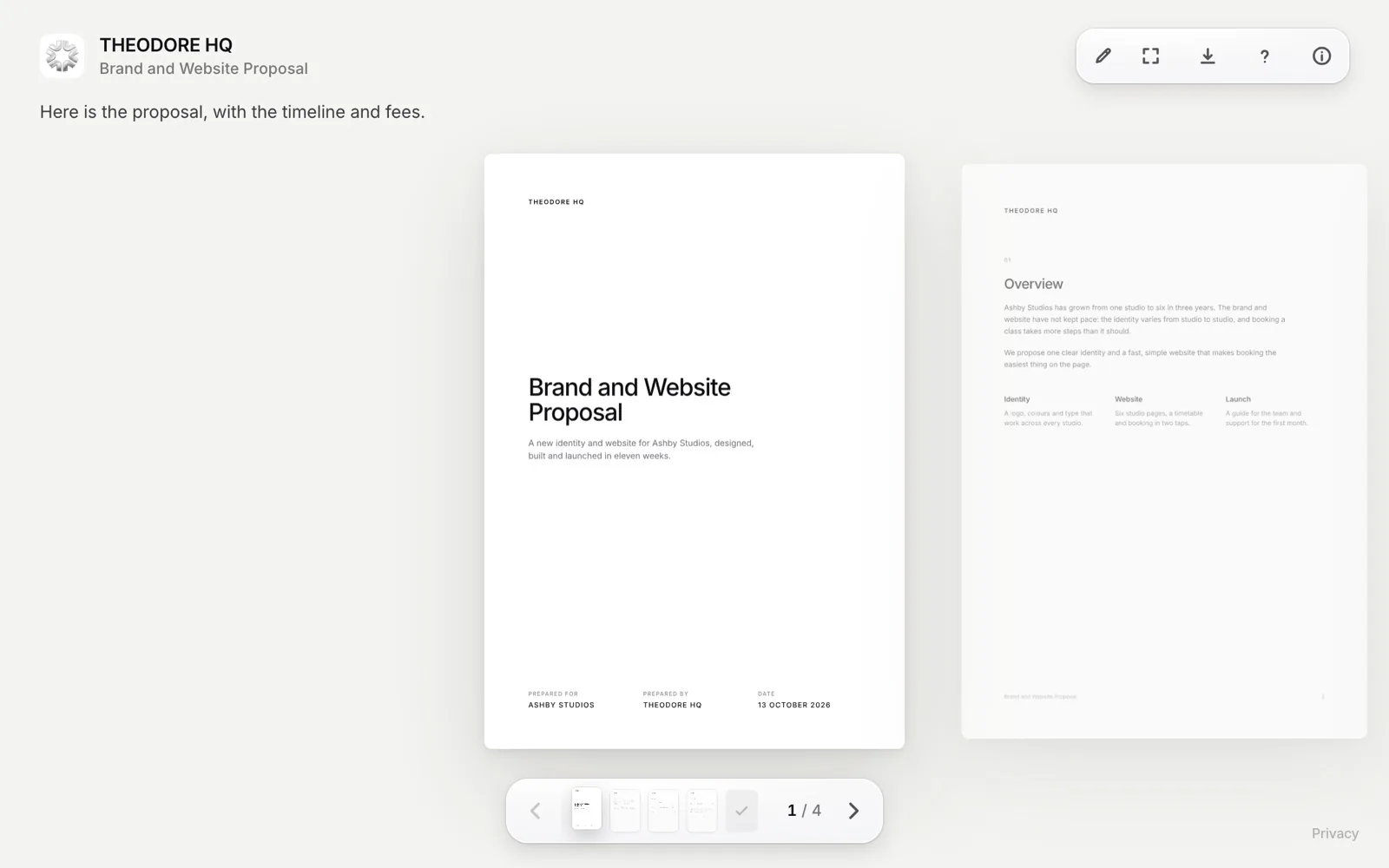
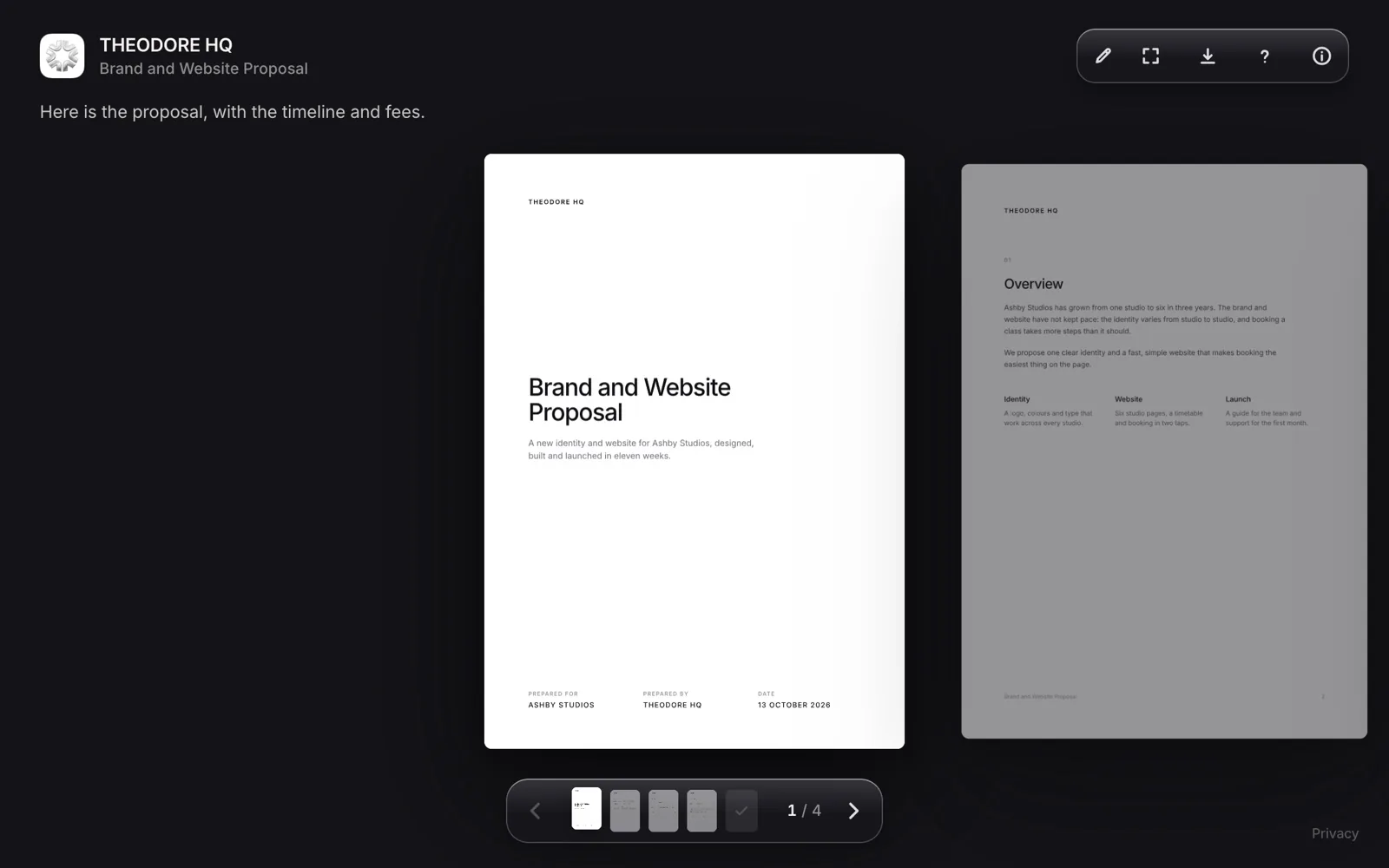
Loop reader page for a shared proposal, branded with the sender's logo, name and colours
Loop. Your logo, colours and domain, with notes and signing on the page.
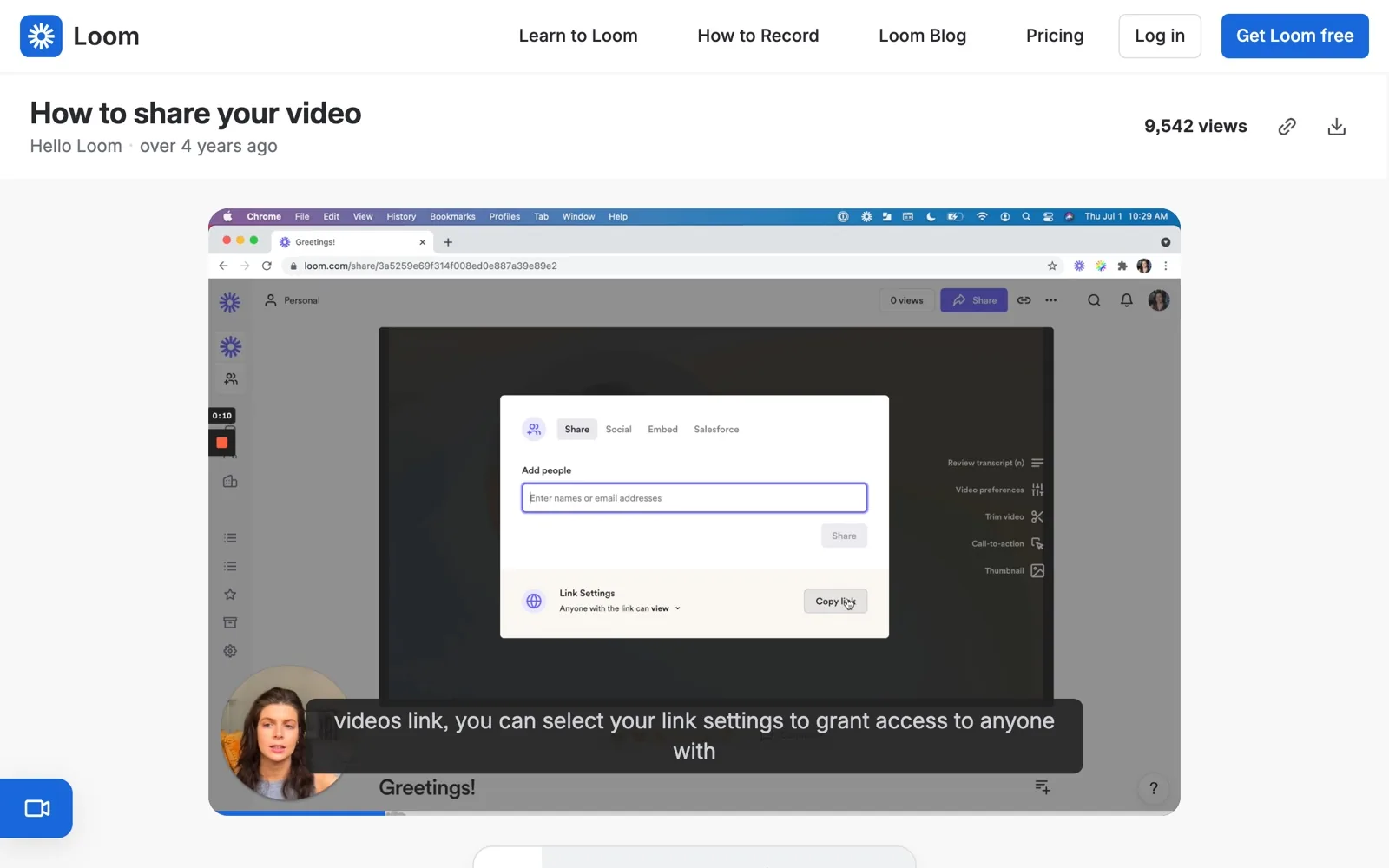
Loom shared video page with its view count and download button
Loom. Your logo and player colour, on the video page.
Try Loop free for 14 days.Then $49 once. Yours forever.
Download for Mac
Differences

The parts that decide it.

Loop Leads

Price

Loop costs $49 once. Loom Business, its first plan with your own logo and colours, costs $180 a year. That is $15 a month billed yearly, or $18 billed monthly, so three years comes to $540. Loom's Starter plan is free, with 25 videos and 5-minute screen recordings.

For five people, Loop Team is $199 once and Loom Business is $900 a year. Loop's only running cost is Cloudflare storage, free up to 10 GB a month.

Loop Leads

Files

Loop shares more than video. Documents, slides, photos and whole websites become your own tracked links, with markup, and signing in the order you set. Readers open them in any browser with no account, and you see who opened each one and how long they spent on every page. Loom is built around video and screenshots, with viewer insights on every plan.

Even

Recording

Both record your screen and camera, and give you a link to send. Loop records your screen, webcam and microphone straight to a link on macOS 15 or later, and readers can pin notes to a moment in the video. Loom records in its desktop app or in Chrome, with a camera bubble and system audio. On tracking, Loop lists who opened it and how long they watched, and Loom lists viewer insights on every plan.

Loom Leads

Video Features

For video work, Loom is the stronger tool. It records on Mac, Windows, iOS, Android and in Chrome, trims and stitches clips, and transcribes in 50+ languages. Business + AI, $240 a year for one person billed yearly, adds summaries, chapters and meeting notes. Teams get personal, shared and team libraries, spaces, folders and comments. Loop records from a Mac only.

Cost

Pay once. Or every year.

Loop$49
Loom$540

For one person. Loop is $49 once. Loom Business is $15 a month billed yearly, or $18 billed monthly.

FAQ

Questions.

Yes, for recording your screen to a link. Loop records your screen, webcam and microphone on macOS 15 or later, and also shares any file as your own tracked link, with markup and signing. Loom is the better fit for video editing, AI summaries and team libraries.

Billed yearly, one person pays $180 a year for Business and $240 a year for Business + AI. Billed monthly, they are $18 and $24 a user a month. The Starter plan is free, with 25 videos. Prices checked 13 October 2026.

Yes, the Starter plan is free, with 25 videos and 5-minute screen recordings. Business has a 14-day trial. Loop has no free plan, but a 14-day free trial with everything included, then costs $49 once.

Yes. Loop records your screen, webcam and microphone straight to a link, and links keep working after the trial. Recording needs macOS 15 or later, and Loop itself needs macOS 14 or later.

Yes. Loom's pricing page carries the Atlassian Loom logo and its help pages sit on Atlassian Support. Atlassian announced it was acquiring Loom on 12 October 2023 and said Loom would stay available as a standalone product.

Yes. Loop links open in any browser, on any device, with no account. Loop itself, the app you record and share from, needs a Mac.

Try Loop free for 14 days.

Pay once. Yours forever.