Loop vs Frame.io

Loop vs Frame.io

Both share work on branded links. Frame.io is $156 a year with your branding. Loop is $49 once, for any file.

Updated 13 October 2026

Summary

Two good tools. One you own.

Choose Loop If

You share any file as your own branded link, with tracking and signing, paid once.

  • Paid once. $49 for one person, against $156 a year for Frame.io Pro.
  • Any file. Documents, slides, photos, video and even websites on one link.
  • Page tracking. Time on every page, video watch time and readers grouped by company.
  • Signing included. Signers sign in the order you set, with reminders you send in one click, and a signed copy.

Not for: frame-accurate video review with a team, or links into your editing apps.

Choose Frame.io If

You review video with a team and want frame-accurate comments inside your editing apps.

  • Frame comments. Comments on one frame or a range of frames, with drawing on top.
  • Editing apps. Connects to Premiere, Final Cut Pro and Lightroom for review.
  • Team review. Version stacks, plus a comparison viewer for your reviewers.
  • Camera to Cloud. Connects cameras straight to Frame.io, on every plan.

Not for: anyone who wants signing in the same link, or to pay once.

Overview

Two ways to share a file.

Loop

Loop is a Mac app that turns any file into your own branded link, and follows every open, page and signature.

Loop shares any file as your own branded link: a cut of a film, a storyboard PDF, a deck or a whole website. Viewers leave notes pinned to a moment in a video, draw on PDFs and pictures, and sign in order, with no account. You see who watched and how much of it. It is $49 once, with files in your own Cloudflare account.

Frame.io

Frame.io is a review platform from Adobe where creative teams comment on video, frame by frame, and share the result.

You upload video, photos, design files and documents, and send a share link. Reviewers open it without an account and leave comments, or draw on the frame. It connects to Premiere, Final Cut Pro and Lightroom, and Pro adds branded shares, a passphrase, link expiry and download control for up to 5 members. Pro is $156 a member a year billed yearly, and Adobe Creative Cloud All Apps includes a version with two users.

Comparison

Side by side.

LoopFrame.io
Price
One person$49 once$156 a year
Five people$199 once$780 a year
Over three years$49$468
Free to try14-day trialFree plan, 2 GB
Sharing
Your brandLogo, colours, typefaceLogo, colours, header image
Your own domainIncludedNot listed
Where files liveYour Cloudflare accountFrame.io's own storage
PlatformMac appWeb and iPhone apps
Tracking
Time on every pageIncludedNot in share activity
Video watch timeIncludedNot in share activity
Works with AI appsShares and tracksPublic beta, creates shares
Review
SignaturesIncluded, in orderNot listed
Notes and markupDraw, highlight, typeComments and drawing
Video notesPinned to a momentFrame-accurate
Editing appsNot offeredPremiere, Final Cut Pro, Lightroom

Compared by the Loop team. Loop Pro against Frame.io Pro, the first plan with your own branding, one member, billed yearly. Frame.io prices are before tax. Frame.io's figures read from frame.io/pricing and its help centre on 13 October 2026. Every price comparison.

Reader View

The page your reader sees.

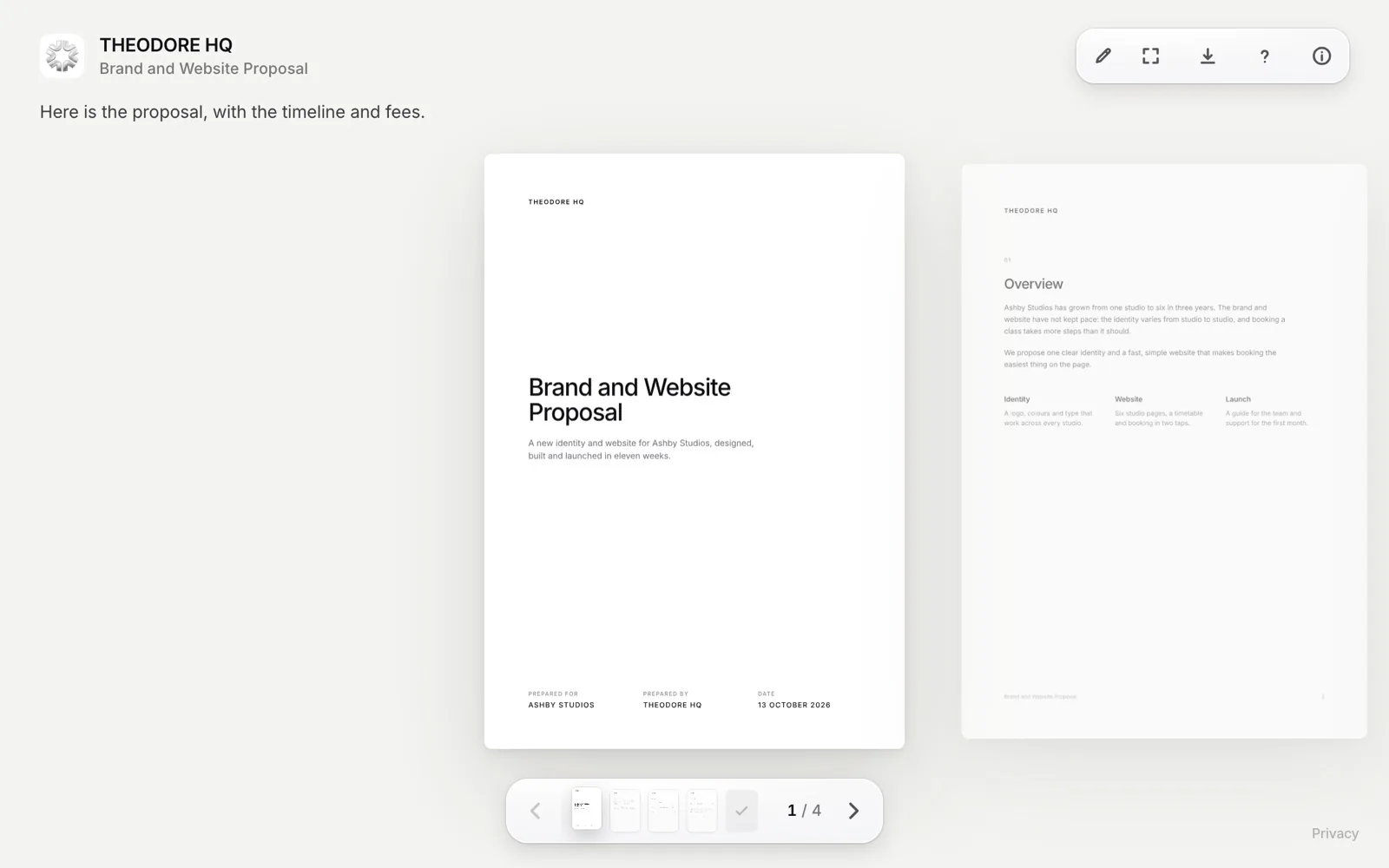
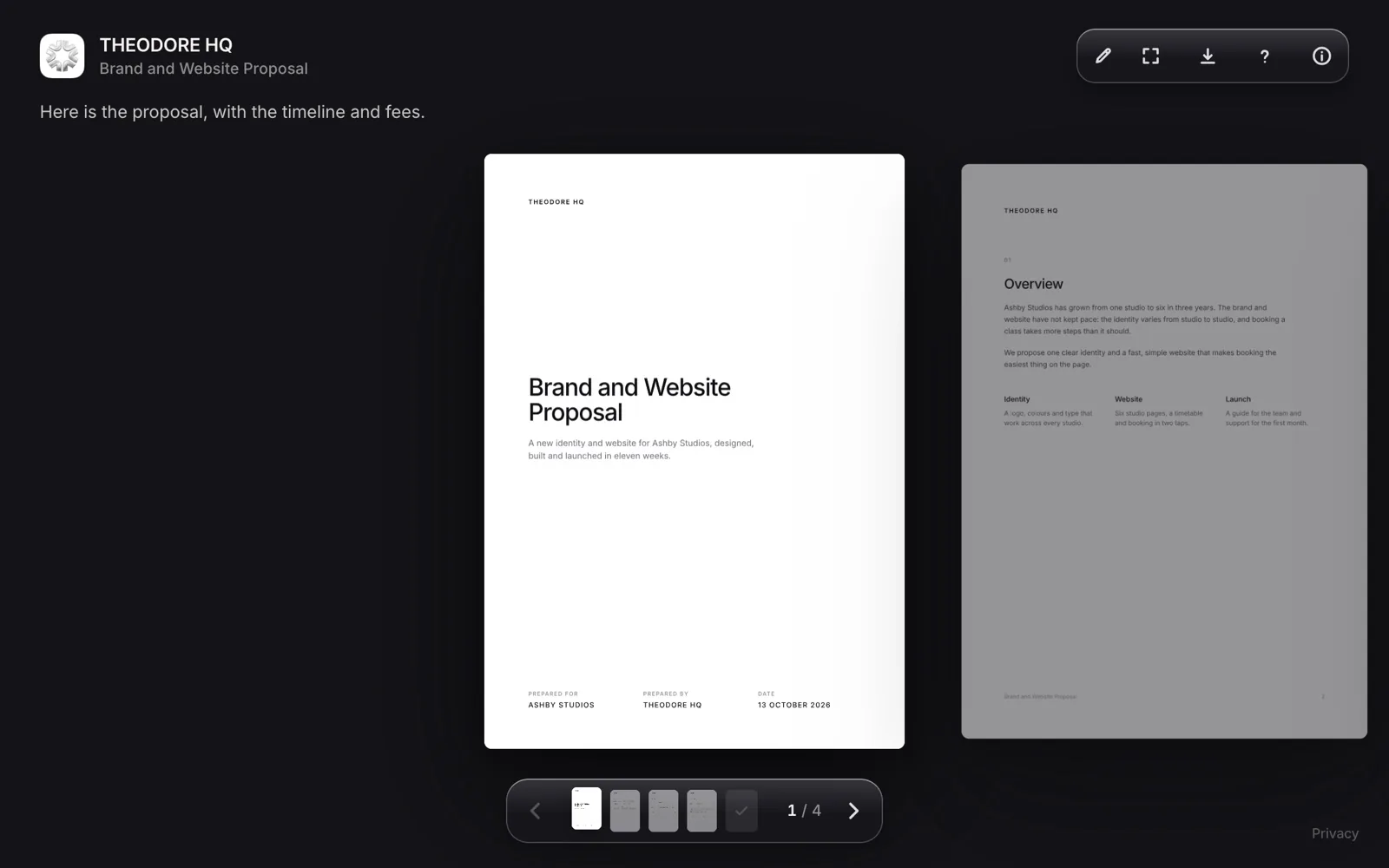
Loop reader page for a shared proposal, branded with the sender's logo, name and colours
Loop. Your logo, colours and domain, with notes and signing on the page.
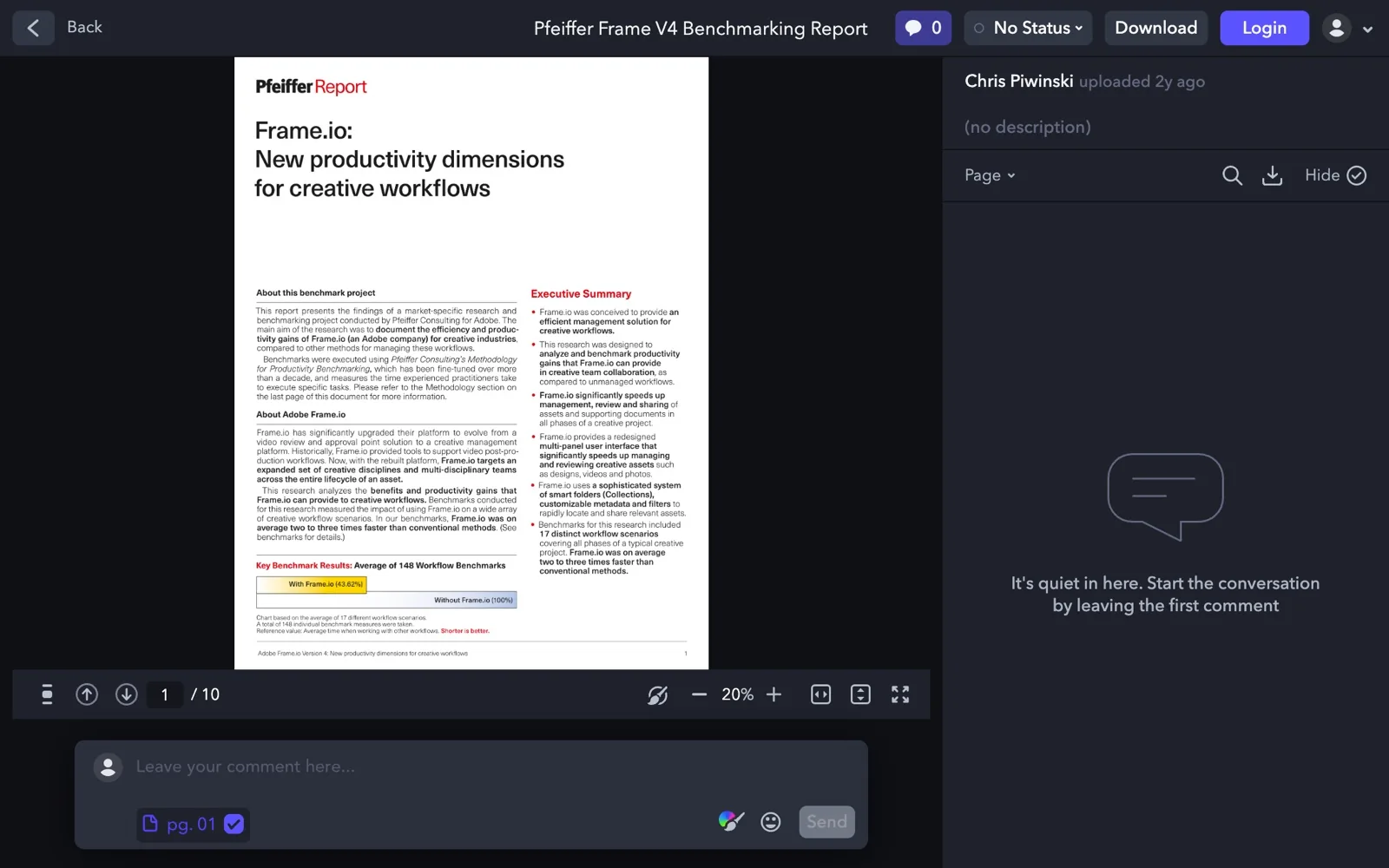
Frame.io review link showing a PDF beside its comments panel
Frame.io. Your logo, colours and header image, with comments on the frame.
Try Loop free for 14 days.Then $49 once. Yours forever.
Download for Mac
Differences

The parts that decide it.

Loop Leads

Price

Loop costs $49 once. Frame.io Pro, its first plan with your own branding, costs $156 a member a year. Billed monthly that is $15 a member, so three years comes to $468. Pro includes 2 TB and covers up to 5 members, so five people pay $780 a year, against $199 once for Loop Team.

Frame.io also has a Free plan with 2 members, 2 GB and 2 projects. Loop's only running cost is Cloudflare storage, free up to 10 GB a month.

Frame.io Leads

Video Review

For reviewing video with a team, Frame.io is the stronger tool. Comments land on a single frame or a range of frames, with arrows, lines, boxes and free drawing on top. It adds version stacks, a comparison viewer and connections to Premiere, Final Cut Pro and Lightroom. Loop pins notes to a moment in a video, and its drawing tools work on PDFs and pictures. It does not connect to editing apps.

Even

Sharing

Both put your logo and colours on a link that readers open in a browser with no account. Frame.io Pro adds a passphrase, link expiry, control over comments and downloads, and a watermark template. Loop adds a password, required email, expiry from 1 to 90 days or never, download control and a watermark on PDF pages. Loop also shares websites, folders and ZIPs.

Loop Leads

Tracking

Loop shows how long each reader spent on every page. Frame.io's share activity lists four actions. Those are opened the link, viewed an asset, commented and downloaded, with a last viewed time and a view counter. Loop adds time on every page, video watch time, readers grouped by company and which version each person read, with notifications within about 30 seconds while Loop runs. Loop also signs in the order you set. Frame.io lists no signing.

Cost

Pay once. Or every year.

Loop$49
Frame.io$468

For one person. Loop is $49 once. Frame.io Pro is $156 a year billed yearly, or $15 a month billed monthly.

FAQ

Questions.

Billed yearly, Pro is $156 a member a year and Team is $264, while Free is $0 for 2 members. Billed monthly, Pro is $15 a member a month and Team is $25. Enterprise is custom, and prices are before tax. Checked 13 October 2026.

Partly. The Free plan has 2 members, 2 GB of storage and 2 projects, and branded shares start on Pro. Loop has a 14-day free trial with everything included, then costs $49 once.

Frame.io's own page says Creative Cloud All Apps includes it, with two users, five projects and 100 GB of storage. Loop is separate, with a 14-day free trial and then $49 once.

For sharing files and gathering feedback, yes. Loop shares any file as your own branded link, pins notes to a moment in a video and costs $49 once. For frame-accurate video review with a team, Frame.io is the better fit.

Its share activity lists opens, views, comments and downloads, with a last viewed time and a view counter. Time on every page is not in that list. Loop shows time on every page, video watch time and readers grouped by company.

No. Frame.io connects to Premiere, Final Cut Pro and Lightroom. With Loop you export the video and drop the file on the menu bar, the shelf or Finder, and the link is copied.

Try Loop free for 14 days.

Pay once. Yours forever.