Loop vs DocSend

Loop vs DocSend

Both show who opened your file and how long they read each page. DocSend is $360 a year with your branding. Loop is $49 once, on your own domain.

Updated 15 October 2026

Summary

Two good tools. One you own.

Choose Loop If

You share from a Mac and want your brand, tracking and signing, paid for once.

  • Paid once. $49 for one person, against $360 a year for DocSend Standard.
  • Your own domain. Links on your own address. DocSend adds a subdomain of docsend.com.
  • Your own storage. Your files stay in your own Cloudflare account.
  • Markup on the page. Readers draw, highlight and type on the page itself.

Not for: sharing from Windows, or running a data room for a fundraise or a sale.

Choose DocSend If

You run data rooms for deals, share from Windows, or want Salesforce connected.

  • Data rooms. NDAs, group permissions, audit logs and due diligence tracking.
  • Any computer. A web app, so it works on Windows as well as Mac.
  • Sales tools. Salesforce available as an add-on on every DocSend plan.
  • Cloud imports. Files come in from Dropbox, Google Drive, Box or OneDrive.

Not for: anyone who wants to pay once, or keep files in their own account.

Overview

Two ways to share a file.

Loop

Loop is a Mac app that turns any file into your own branded link, and follows every open, page and signature.

Drop a file on the menu bar, the shelf or Finder and the link is copied. Readers open it in any browser with no account, and can leave notes, mark up the page and sign in the order you set. Links carry your logo, colours and domain, and your files live in your own Cloudflare account. Loop is $49 once for one person or $199 for a team, with a 14-day free trial.

DocSend

DocSend is a web app from Dropbox for sharing documents as tracked links, with data rooms for deals.

You upload files, or bring them in from Dropbox, Google Drive, Box or OneDrive, and send a link. DocSend shows who viewed each document and how long they spent on every page, and adds eSignatures, file requests and, on its Advanced plans, data rooms with NDAs and permissions. Plans run from $30 a month for one person to $180 a month for data rooms, billed yearly, after a 14-day trial.

Comparison

Side by side.

LoopDocSend
Price
One person$49 once$360 a year
Five people$199 once$1,800 a year
Over three years$49$1,080
Free trial14 days14 days
Sharing
Your brandLogo, colours, typefaceLogo and colour
Your own domainIncludedA docsend.com subdomain
Where files liveYour Cloudflare accountDocSend's servers
PlatformMac appWeb app
Tracking
Time on every pageIncludedIncluded
Video watch timeIncludedStandard and up
Works with AI appsShares and tracksBeta, reads and reports
Review
SignaturesIncluded, in order4 a month, unlimited on Standard
Notes and markupDraw, highlight, typeWritten comments
Data roomsNot offeredFrom $150 a month

Compared by the Loop team. Loop Pro against DocSend Standard, the first plan with your own branding, billed yearly. DocSend's figures read from docsend.com/pricing and its help centre, prices on 15 October 2026 and branding on 13 October 2026. Every price comparison.

Reader View

The page your reader sees.

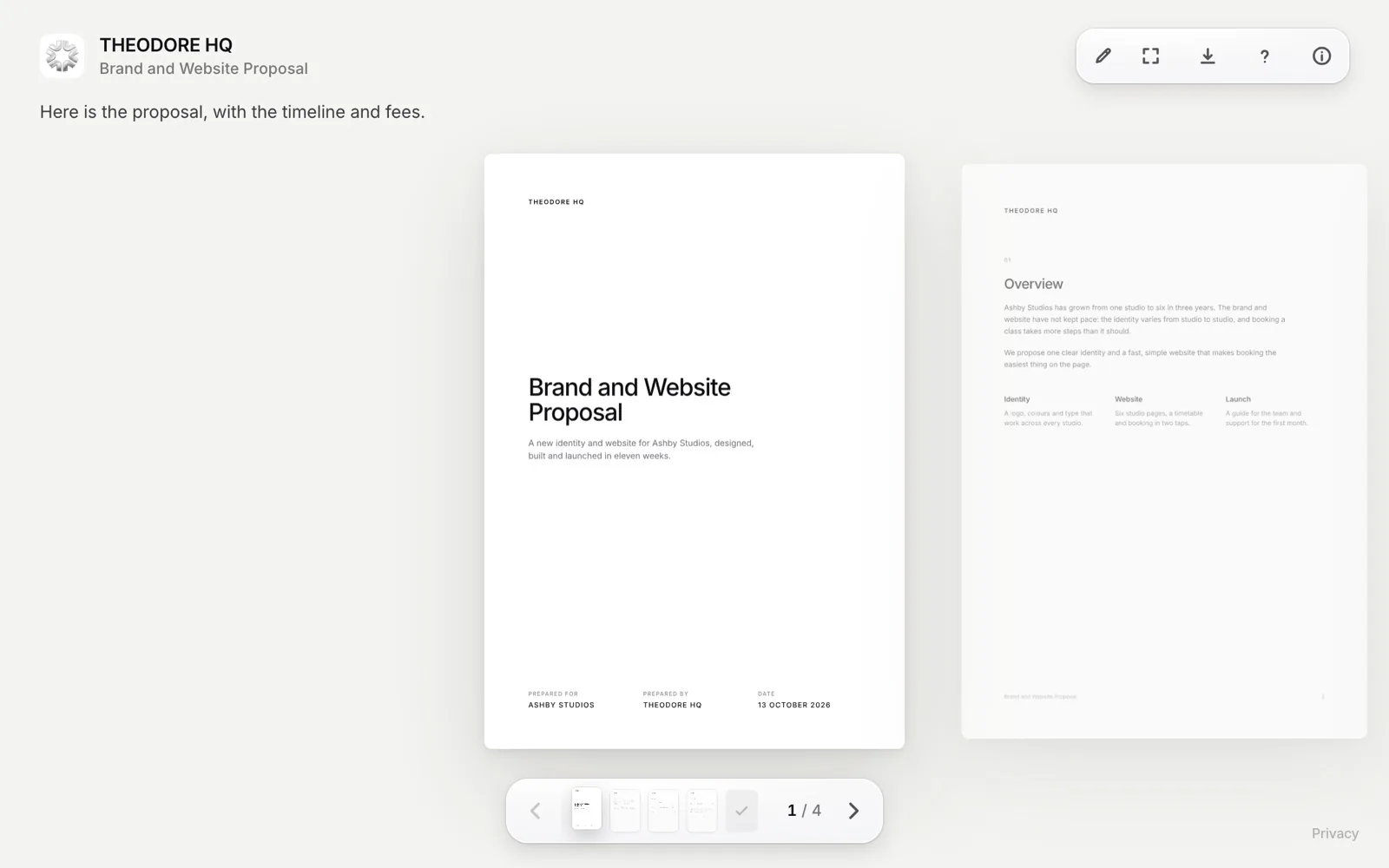
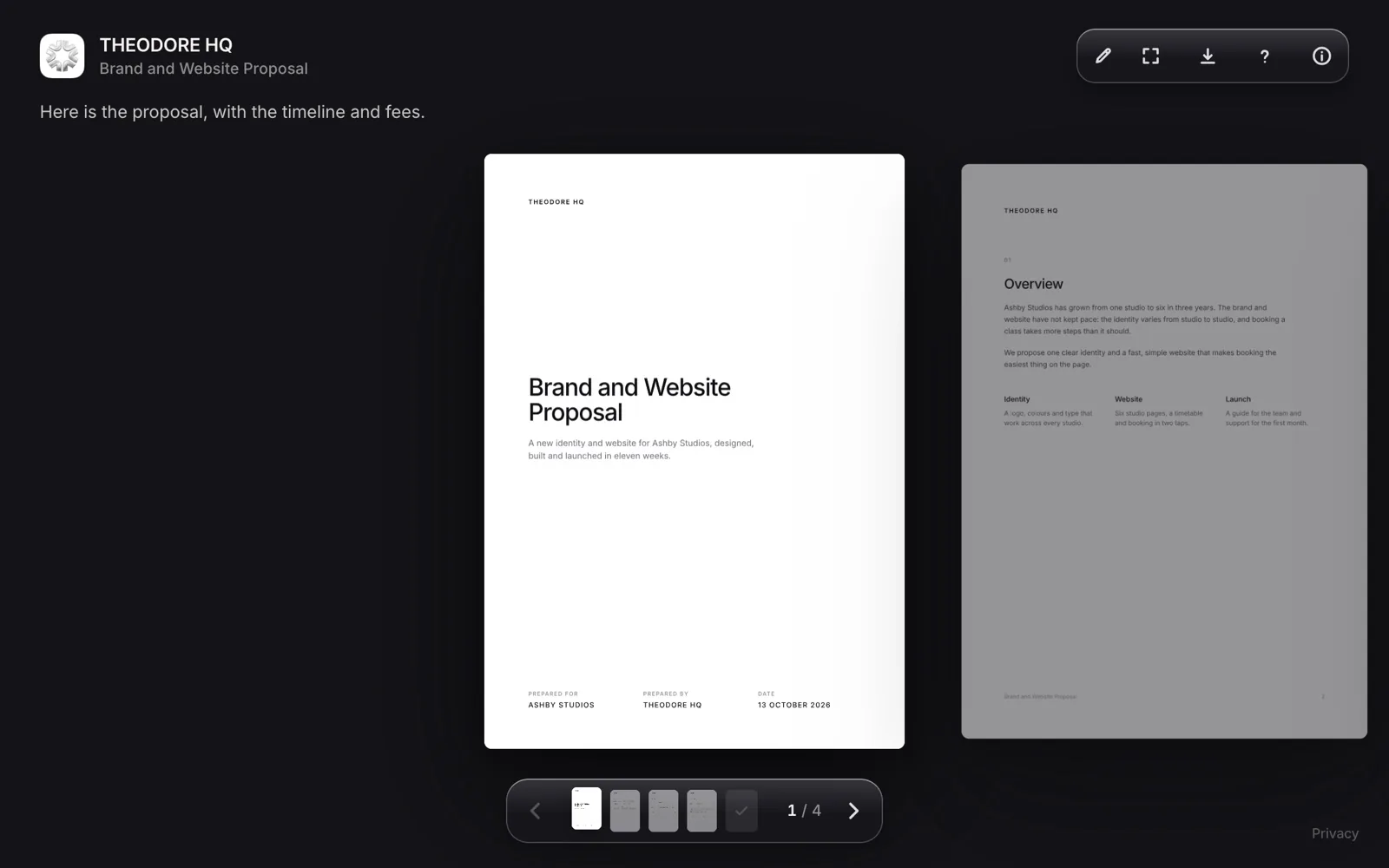
Loop reader page for a shared proposal, branded with the sender's logo, name and colours
Loop. Your logo, colours and domain, with notes and signing on the page.
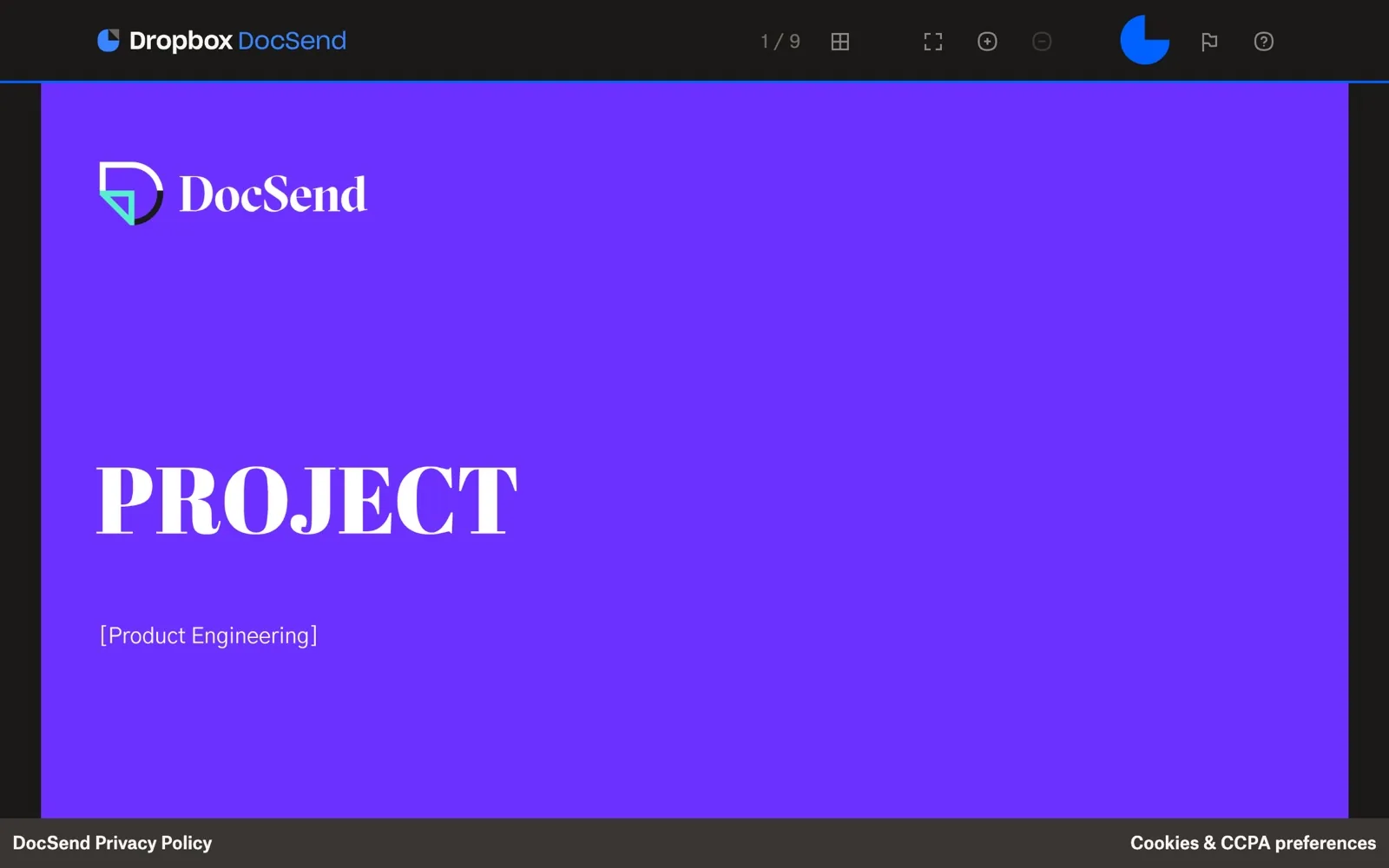
DocSend shared link viewer showing a pitch deck
DocSend. Your logo and colour, on a docsend.com address.
Try Loop free for 14 days.Then $49 once. Yours forever.
Download for Mac
Differences

The parts that decide it.

Loop Leads

Price

Loop costs $49 once. DocSend Standard, its first plan with your own branding, costs $360 a year. That is $30 a month billed yearly, so three years comes to $1,080. Standard is also DocSend's cheapest plan.

For a team of five, Loop Team is $199 once and DocSend Standard is $1,800 a year. Loop's only running cost is Cloudflare storage, free up to 10 GB a month.

Even

Tracking

Both show who opened a link and how long they spent on every page, and both notify you when it is opened. DocSend adds read and forward notifications. Loop adds video watch time on every link, groups readers by company and shows who read which version of a file, with notifications within about 30 seconds while Loop runs.

Loop Leads

Storage

With Loop, your files and links live in your own Cloudflare account. Every file, view and signature is kept there, and links you have sent keep working after the trial. DocSend keeps your files on its own servers, 50 GB a user, with a 2 GB limit on each file. Loop walks you through connecting a free Cloudflare account in a few minutes.

DocSend Leads

Data Rooms

For fundraising and company sales, DocSend's data rooms are the better tool. Its Advanced plans, from $150 a month billed yearly, add NDAs before viewing, group permissions, audit logs and due diligence tracking. Loop can share several files or a whole folder as one tracked link, with a password, required email and allow and block lists, but has no data room features.

Cost

Pay once. Or every year.

Loop$49
DocSend$1,080

For one person. Loop is $49 once. DocSend Standard is $30 a month billed yearly, or $43 billed monthly.

FAQ

Questions.

Yes, for sharing tracked links. Both show who opened a file and how long they spent on each page, and both take signatures. Loop is a Mac app you pay for once, with your own domain and your files in your own Cloudflare account. It has no data rooms.

Billed yearly, Standard is $30 a user a month, Advanced is $150 a month for three users and Advanced Data Rooms is $180 a month. Billed monthly, they are $43, $250 and $300. Prices checked 15 October 2026.

No. DocSend has no free plan, but offers a free 14-day trial of Advanced Data Rooms. Loop also has a 14-day free trial with everything included, then costs $49 once.

No. Loop can share several files or a whole folder as one tracked link, with a password, required email and allow and block lists. It has no NDA gate, group permissions or due diligence tracking. For a fundraising or M&A data room, DocSend is the better fit.

Not the links themselves. Download Loop and connect a free Cloudflare account, which Loop walks you through in a few minutes. Then share the same files again and send the new links. Tracking starts from the first open.

Yes. Loop links open in any browser, on any device, with no account. Loop itself, the app you share from, needs a Mac with macOS 14 or later.

Try Loop free for 14 days.

Pay once. Yours forever.