Loop vs OneDrive

Loop vs OneDrive

Both share files by link. OneDrive comes with Microsoft 365 from $84 a year. Loop is $49 once, on your own domain.

Updated 13 October 2026

Summary

Two good tools. One you own.

Choose Loop If

You send files to people and want to see who read them, under your own brand.

  • Paid once. $49 for one person, against $84 a year for Microsoft 365 Business Basic.
  • Your own domain. Links on your own address, with your logo, colours and typeface.
  • Reader tracking. See who opened it, time on every page and which version they read.
  • Signing and markup. Readers mark up the page and sign in the order you set.

Not for: editing documents together in real time, or sharing from a Windows PC.

Choose OneDrive If

You already use Microsoft 365 and want storage, Office apps and shared editing in one plan.

  • Office included. Business Basic adds Word, Excel and PowerPoint on the web and mobile.
  • Editing together. People can work in the same file at the same time.
  • Storage included. 1 TB a user, with version history and file restore.
  • Mac and Windows. Sync between PC, Mac and the cloud, with PC folder backup.

Not for: sharing links under your own brand, or seeing who opened an Anyone link.

Overview

Two ways to share a file.

Loop

Loop is a Mac app that turns any file into your own branded link, and follows every open, page and signature.

Loop gives each file you send its own branded page and tells you who opened it and how long they read each page. Readers open it in any browser without a Microsoft account, and can leave notes, mark it up or sign in order. Links carry your logo, colours and domain. It is a Mac app, $49 once, or $199 once for a team.

OneDrive

OneDrive is Microsoft's cloud storage that syncs your files across devices and shares them by link.

OneDrive comes with Microsoft 365. Business Basic gives each user 1 TB, version history, sync between PC, Mac and the cloud, and Word, Excel and PowerPoint on the web, and people can edit the same file together. You share a file or folder by link, with a password or an expiry date. Microsoft 365 Business Basic is $7 a user a month paid yearly, with a one-month free trial.

Comparison

Side by side.

LoopOneDrive
Price
One person$49 once$84 a year
Five people$199 once$420 a year
Over three years$49$252
Free trial14 days1 month
Sharing
Your brandLogo, colours, typeface, domainNot listed
Where files liveYour Cloudflare accountMicrosoft 365, 1 TB a user
PlatformMac appPC, Mac and web
Link settingsPassword, expiry, watermarkPassword, expiry
Tracking
What you seeOpens, pages, video, companyNames and view counts
Links anyone can openEvery open trackedViewers not tracked
NotificationsAbout 30 seconds after an openSharing events
Review
Editing togetherNot offeredReal-time co-authoring
Office appsNot offeredWeb and mobile
Request filesIncludedAdmin turns it on

Compared by the Loop team. Loop Pro against Microsoft 365 Business Basic, the cheapest paid plan a single business user would buy for sharing: $7 a user a month, paid yearly. Microsoft's plan pages list no own branding for shared links. OneDrive's figures read from microsoft.com and Microsoft Learn on 13 October 2026. Every price comparison.

Reader View

The page your reader sees.

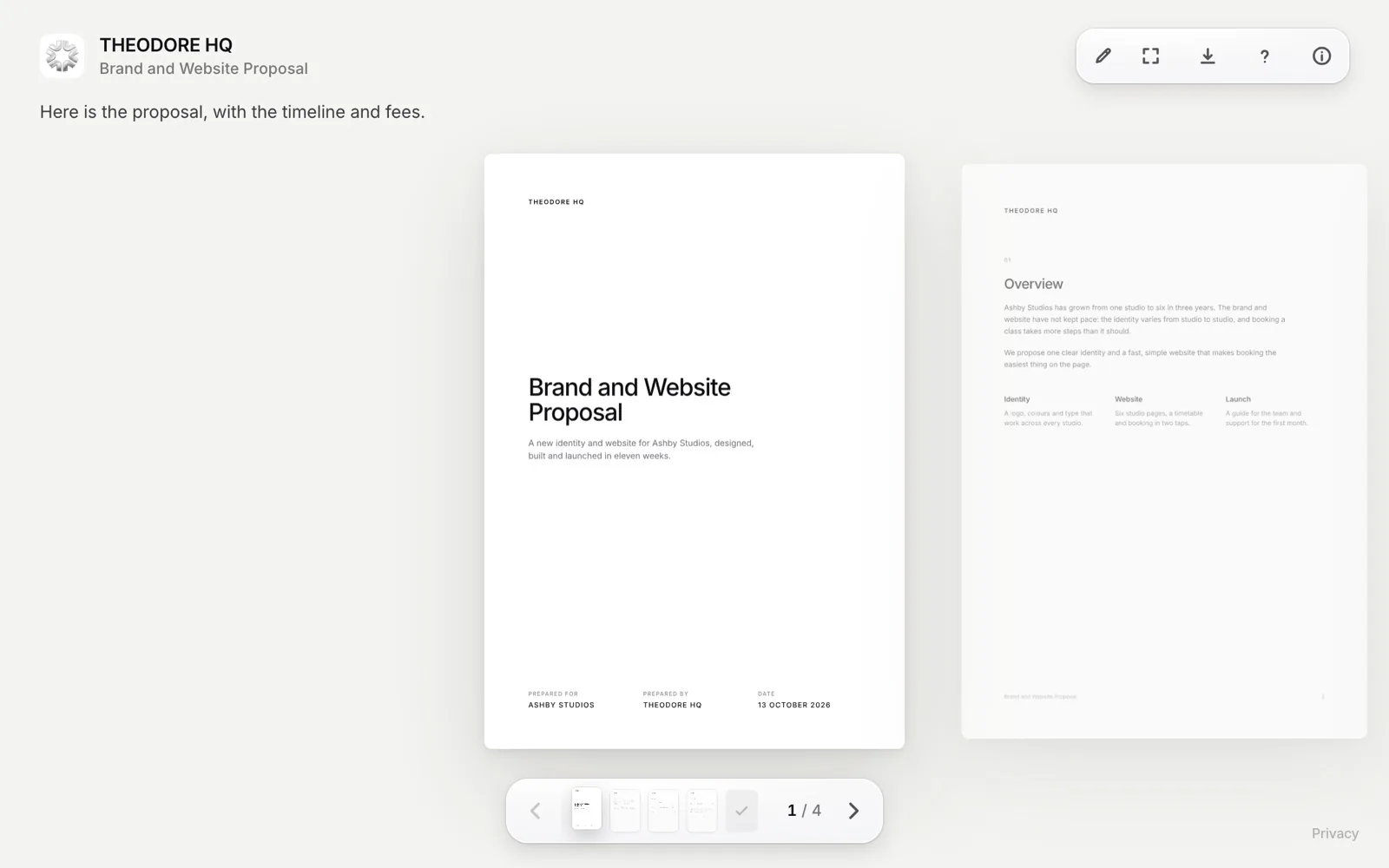
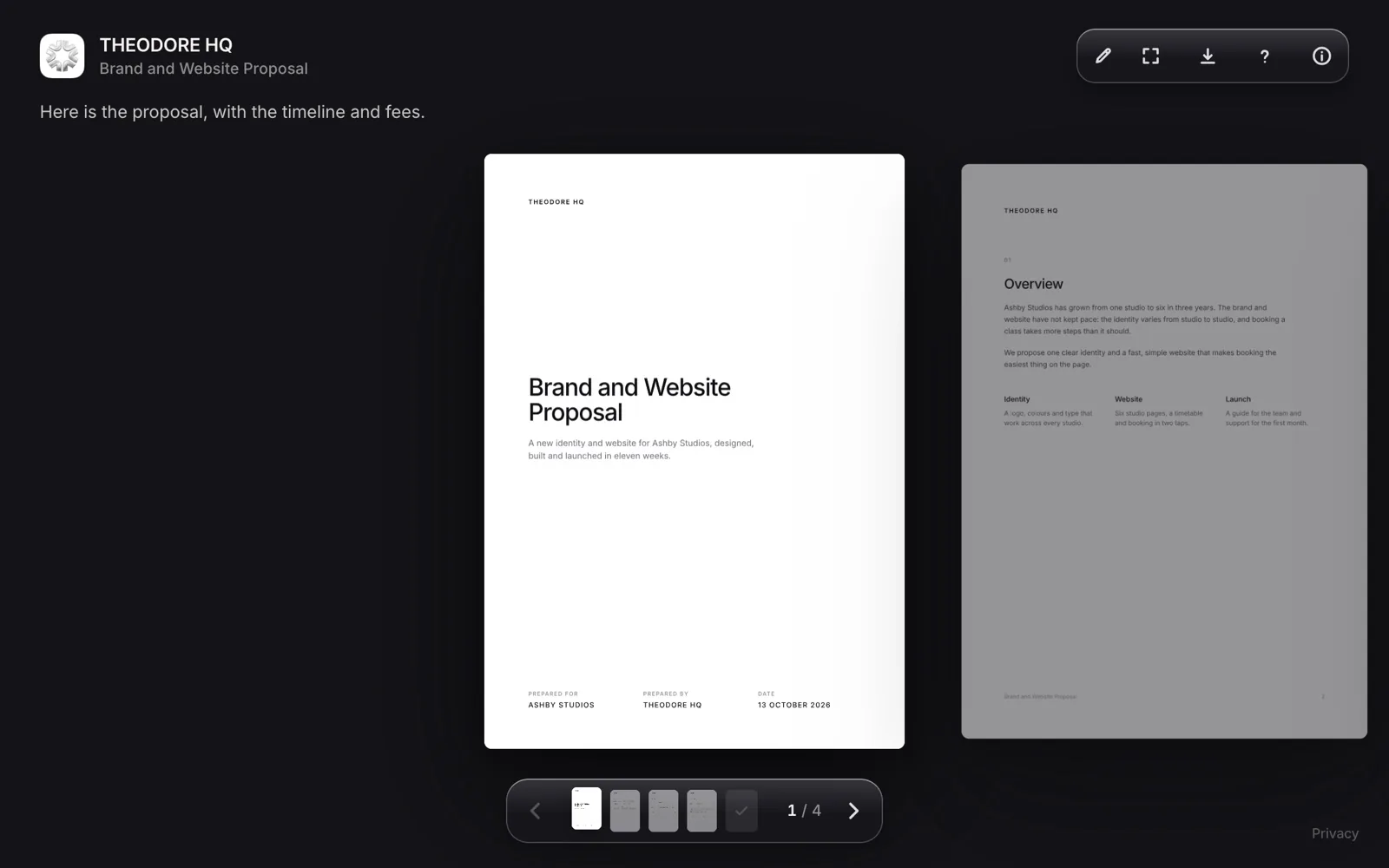
Loop reader page for a shared proposal, branded with the sender's logo, name and colours
Loop. Your logo, colours and domain, with notes and signing on the page.
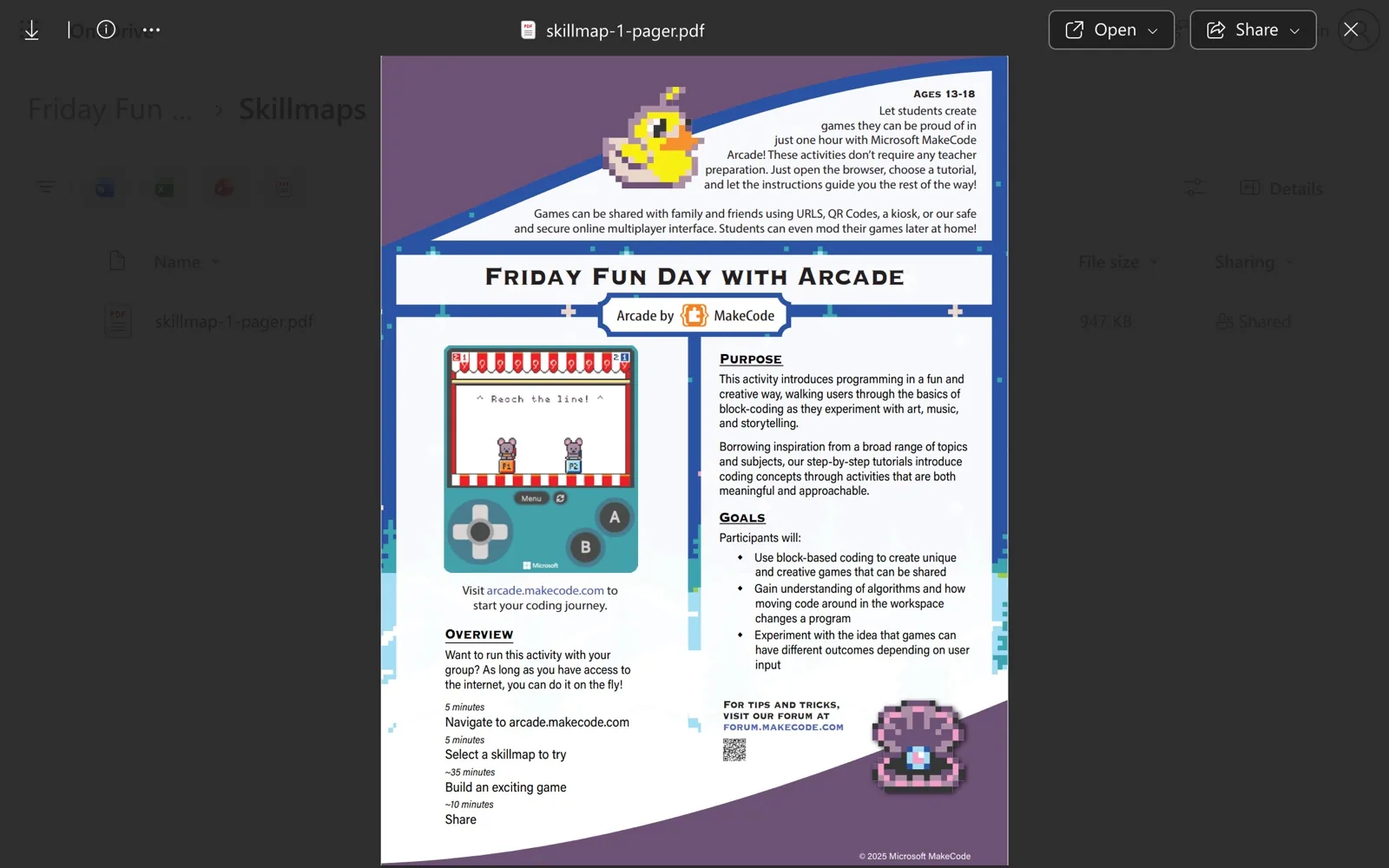
OneDrive shared file preview of a PDF
OneDrive. A shared link, with a password or expiry date if you set one.
Try Loop free for 14 days.Then $49 once. Yours forever.
Download for Mac
Differences

The parts that decide it.

Loop Leads

Price

Loop costs $49 once. Microsoft 365 Business Basic, the cheapest paid business plan, costs $84 a year. That is $7 a user a month paid yearly, so three years comes to $252. It also brings 1 TB, email, Teams and web Office apps. Microsoft's personal plan, $19.99 a year for 100 GB, is cheaper for two years.

For five people, Loop Team is $199 once and Business Basic is $420 a year. Loop's only running cost is Cloudflare storage, free up to 10 GB a month.

Loop Leads

Tracking

Loop shows who read your file and how far. OneDrive shows who viewed it and how many times. OneDrive's file card lists the names of people who viewed a file, with view counts, and Microsoft says you cannot track who accessed a file shared with an Anyone link. Loop adds time on every page, video watch time, readers grouped by company and which version they read, with notifications within about 30 seconds while Loop runs.

Even

Link Settings

Both put a password or an expiry date on a link. OneDrive adds both on Microsoft 365 plans, and can block downloads on work accounts when editing is off. Loop adds required email, a watermark on PDF pages once the reader's email is known, allow and block lists, download control, and links that expire after 1 to 90 days or never.

OneDrive Leads

Microsoft 365

If your team lives in Microsoft 365, OneDrive is the natural home for the files. It comes with the plan, alongside Word, Excel and PowerPoint on the web, and people can edit the same file together. Business Basic gives each user 1 TB with version history, and syncs between PC, Mac and the cloud. Loop has no editor, no Windows app for the sender and no storage beyond your own Cloudflare account.

Cost

Pay once. Or every year.

Loop$49
OneDrive$252

For one person. Loop is $49 once. Microsoft 365 Business Basic is $7 a month paid yearly.

FAQ

Questions.

Yes, for sharing files by link. Both take a password and an expiry date. Loop is a Mac app you pay for once, with your own domain, tracking and signing, and your files in your own Cloudflare account. It does not edit files or replace Microsoft 365.

Microsoft 365 Business Basic is $7 a user a month, paid yearly, which is $84 a year. Business Standard with Copilot is $23.50. Personal plans start at $19.99 a year for 100 GB, and Microsoft 365 Personal is $99.99 a year with 1 TB. Prices checked 13 October 2026.

Not on the plans Microsoft lists. They start at $19.99 a year, and Business Basic has a one-month free trial. Loop has no free plan either: it has a 14-day free trial with everything included, then costs $49 once.

In part. OneDrive's file card shows the names of people who viewed a file, with view counts. Microsoft says you cannot track who accessed a file shared with an Anyone link. Loop shows each open, time on every page and which version they read, for readers with no account.

Yes. Microsoft's plan details list sync between PC, Mac and the cloud on Business Basic. Loop is a Mac app that needs macOS 14 or later, and its links open in any browser, on any device, with no account.

Microsoft's plan pages and sharing help list no custom logo, colours or domain for shared links. Loop links carry your logo, colours, typeface and your own domain, and show your card in Slack and iMessage.

Try Loop free for 14 days.

Pay once. Yours forever.