Search "mood board app mac" and most of what comes back is funded, collaboration-first software built for design teams and client presentations. That is a real category, and it deserves a look rather than a dismissal, but it is not the only answer to the question. Seven tools are worth taking seriously on a Mac in 2026, and they split cleanly on one thing: whether the board needs to leave your own machine.
None of the six is the right pick for everyone, including the one we build. This is a straight look at what each one does, what it costs, and who should choose which.
Side by Side
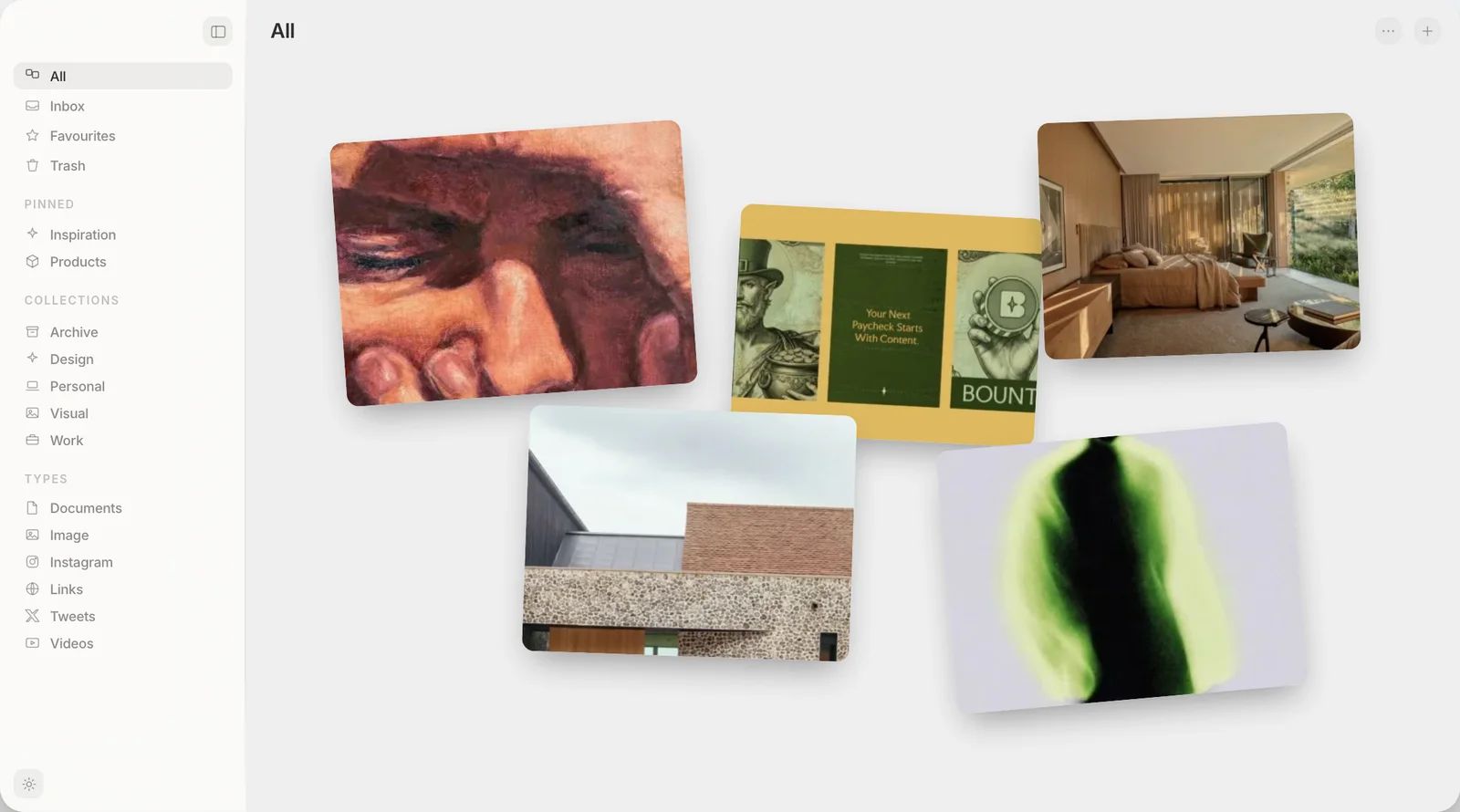
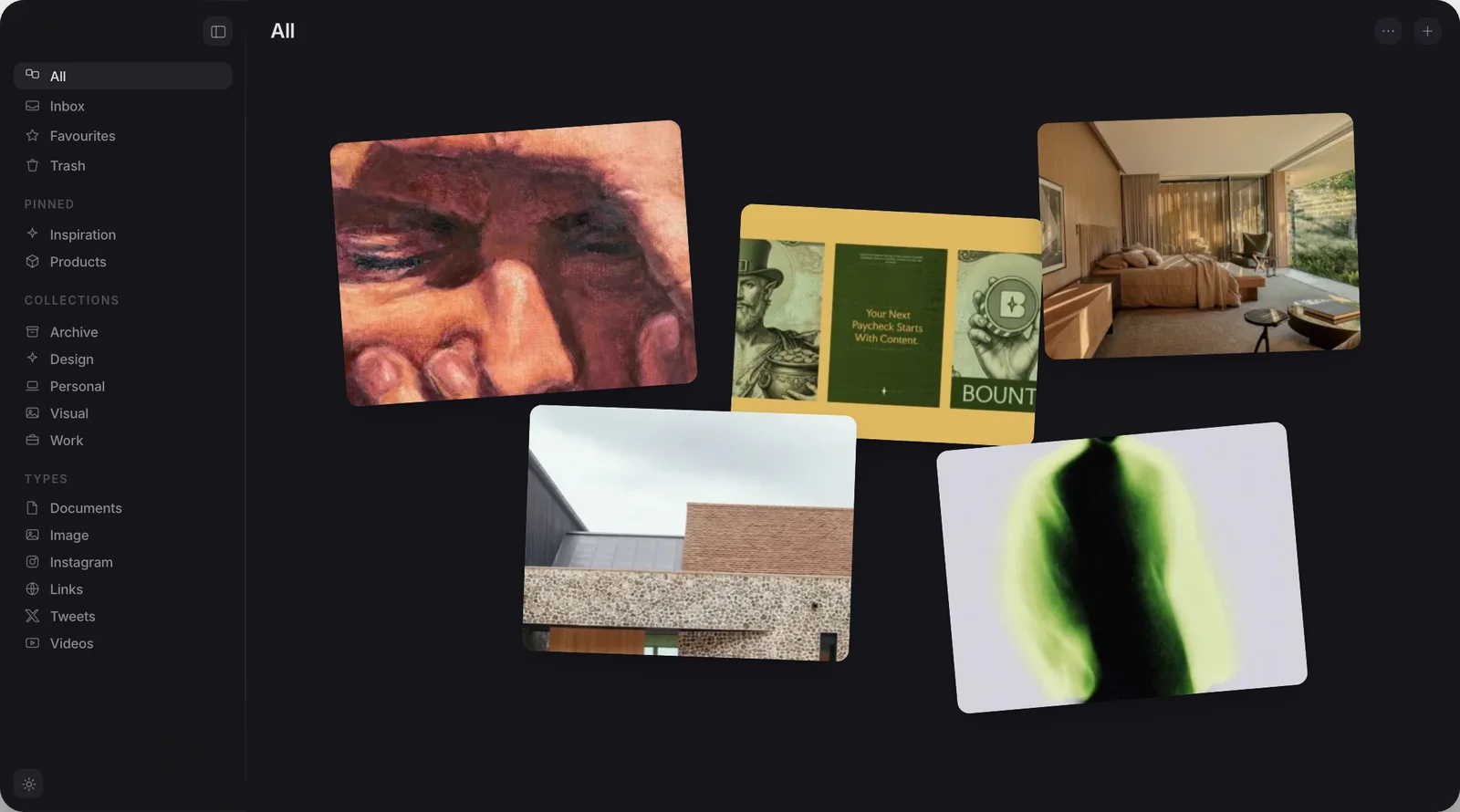
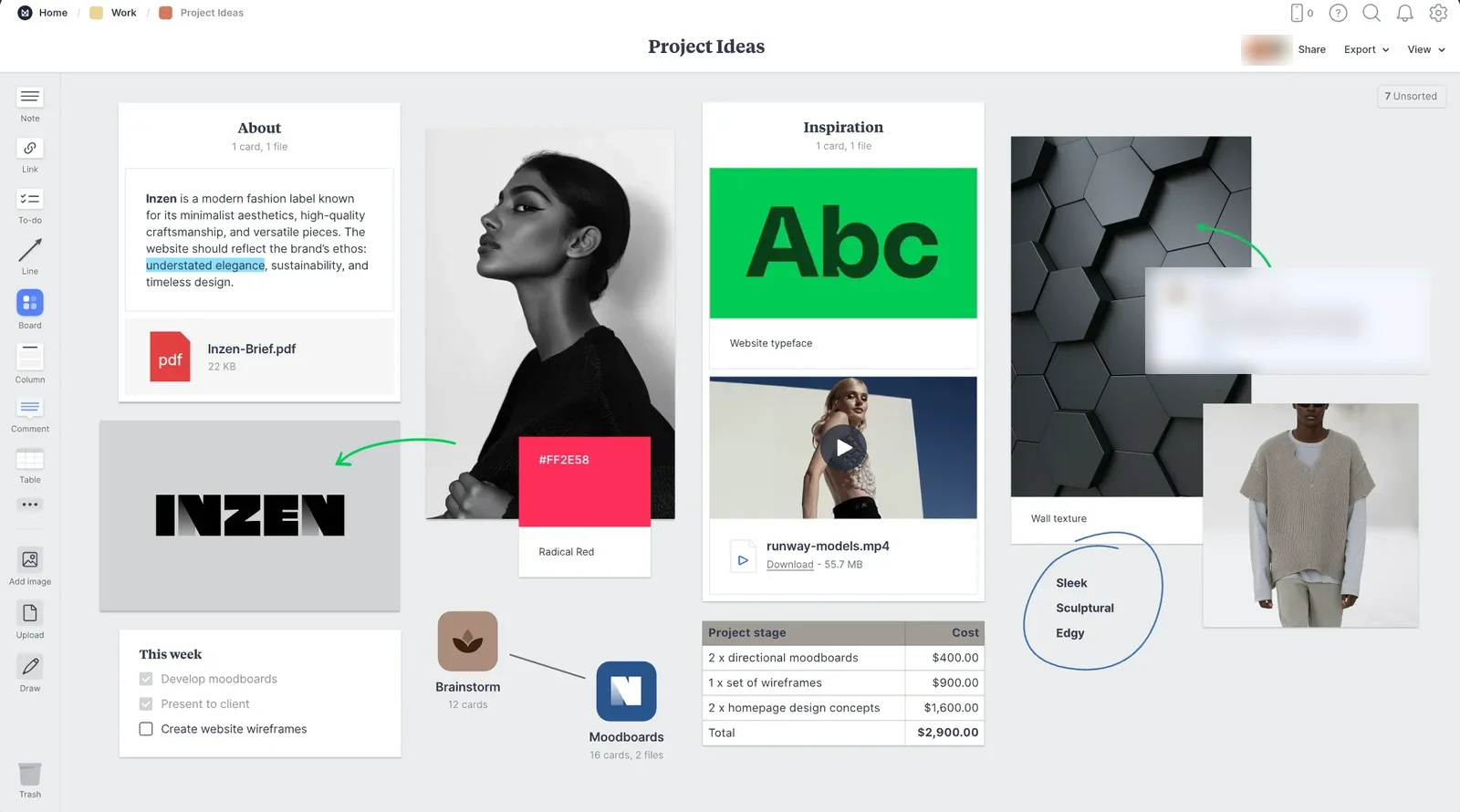
Both screens show pictures laid out freely on one surface.
What are the real options for a Mac mood board in 2026?
Freeform is Apple's own canvas app, built into every Mac since macOS Ventura and every iPhone and iPad since iOS 16.2. It costs nothing, needs no account beyond the one already on your device, and works with no internet connection at all.
Milanote is the funded default: a cloud-hosted board built around showing work to a client or a team in real time, priced at $119.88 a year for an individual plan, checked on Milanote's own plans page.
One figure decides this for a lot of people. Milanote's plans page, checked in August 2026, caps its free tier at “100 notes, images or links” and “10 file uploads”, and the paid individual plan is $9.99 a month billed annually. A mood board of any size runs into that quickly.
Miro and FigJam are the two whiteboards most design and product teams already have a seat on. Both do the same job as Milanote at a larger scale: many people editing the same board at the same time, over a connection that has to stay up.
PureRef is not really a mood board tool in Milanote's sense. It is a single window that stays on top of everything else on your screen while you draw, holding whatever reference images you are working from right now. Its personal licence is pay-what-you-want.
Kosmik used to be on this list. It shut down on 31 May 2026, and existing users can still download it to export their workspace, so if you are moving off it, any of the apps here is a place to go.
Muse is the one we build, and it is a library rather than a mood board tool, which is worth saying before it turns up again below.
Do you need to share the board with anyone?
This is the one question that sorts the field. If a board needs to go in front of a client, a teammate, or anyone who is not you, the answer is short: choose Milanote or Miro. Both are built specifically for that, with a link you can hand to someone else and comments that update as they look. FigJam does the same job inside Figma's own ecosystem, which matters if your team already works there.
If the board is private, that whole category is solving a problem you do not have, and paying for it is a mismatch rather than a bargain. Freeform is the answer here. It is free, it is probably already on your Mac, and it covers drawing, sticky notes, images, PDFs and text on one infinite canvas with no subscription attached. Apple's own Freeform user guide covers the full feature set, and there is little reason to look past it before trying something paid.
Nothing free or offline on this page replaces real-time sharing. Trying to make Freeform, PureRef or Muse do that job wastes more time than the subscription would have cost.
How do the six compare?
Side by side, on facts rather than marketing:
| Muse | Freeform | Milanote | Miro / FigJam | PureRef | |
|---|---|---|---|---|---|
| Price | $29, once | Free | $119.88 a year | Team plans, priced per seat | Pay what you want |
| Native Mac app | Yes | Yes, built in | Yes | Yes, both platforms | Yes, cross-platform build |
| Share a board with a client or team | No | iCloud only | Yes | Yes | No |
| Works with no internet connection | Yes | Yes | No | No | Yes |
| Canvas: text, sticky notes, drawing | Arrange-only | Yes | Yes | Yes | No |
| Searches text or colour inside images | Yes | No | No | No | No |
| MCP and API | Both included | Neither | Neither, both still requests | Both, via their cloud | Neither official |
No column wins every row. Milanote, Miro and FigJam are built for one thing Muse and Freeform are not: getting someone else to look at the board. Freeform beats everything on price. What only Muse does is search inside what a board is made of, rather than just holding it.
Where does Muse fit?
Muse is a private library, not a mood board tool, and it is worth being precise about that before it looks like it is competing here. It collects images, screenshots, video, links, PDFs and notes into collections on your own Mac and finds any of them again by the words inside an image, by colour, or with the optional Pro AI pack, by meaning. It does have a canvas, but that canvas is arrange-only: drag in items already saved to the library, lay them out freely, and export the result as a PDF. There are no sticky notes, no drawing tools and no text boxes on the canvas itself, and there is no way to share a board with anyone else.
So Muse is not the answer to which mood board app to pick. It is the library the board gets built from. What it is good at is the job that happens before a board gets built: collecting hundreds of screenshots, reference images and saved links over months, and being able to find the right dozen of them again when it is time to lay a board out somewhere else, in Freeform, in Milanote, or on a PureRef wall. For the fuller version of that habit, see how to organise design inspiration. Muse runs on an Apple Silicon Mac with macOS 14 Sonoma or later, offline, for a single $29 payment with no subscription.
Which one should you use?
If a board needs to be shown to someone else, stop here and pick Milanote or Miro, or FigJam if your team already lives in Figma. Nothing else on this page replaces real-time sharing, and trying to make it do that job wastes time you could have spent on the actual work.
If the board is private and you want it free, Freeform is the right first stop, and for most solo use it is also the last one you will need. PureRef earns its place only for the narrower job of holding reference images while you draw.
Muse answers a different question: not "where do I build a board" but "where does everything that might end up on one live in the meantime". If that is the pile you are trying to solve, a 14-day trial with everything unlocked and no card required is enough time to find out. Whichever board you build on, Muse is where the material lives in between. Two more local-first boards are covered in GatherOS alternatives.
Frequently asked
What is the best mood board app for Mac in 2026?
Is there a free mood board app for Mac?
How much does Milanote cost?
Is Muse a mood board app?
If I need to share a board with a client, what should I use?
One library, any board you build afterwards
Free for 14 days. Then $29 once, and it is yours.