It is worth saying plainly, before any feature list: these are not really competing for the same job. Milanote is a canvas for putting an idea in front of other people. Muse is a library for keeping things for yourself. Someone choosing between them by feature count will end up disappointed either way, because the two apps are answering different questions.
That said, real people do search for a Milanote alternative, and the reasons are specific enough to be worth taking seriously rather than waved past.
Side by Side
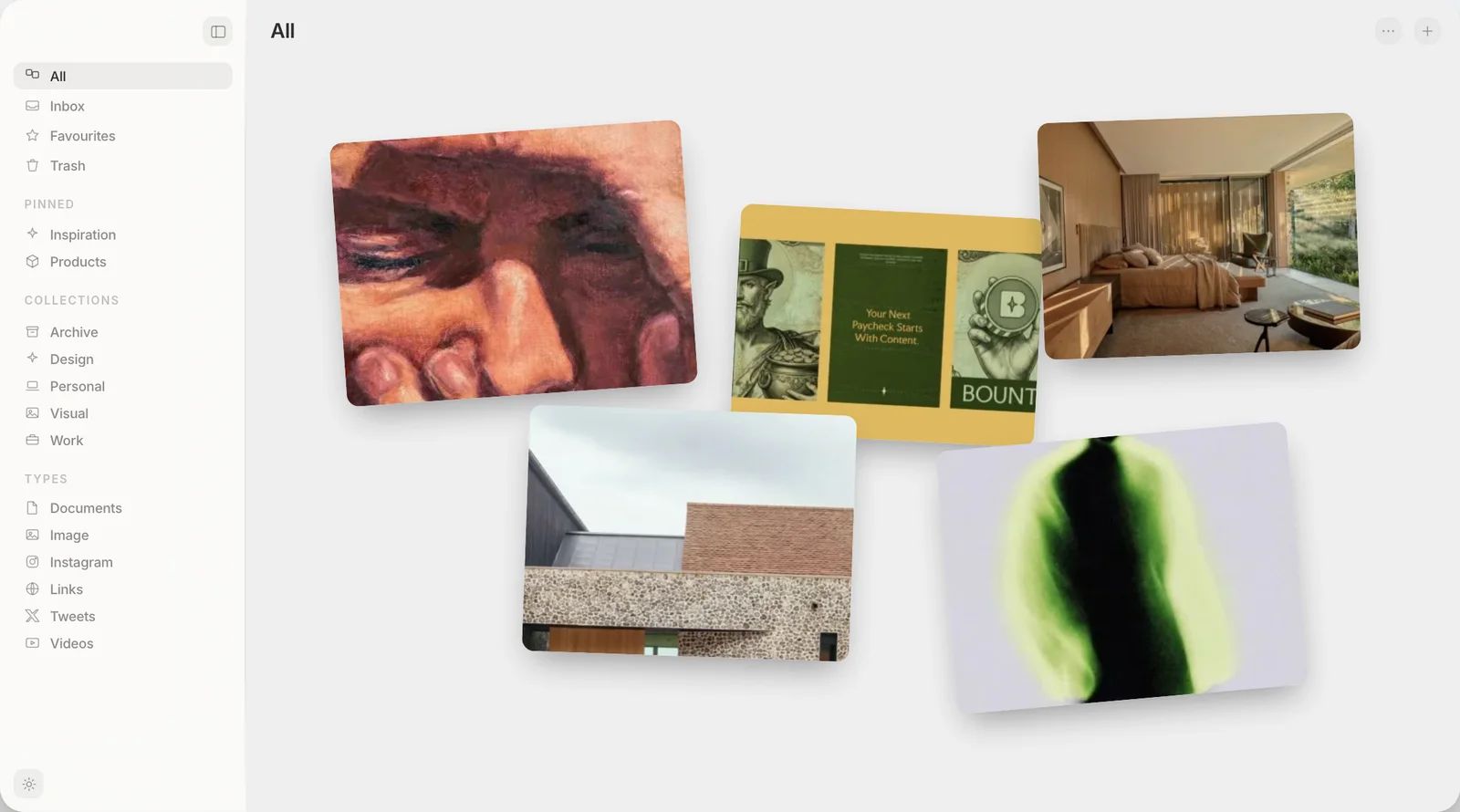
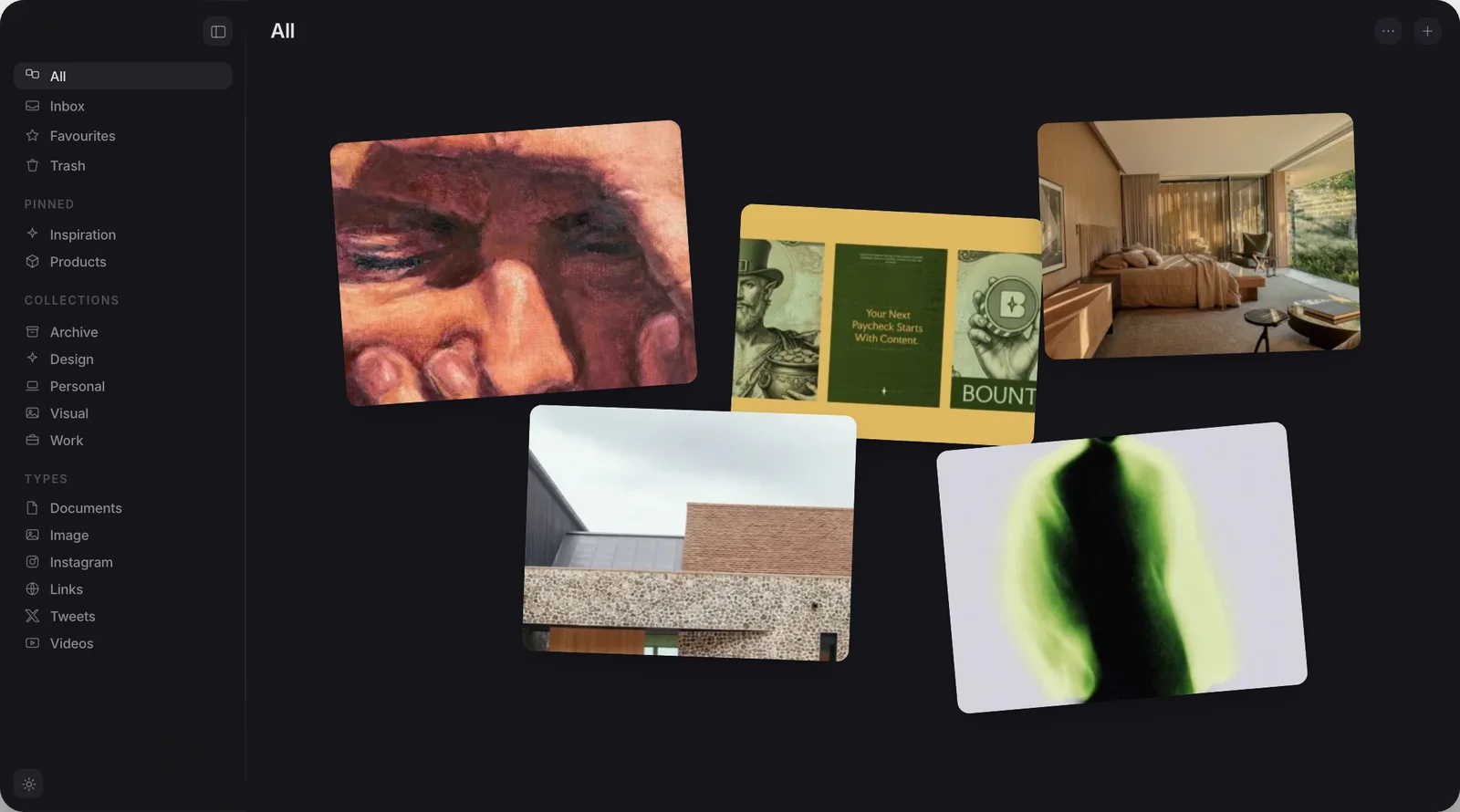
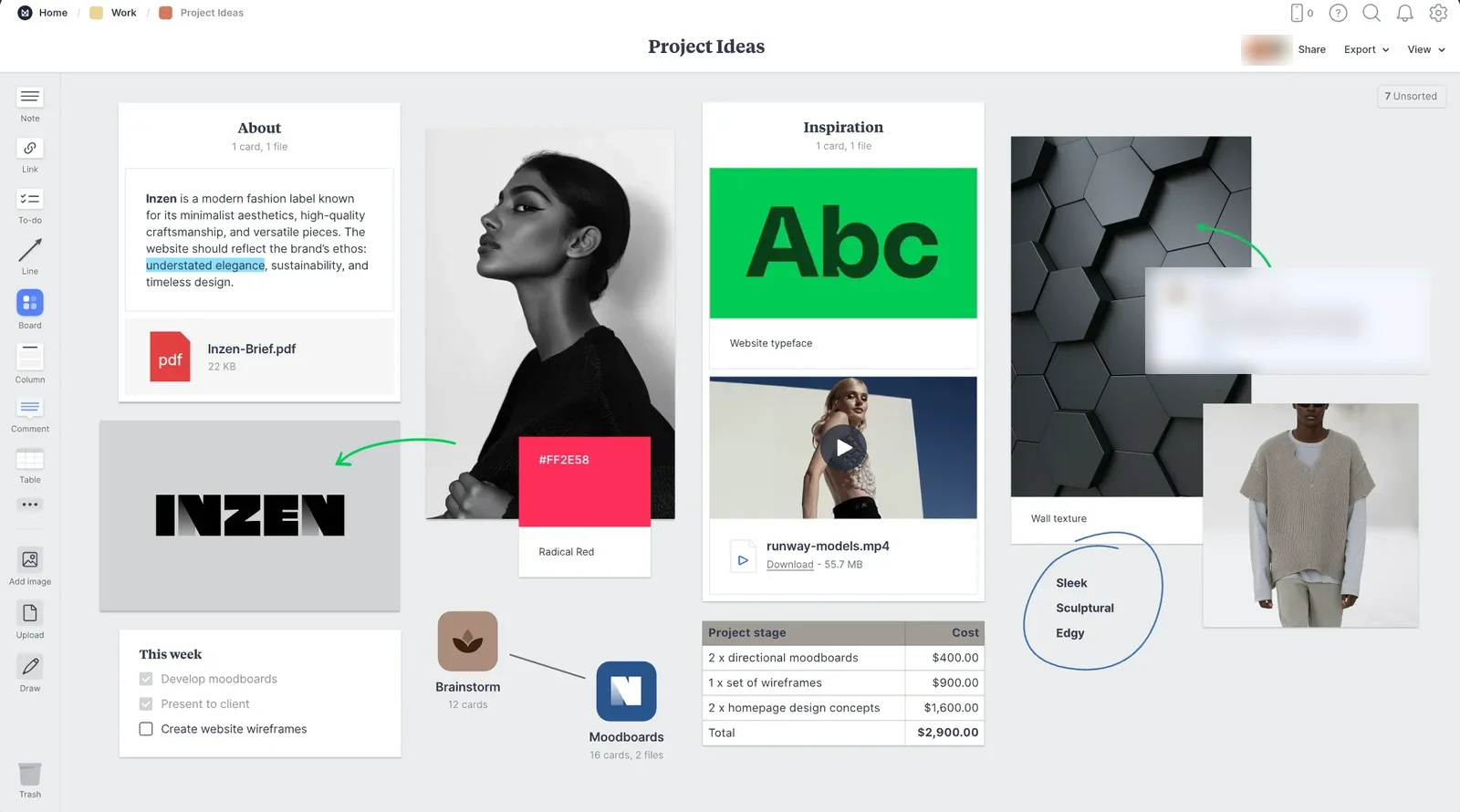
Both screens show pictures laid out on one surface.
What is Milanote for?
Milanote is an infinite canvas for moodboards, project plans and creative briefs, built around dragging notes, images, links and to-do lists onto a shared board and arranging them visually. Its own plans page is explicit that sharing is core to the product, not an add-on: even the free plan includes unlimited shared boards, alongside a cap of 100 notes, images or links and 10 file uploads. That is the right shape for a freelancer sending a client a moodboard, or a small team planning a campaign together on one board with comments attached.
None of that is a small thing to build well. Real-time collaboration on a visual canvas is hard to get right, and Milanote has been doing it for years.
Where does Muse do something different?
Muse has no sharing at all. There is no invite link, no comment thread, no board another person can open. It is a single-user library that lives on one Mac, built to collect and find things rather than to present them to anyone else. Images, screenshots, video, web links, PDFs and notes all sit in the same collections, filed together and searched together.
The other difference is what search does once things are in there. Muse reads the words inside your images, so a screenshot is findable by typing part of what it says, and it reads the colours in an image too. With the optional Pro AI pack, it can also match on meaning rather than exact words. Milanote's search works over what you have typed and named; it is not built to search inside a picture.
Search, colour matching and tagging all run on-device with no upload. Two features are the exception: Muse Vision, an opt-in visual search of the web, and the optional Claude features, which use an Anthropic API key you supply yourself. Both are off by default.
Why do people look for a Milanote alternative?
Two reasons come up repeatedly, and neither is a feature complaint. On r/graphic_design, one designer summed up a common view plainly: "Milanote is nice but the billing is very expensive." Another in the same thread said much the same thing about the pricing being too much for what they used it for. Milanote's individual plan is $9.99 a month billed annually, which works out to $119.88 a year for one person, and the free plan is capped at 100 notes, images or links.
The second reason is different: a thread on r/WritingHub asked for an alternative that does not depend on the cloud at all. Milanote's real-time collaboration is the whole point of the product, and that means your boards live on Milanote's servers and need a connection to open and sync. For someone who never intends to share a board with anyone, paying for and depending on that infrastructure is a mismatch, not a bargain.
Is there an offline, private alternative to Milanote?
If the job is presenting a board to a client, no,. Muse cannot replace that, because it has nothing to share and nothing to comment on. Giving up Milanote's collaboration to save money is only a good trade if you never needed the collaboration.
If the job was never sharing, and Milanote was really being used as a private moodboard, Muse is a closer fit, and it runs entirely offline with no account. It is worth being precise about what Muse's own canvas can do here, because it is not a drop-in replacement for Milanote's authoring tools. Muse's board is arrange-only: you drag in items you have already saved to the library and lay them out freely, then export the board as a vector PDF. There are no sticky notes, no text boxes and no drawing tools on the canvas itself, by design. Milanote is built for composing an idea from scratch on the canvas; Muse is built for arranging things you already collected elsewhere in the app. That gather-first, arrange-second order is worth understanding on its own terms; our guide to planning a project visually walks through how it plays out end to end.
Price and access, compared
| Muse | Milanote | |
|---|---|---|
| Price | $29, once | $119.88 a year, individual plan |
| Free tier | No, 14-day trial only | Yes, 100 items, 10 file uploads |
| Share a board with a client or team | No | Yes, unlimited shared boards |
| Real-time collaboration and comments | No | Yes |
| Works fully offline | Yes | No, needs a connection to sync |
| Searches text and colour inside images | Yes, built in | No |
| Canvas authoring: text, sticky notes, drawing | No, arrange-only | Yes |
| MCP and API | Both included | Neither, both still requests |
Neither column is empty. Milanote wins on sharing, collaboration and canvas authoring, which is what it was built for. Muse wins on price, offline access and searching inside images.
Which one should you use?
If any part of your work involves putting a board in front of a client, a teammate or a collaborator, use Milanote. Its free plan alone will tell you within a week whether it fits, and the collaboration is not something a private library can fake.
If you were paying for Milanote and never sharing anything, or if what piles up for you is screenshots and reference images that only you ever look at again, that is the case for Muse. You get a private library on your own Mac, search that reaches inside your images, and a single payment instead of an annual one. Muse gives you 14 days to try the whole app with nothing locked and no card required, and Export My Library writes every collection out as ordinary folders whenever you decide.
Frequently asked
Is Muse a replacement for Milanote?
Does Muse work offline, unlike Milanote?
Can I share a Muse board the way I can in Milanote?
How much does Milanote cost?
Why do people look for a Milanote alternative?
Does Muse work with Claude and other AI apps?
Everything you save, kept private
Free for 14 days. Then $29 once, and it is yours.