Milanote works. That is not really the complaint. Read the actual threads and the complaint is one of two things: the yearly cost stops feeling worth it once a board is not being shared with anyone, or the whole idea of a board that lives on someone else's server and needs a connection to open starts to grate. Neither is a feature request. Both point at the same fix: a canvas or a library that runs locally and either costs nothing or costs once. Muse is a $29 one-time Mac app in that second category: a private library with a freeform canvas, kept as real files on your Mac and working with no connection at all. It has no sharing and no collaboration, which is precisely what Milanote is for.
This is a straight look at what replaces Milanote for each of those two reasons, free options first, because most people asking this question should try those before spending anything.
Side by Side
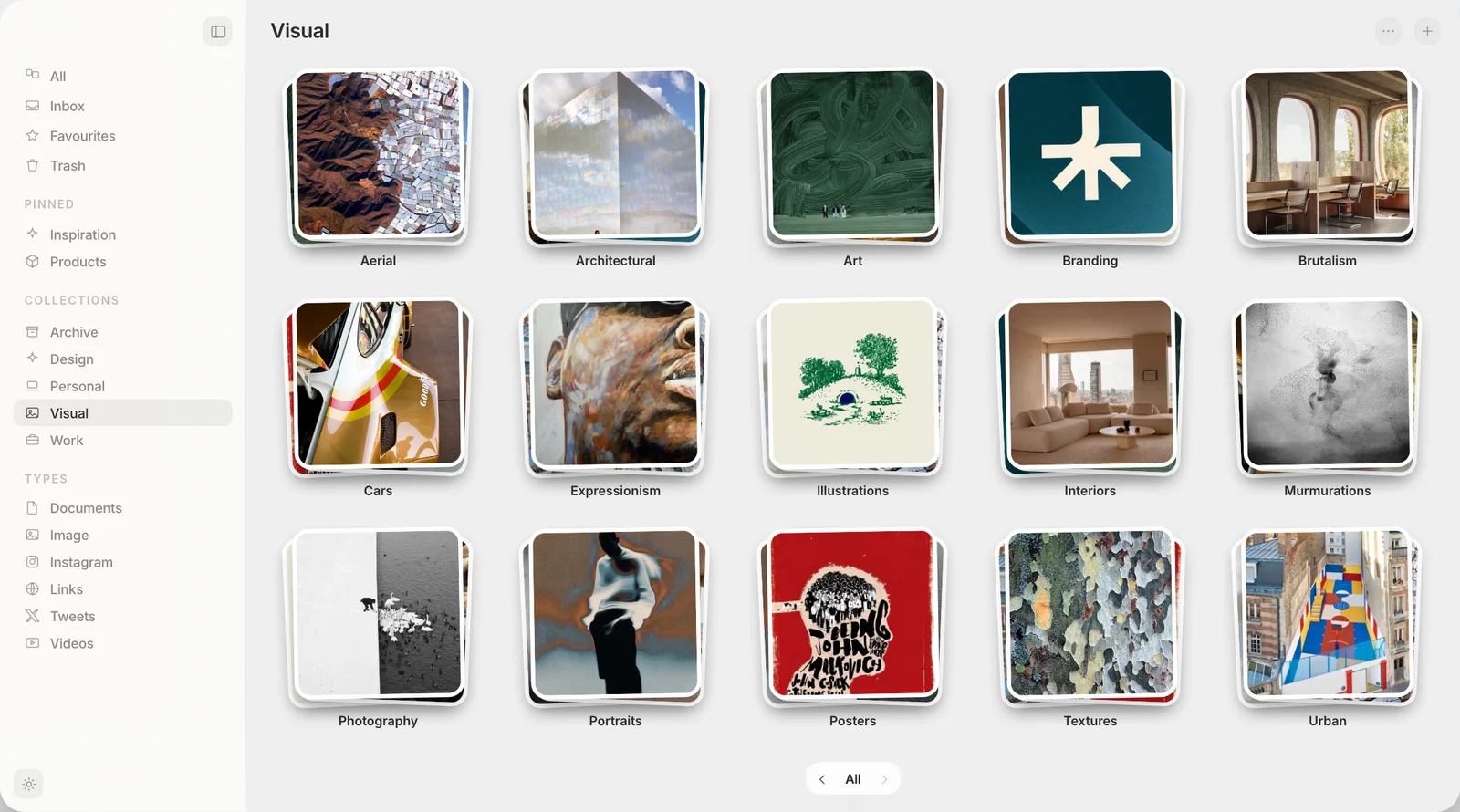
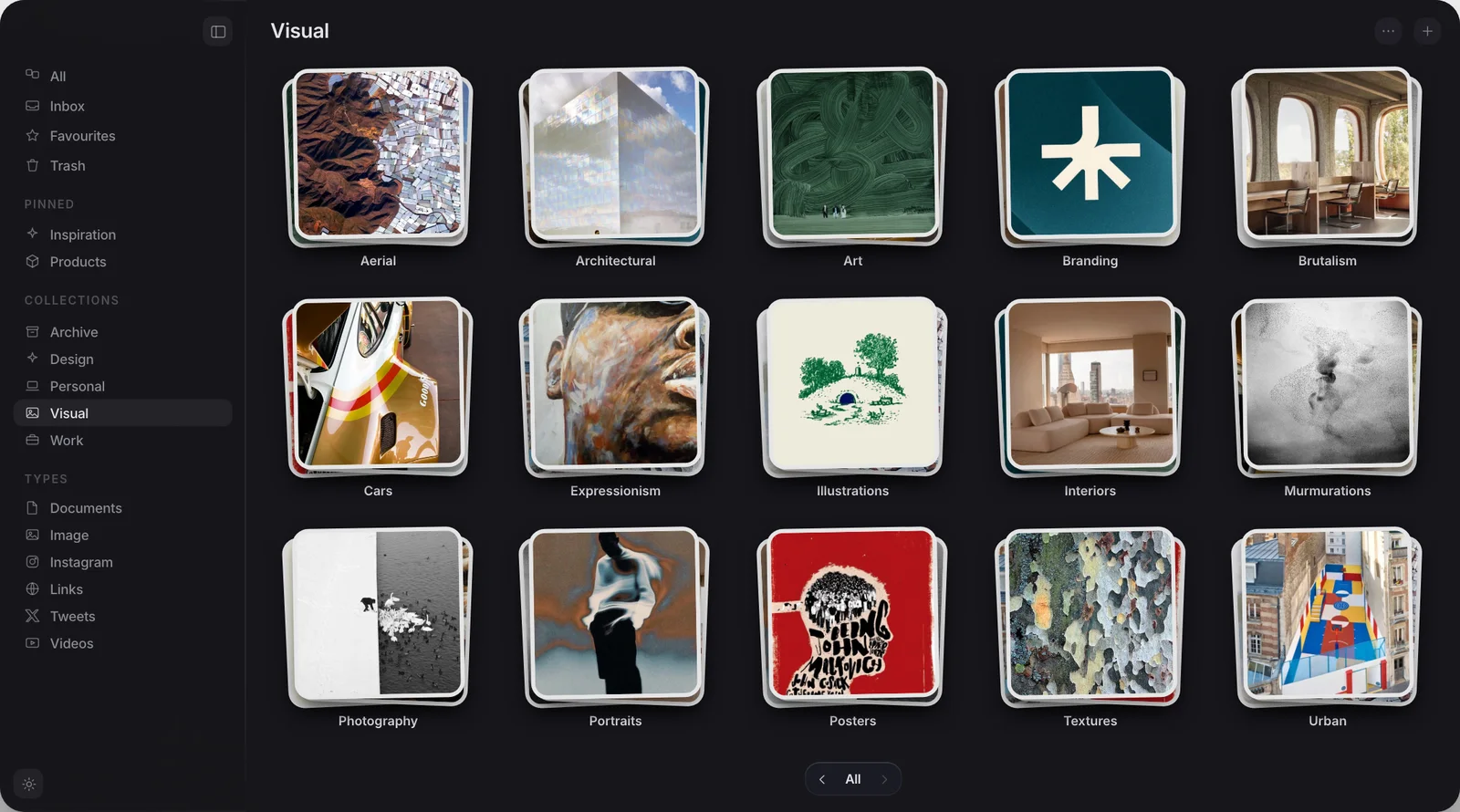
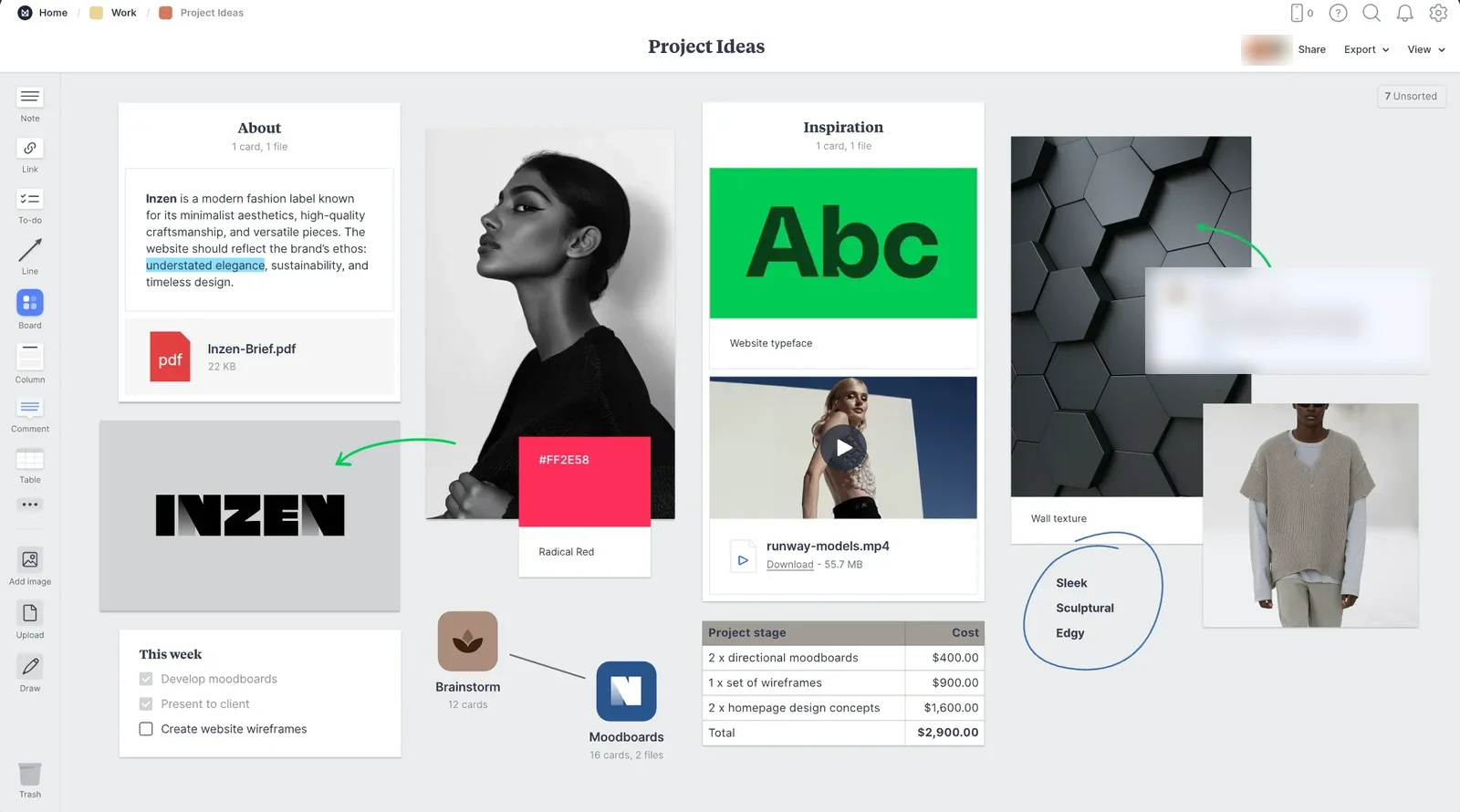
One Milanote project board beside a Muse collection showing its boards.
Why do people look for a Milanote alternative?
Two reasons come up again and again, and neither is really about missing features. On r/graphic_design, one designer put it plainly: "Milanote is nice but the billing is very expensive." Another in the same thread said much the same about the pricing being too much for what they used it for. Milanote's individual plan is $9.99 a month billed annually, which comes to $119.88 a year, and the free plan caps out at 100 notes, images or links plus 10 file uploads, checked on Milanote's own plans page.
The numbers are worth knowing before you start. Milanote's own plans page, checked in August 2026, caps the free tier at “100 notes, images or links” and “10 file uploads”, with the paid individual plan at $9.99 a month billed annually. A single research board can pass 100 items in an afternoon.
The second reason is different. A thread on r/WritingHub asked, specifically, for a Milanote alternative that does not depend on the cloud at all. Milanote's real-time collaboration is the actual product, which means every board lives on Milanote's servers and needs a connection to open and sync. If you were never sharing anything, paying for that infrastructure and depending on it is a mismatch, not a bargain.
The free canvas already on your Mac
Before spending anything, it is worth knowing Apple already ships a real canvas app with every Mac and iPhone since 2022. Freeform is free, needs no account beyond the one already on your Mac, and works with no internet connection at all. Drag in images, PDFs, sketches and sticky notes, draw with Apple Pencil on iPad, and the board syncs across your own devices through iCloud if you want that, or stays put if you turn sync off.
It will not do what Milanote does for a client-facing team: there is no shared link a stranger can open, and it was not built for presenting a brief. But as a private, offline moodboard, it is a capable app that costs nothing and is probably already installed. Apple's own Freeform user guide covers the full feature set, and there is no real reason to look further before trying it.
Obsidian Canvas and PureRef: two more free, offline options
If you already keep notes in Obsidian, its built-in Canvas is worth knowing about. It is a free, infinite whiteboard for arranging notes, images, PDFs and embedded files, and because Obsidian stores everything as plain files on disk, a canvas you build there works with no connection and has no server to depend on. Obsidian is free for personal use, and Canvas ships as one of its core tools rather than a paid add-on. Full details sit on Obsidian's own Canvas page.
For a narrower job, artists and illustrators reach for PureRef instead. It is not a moodboard tool in Milanote's sense: it is a single window that stays on top of everything else on your screen while you draw, holding the reference images for whatever you are working on right now. PureRef is pay-what-you-want for personal use on its own download page, runs on Windows, Mac and Linux, and needs no connection once the images are on your machine. It solves a narrower problem than Milanote does, but if reference-gathering while you draw is the actual job, it does that job better than a general moodboard app would.
Freeform, Obsidian Canvas and PureRef all cost nothing and all work offline. If any of the three covers what you do with a moodboard, there is no reason to pay for something else.
Where does Muse fit,?
Muse is the app we build. It is a private library with a freeform canvas, not a moodboard tool in the way Milanote or Freeform are. It collects images, screenshots, video, links, PDFs and notes into collections on your own Mac, and finds any of them again by the words inside an image or by what it looks like. It does have a canvas, but that canvas is arrange-only: drag in items you already saved to the library, lay them out freely, and export the result as a PDF. There are no sticky notes, no drawing tools and no text boxes on the canvas itself.
That makes Muse a genuine offline option. It needs no connection at all, and the AI it ships with runs on your own machine, and it is a single $29 payment rather than a subscription. But it is not a substitute for Freeform, Obsidian Canvas or Milanote if what you do is build a board from a blank canvas. It sits closer to the library those boards would draw from: the place your screenshots, references and saved links live before you arrange a handful of them somewhere else.
What if you need to collaborate?
None of the above solves this, and it is worth saying plainly rather than skating past it. If a board needs to go in front of a client, a teammate or anyone who is not you, stay with Milanote, or look at Miro or FigJam, which are built the same way: real-time, cloud-hosted, and dependent on a connection because that is what makes the collaboration work in the first place. Freeform can share a board over iCloud between people who already have Apple accounts, but it was not built for a client presentation, and Muse has no sharing at all. Trading collaboration away to save money or to work offline is only a good trade if you were never using the collaboration.
Which one should you use?
| Milanote | Freeform | Obsidian Canvas | PureRef | Muse | |
|---|---|---|---|---|---|
| Price | $119.88 a year | Free | Free, personal use | Pay what you want | $29, once |
| Works with no internet connection | No | Yes | Yes | Yes | Yes |
| Share a board with a client or team | Yes | iCloud only | No | No | No |
| Canvas: text, sticky notes, drawing | Yes | Yes | Notes and files | No | Arrange-only |
| Searches text or colour inside images | No | No | No | No | Yes |
| MCP and API | Neither, both still requests | Neither | Community plugins only | Neither official | Both included |
If your board is private and the cost is what pushed you to look, try Freeform first. It costs nothing, it is probably already on your Mac, and it covers most of what a solo moodboard needs. If you already live in Obsidian, its Canvas is the same idea inside a tool you already have open. If the job is specifically holding reference images while you draw, PureRef is built for exactly that and is close to free.
Muse is worth the $29 if what piles up for you is not a single board you keep rebuilding but years of screenshots, saved links and images you need to find again later, since none of the three free tools above search inside what you save. And if any part of the job is sharing a board with someone else, nothing on this page replaces that. Stay with Milanote, or move to Miro or FigJam, both built for exactly that job. Muse is the one built for years of saved images you need to find again. For the canvas-first end of the field, see Spatial alternatives for Mac.
Frequently asked
What is the best free alternative to Milanote?
Does any Milanote alternative work offline?
How much does Milanote cost?
Is Muse a good Milanote alternative?
What should I use instead of Milanote if I still need to collaborate?
Everything you save, kept offline
Free for 14 days. Then $29 once, and it is yours.