Inboard's own pitch, to organise your screenshots and photos like your own private, desktop-based version of Pinterest, is one of the earliest versions of the idea Muse is built around. It has been on the Mac App Store since March 2015, made by a small team trading as Regular SIA, and it is worth taking seriously rather than writing off, because its most recent update landed less than a year before this was published.
That update is the right place to start, because it changes the answer to the question anyone comparing the two is asking: is this still a live app, or a decision you would be making about something nobody is looking after anymore?
Side by Side
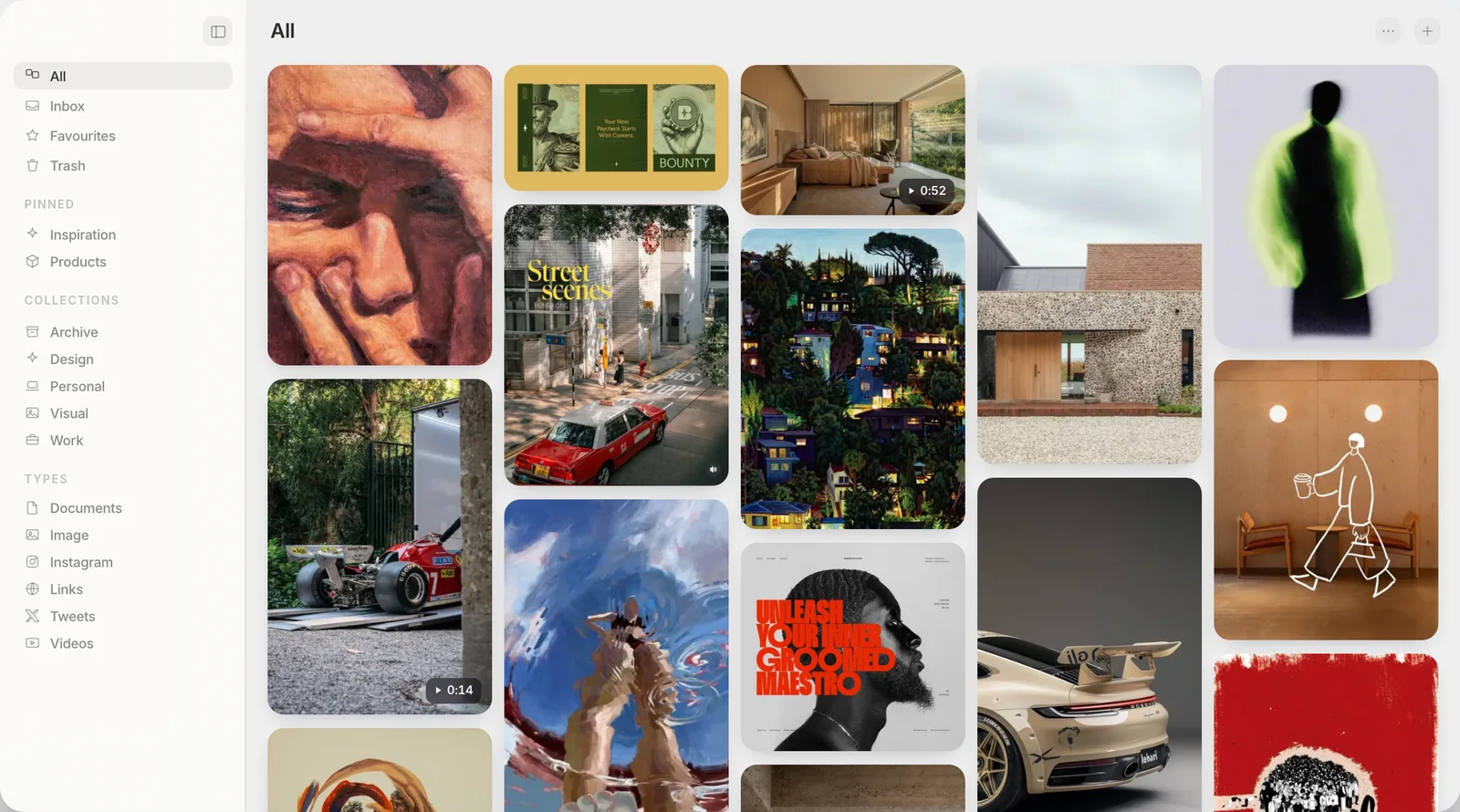
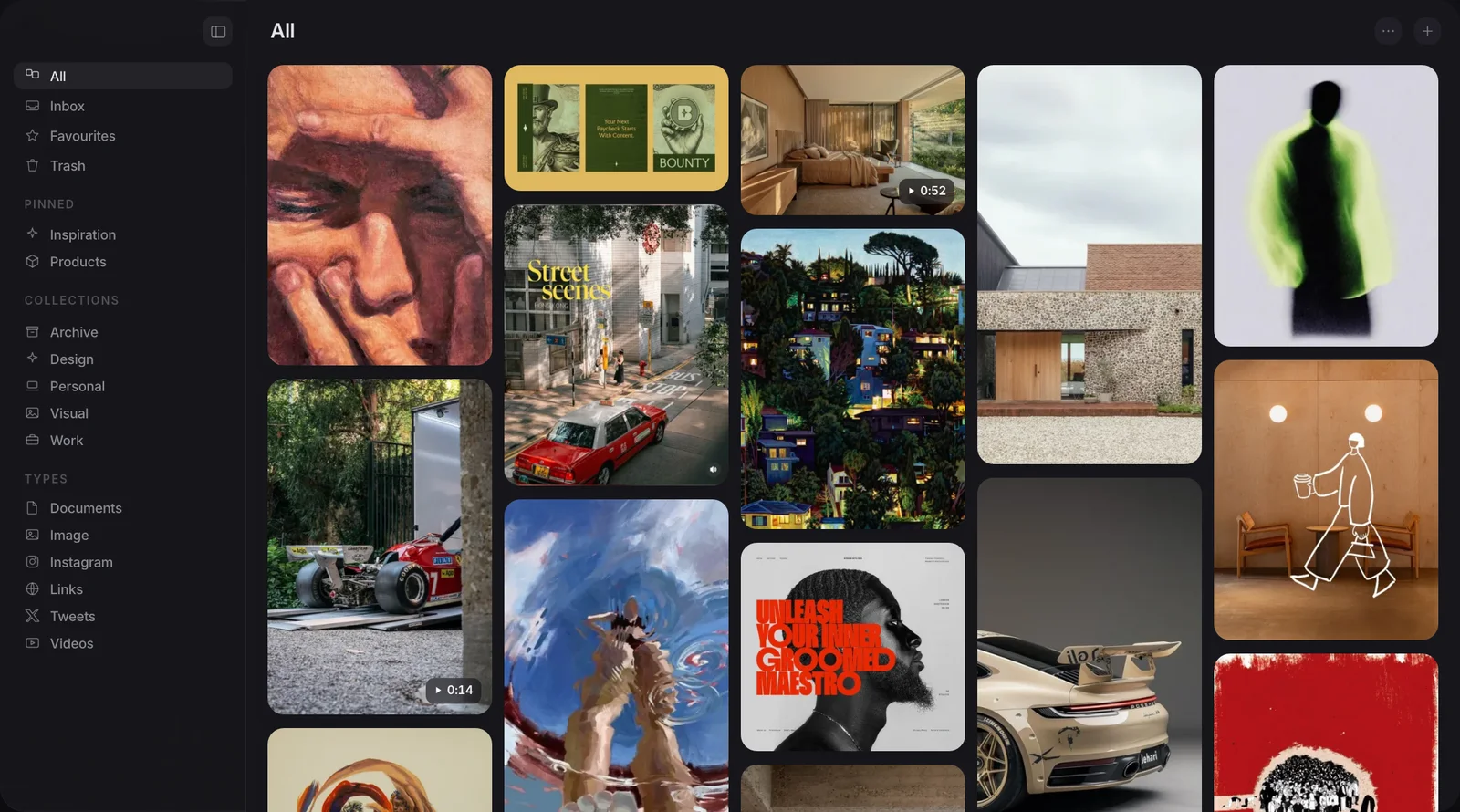
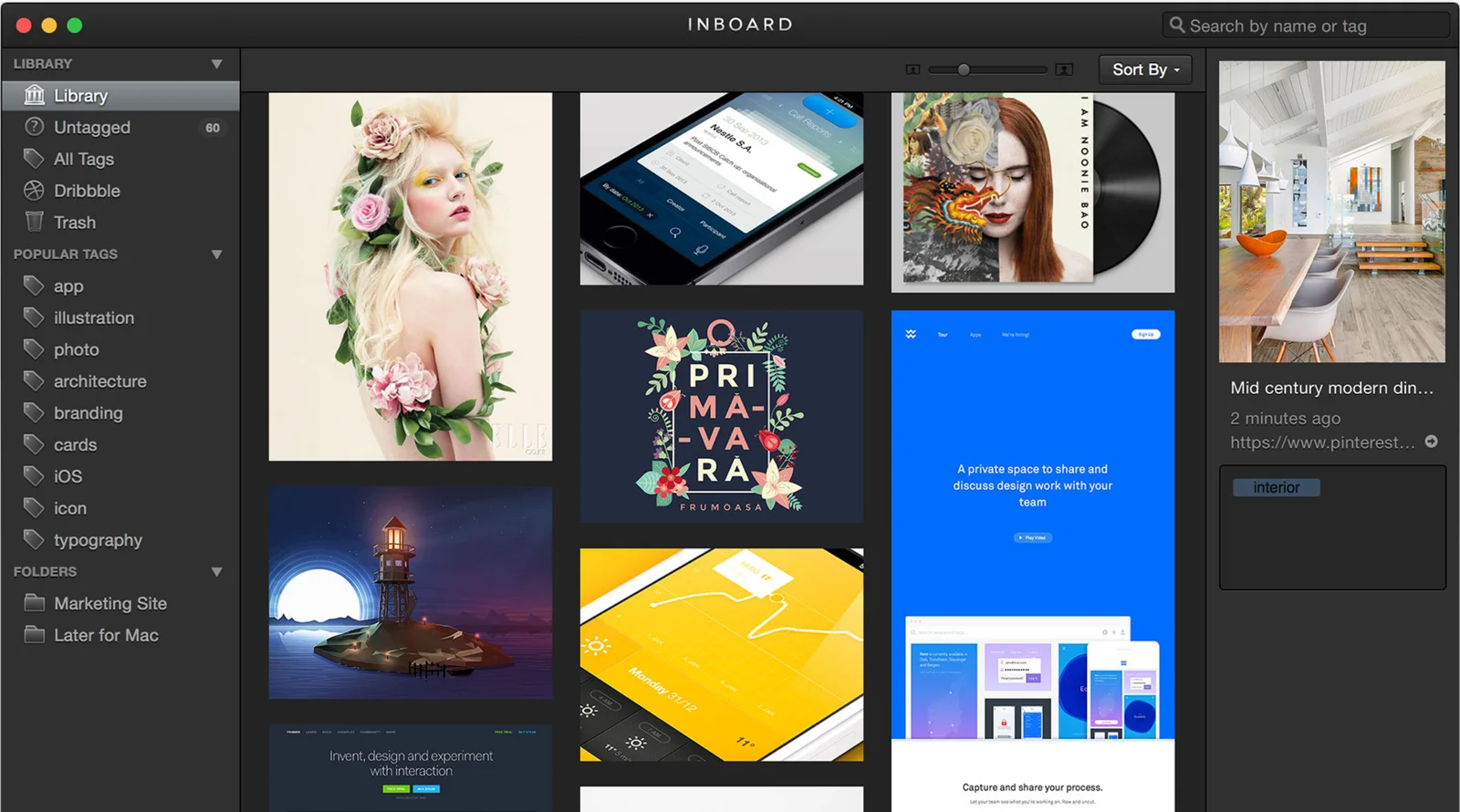
Both screens show a library of pictures with a sidebar on the left.
Is Inboard still maintained?
Yes, in the sense that matters most: someone is still fixing real bugs. Version 1.1.9, released 9 October 2025, lists three changes on its update notes: fixes for compatibility issues with macOS Tahoe and macOS Sequoia, improvements to image loading performance and stability, and an updated app icon. That is not a cosmetic bump. A crash on a new macOS release only gets fixed if someone is still opening the project.
What has not kept the same pace is everything around the app. Inboard's own marketing site carries a 2017 copyright and still promises that cloud sync is coming soon, a line that predates most of the reviews on its App Store page. Those reviews are thin: 18 written reviews on the US Mac App Store, spanning March 2015 to February 2024, averaging 2.72 out of 5, not enough for Apple to display a star rating at all. The most recent one, from February 2024, described the app crashing on open under Ventura, nearly two years before the Tahoe and Sequoia fix arrived.
Put those two facts next to each other and the read is not that Inboard has been left to rot. It is that Inboard is kept alive quietly and rarely, by what looks like one person keeping an older app compiling against newer macOS releases rather than actively growing it. That is a common state for a small paid app to settle into, and it does not make anyone still using it wrong to keep doing so.
Inboard's App Store listing, download and licence are all still live as of this writing. Nothing here is a reason to worry about losing access to a library you already have in it.
What Inboard does well
Inboard earns its Pinterest comparison. The masonry grid is the whole interface: drop images in and they arrange themselves into the same kind of scannable wall Pinterest popularised, without a feed, an algorithm or anyone else's account attached. A browser extension captures a full web page as a single image in one step, which is a specific feature. Muse has no built-in tool for grabbing a whole page as one picture. Inboard also imports shots directly from Dribbble, useful if that is where a chunk of your reference material already lives.
Two other things are worth crediting plainly. Inboard's App Store description states that the developer does not collect any data from the app, and it has never charged a subscription: it is $19.99 once on the Mac App Store, ten dollars less than Muse's $29. And it lets you export and re-import your whole library as a single .zip file, a real, working way to get your images back out in bulk rather than one at a time.
Where does Inboard run into limits?
The same reviews that gave Inboard high marks in 2015 and 2016 started reporting the same three limits from 2016 onward, and they still hold in the current version. Only one folder can be added at a time, with no subfolders, which several reviewers named directly as the thing that made a growing library hard to keep organised. There is one library per install, and its location is not something you can choose or move, which rules out keeping it somewhere like a synced folder on purpose. And the cloud sync line on Inboard's own site has been sitting there unfulfilled since at least 2017.
Search is the other gap, and it is the one most relevant if you already rely on Muse's search day to day. Inboard's own feature list covers tags, folders and the masonry grid. It does not describe reading text rendered inside an image, or matching a picture by what it looks like rather than by its tags. If most of what you have collected is screenshots you would only ever find again by remembering a word inside them, that is not something Inboard's own materials claim to do.
Inboard vs Muse, compared
| Muse | Inboard | |
|---|---|---|
| Price | $29, once | $19.99, once |
| Full-page website screenshot capture | No | Yes, via browser extension |
| Dribbble import | No | Yes |
| Nested collections | Yes | One folder level, per user reviews |
| Searches text inside an image | Yes | Not described |
| Matches images by what they look like | With optional Pro AI pack | No |
| Exports your whole library | Yes, as ordinary folders | Yes, as a .zip file |
| MCP and API | Both included | Neither listed |
Read that table for what it is. Inboard wins on price and on two specific capture features. Muse wins on search once a library grows past a size you can browse by eye, and on organising it more than one folder deep.
Moving from Inboard to Muse: what happens
Muse has no Inboard importer. If you decide to move, be clear about what that means before you start: this is not a one-click switch, it is a manual pass at your own pace.
- Export your Inboard library. Inboard can export the whole thing as a single .zip file from inside the app, the fastest way to get every image out in one go.
- Unzip it somewhere you can see it. You should end up with a plain folder of image files on your Mac.
- Drag that folder into Muse. Muse copies whatever you drop onto it into its own Muse Library folder, the same way Inboard kept its files, so for a while you will have the images in two places until you delete the export.
- Re-tag as you go. Inboard's tags and folder structure do not carry across in the export, so anything you want organised the way it was has to be re-filed by hand, or left for Muse's automatic tagging to take a first pass at.
That is real work, not a smooth handover, and it is worth doing gradually rather than in one sitting if the library is large. There is no shortcut here worth pretending exists.
None of this makes Inboard the wrong choice for what it does. If full-page website screenshot capture and Dribbble import are central to how you collect, and $19.99 matters more than $29, Inboard still does that job, and its October 2025 update shows it is not being left to rot. Move only if the two things holding you back are search you cannot get around, finding a screenshot again by a word inside it or a picture by what it looks like, or organising a library that has outgrown a single folder.
Frequently asked
Is Inboard still being updated?
How much does Inboard cost?
Can I import my Inboard library into Muse?
Does Inboard sync across devices or back up to the cloud?
What does Inboard do that Muse does not?
Does Muse work with Claude and other AI apps?
Built to grow past a single folder
Free for 14 days. Then $29 once, and it is yours.