What is the best note-taking app for Mac?+
Obsidian and Bear are the two standouts: Obsidian for a lifelong knowledge base built from plain Markdown files you own outright, Bear for elegant Markdown notes with the finest tag system on the Mac. Craft, Tot, Antinote and iA Writer round out the shelf for documents, quick capture and long-form writing.
Is there a free note-taking app for Mac?+
Yes, Obsidian, Bear and Craft all offer free tiers, and Tot can be tried free before its one-time $19.99 unlock.
Which app is best for a lifelong knowledge base?+
Obsidian, built on plain Markdown files stored on your own machine, with a graph view that maps how notes connect and thousands of community plugins. It is free, with optional Sync from $4 a month.
Which app is best for quick, throwaway notes?+
Antinote and Tot are both built for that job. Antinote summons a scratchpad with one global hotkey and auto-deletes notes on a schedule you set, for a one-time $5. Tot holds exactly seven colour-coded dots synced over iCloud, for a one-time $19.99.
Is iA Writer a note-taking app or a writing app?+
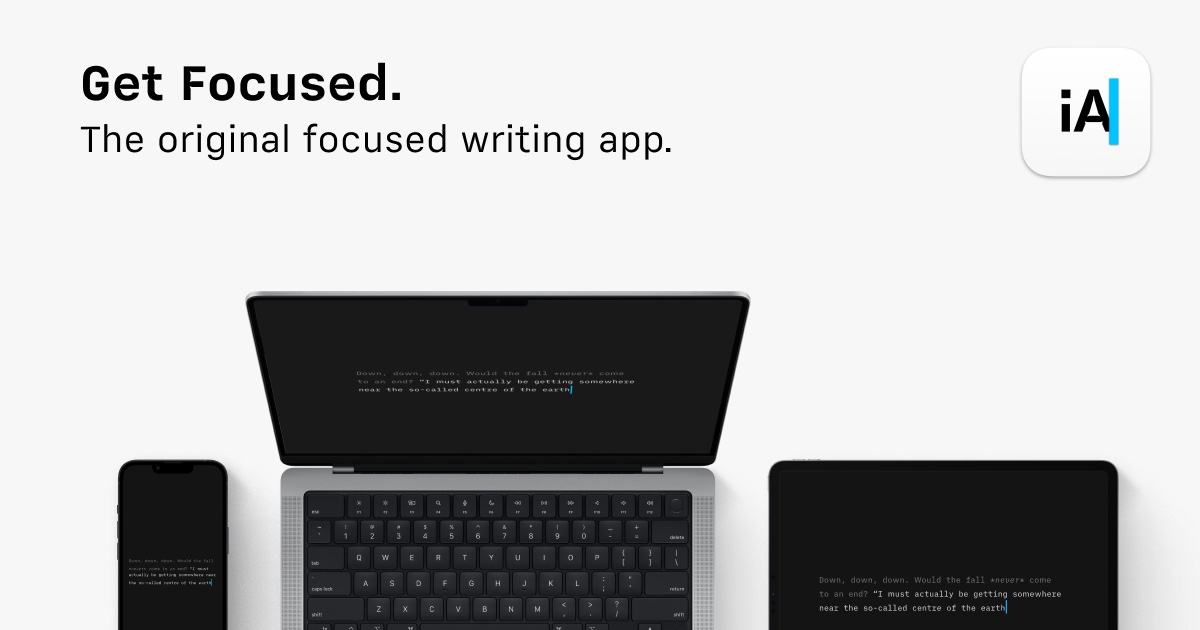
iA Writer is built for longer writing rather than quick notes, with Focus Mode and Style Check aimed at considered plain text, though its files stay as portable Markdown that fits alongside a notes system like Obsidian or Bear.
Is there a Mac app that just reads Markdown without opening an editor?+
MacMD Viewer is exactly that: a read-only Markdown reader that renders .md files with formatted headings, code blocks, tables and Mermaid diagrams, previews straight from Finder with QuickLook, and live-reloads as a file changes. It is a one-time purchase from $19.99, useful for reading notes or AI-generated .md output without loading a full editor.
 Obsidian
Your lifelong knowledge base, in plain Markdown files.
Free
Obsidian
Your lifelong knowledge base, in plain Markdown files.
Free
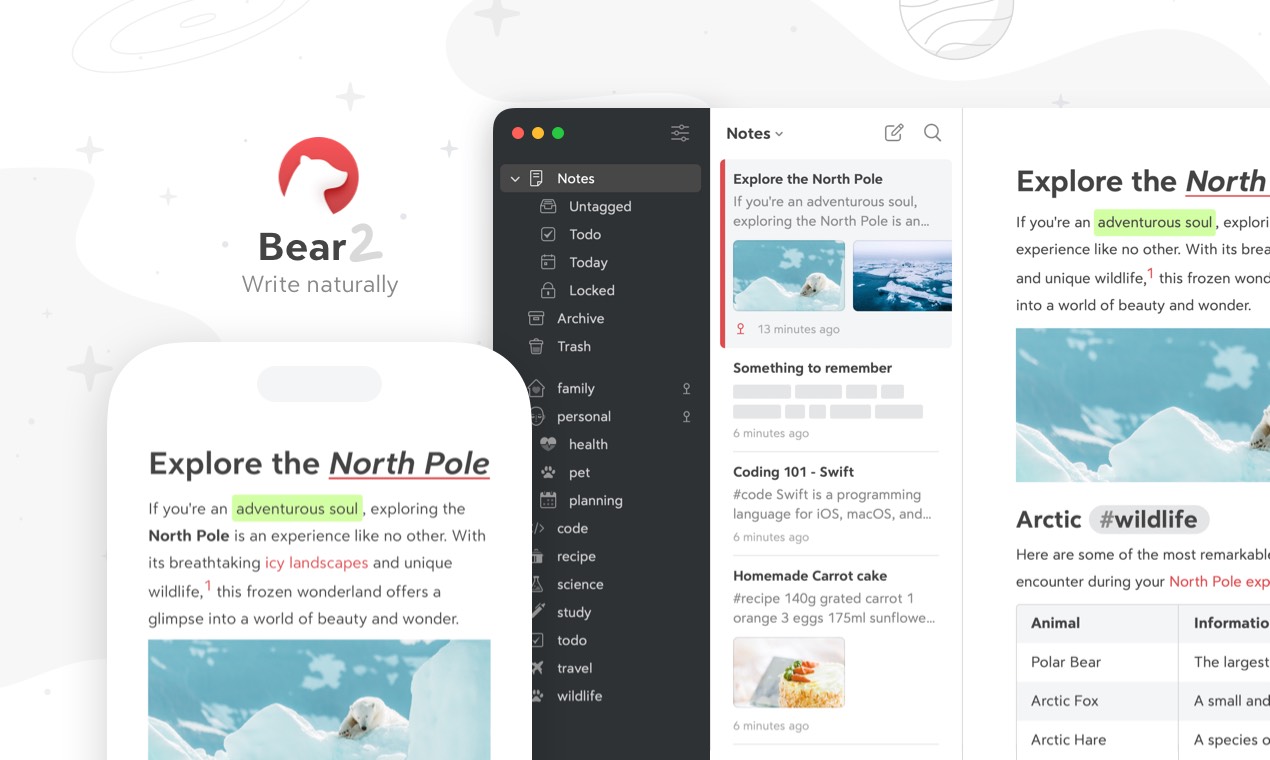
 Bear
Markdown notes with the finest tag system on the Mac.
Free
Bear
Markdown notes with the finest tag system on the Mac.
Free
 Craft
Documents beautiful enough to send as they are.
Free
Craft
Documents beautiful enough to send as they are.
Free
 Tot
Seven dots for the text you juggle every day.
Free
Tot
Seven dots for the text you juggle every day.
Free
 Antinote
Quick notes and maths, one hotkey away.
$5 One-Time
Antinote
Quick notes and maths, one hotkey away.
$5 One-Time
 iA Writer
Plain text writing at its most considered.
$49.99 One-Time
iA Writer
Plain text writing at its most considered.
$49.99 One-Time
 MacMD Viewer
Read your Markdown, without opening an editor.
$19.99 One-Time
MacMD Viewer
Read your Markdown, without opening an editor.
$19.99 One-Time