We make Shiny, so treat this comparison accordingly. We've tried to be fair to Sensei, which is a genuinely well-built app doing a different job than Shiny at a different price point.
Side by Side
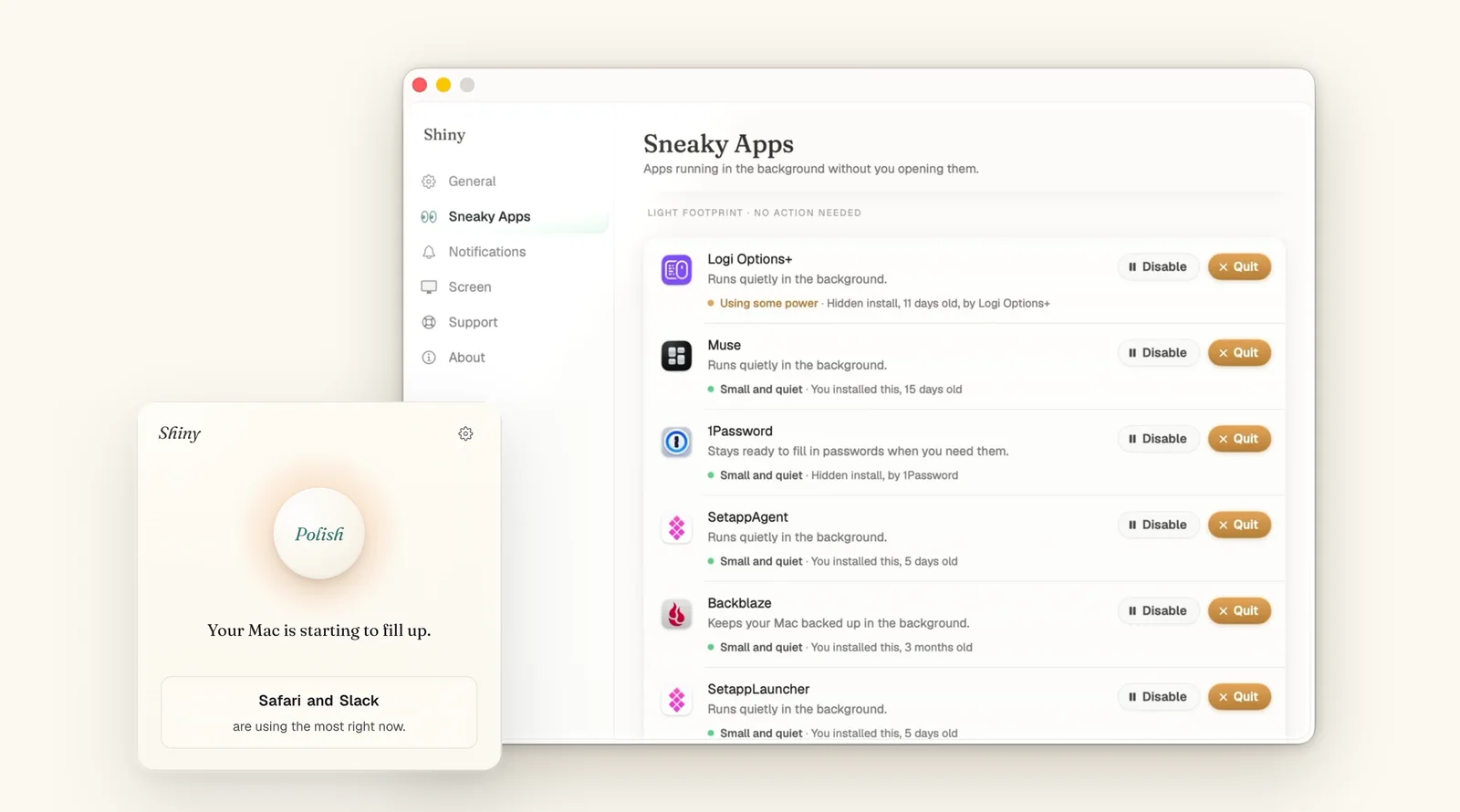
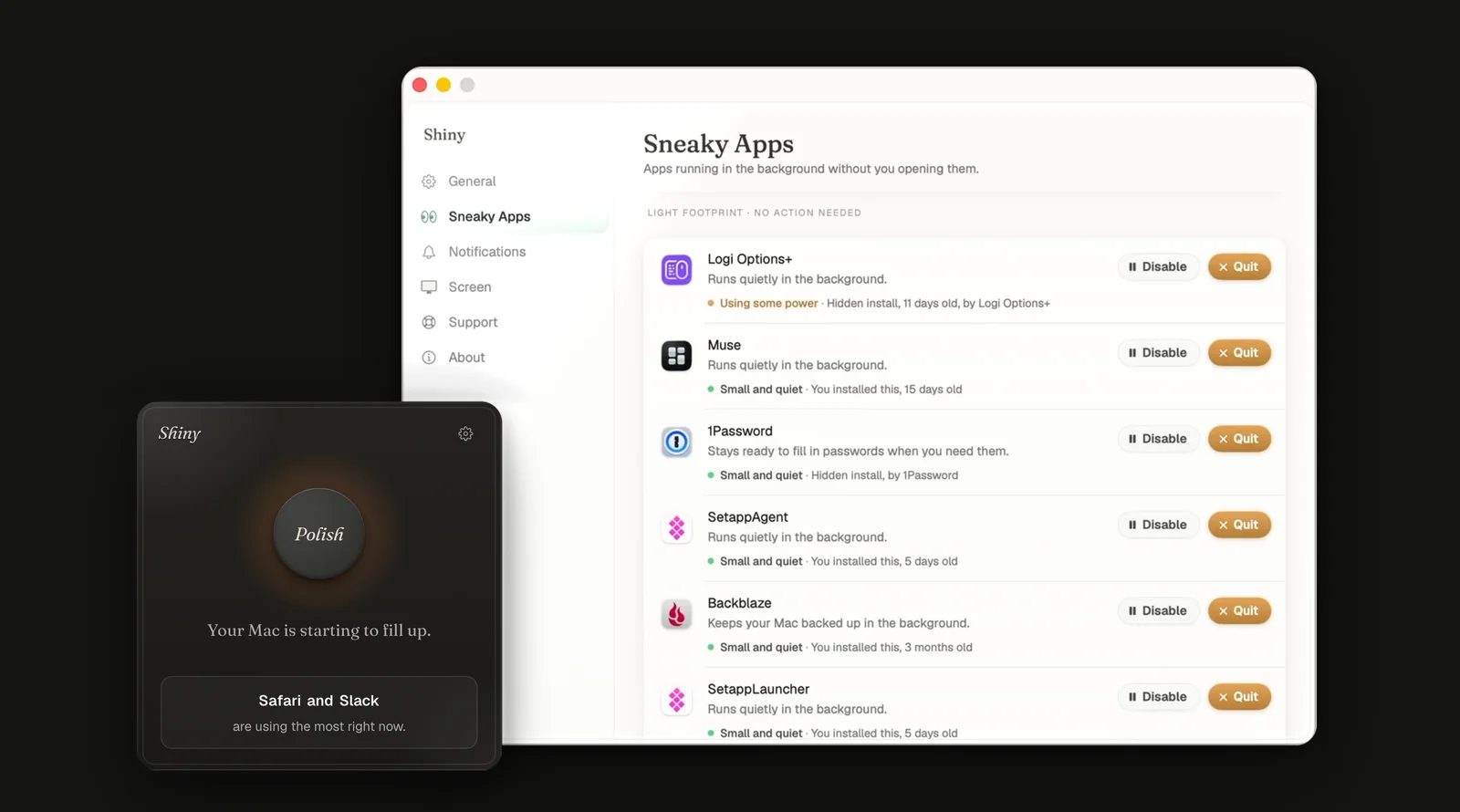
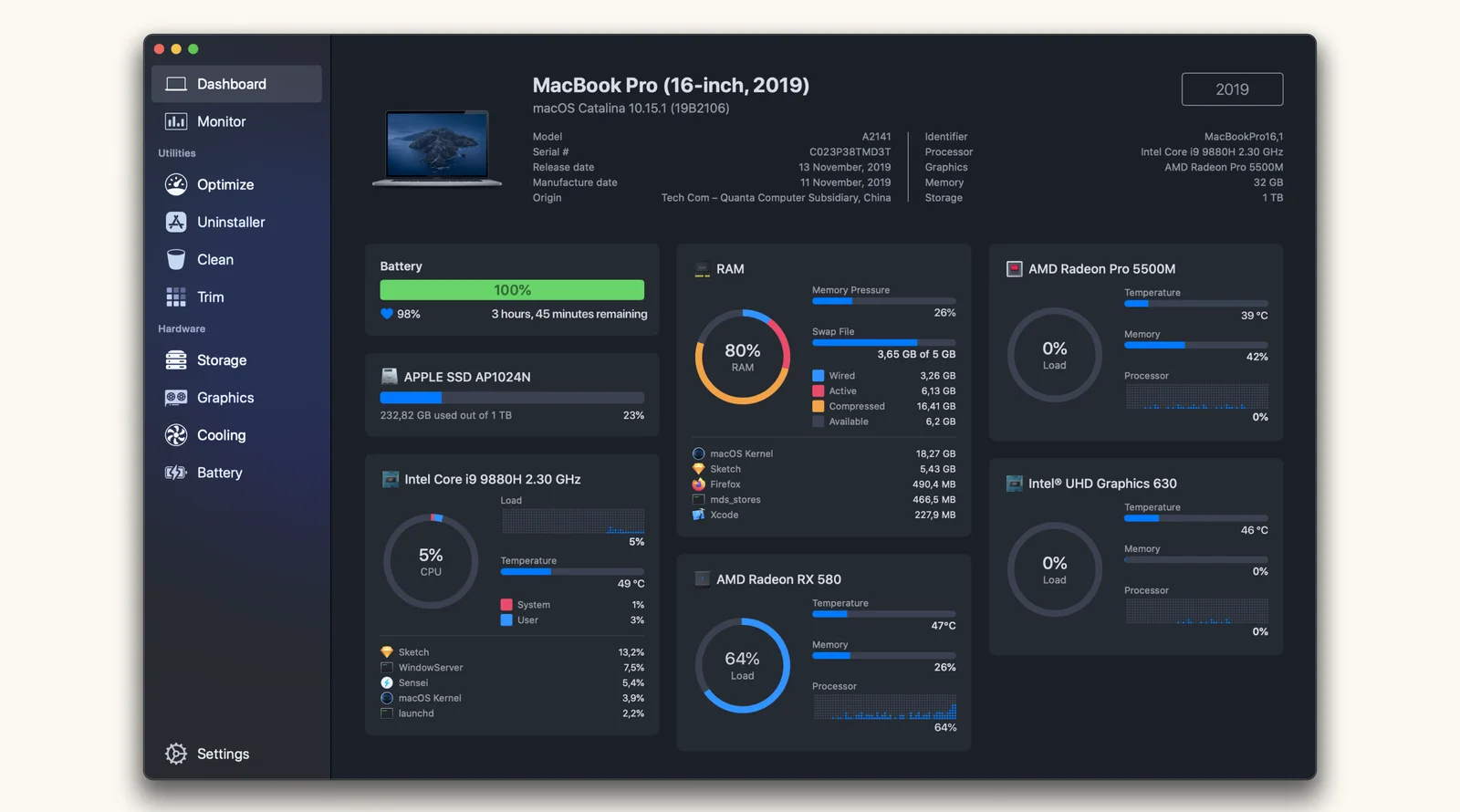
Sensei's dashboard shows RAM beside battery, storage and graphics, and Shiny shows a Polish button and its Sneaky Apps list.
At a glance
| Shiny | Sensei | |
|---|---|---|
| Price | $4.99 once, forever | $29/year (up to 3 Macs) or $59 once |
| What it does | Frees memory and closes orphaned helper processes, one click | Memory reclaim, CPU monitor, temperature and fan control, battery health, app management |
| Interface | One button in the menu bar | Full dashboard with charts and graphs |
| Telemetry | None | Not publicly documented in detail |
| Made by | THEODOREHQ | Cindori |
| Best for | People who want fast memory relief | People who want an ongoing performance dashboard |
What Sensei actually does
Sensei is a menu-bar performance suite built by Cindori. Its own marketing describes memory management tools that prompt macOS to reclaim memory from inactive processes when RAM pressure is high, which is the same underlying idea Shiny is built entirely around. But Sensei doesn't stop there: it also tracks CPU temperature and fan speed, watches battery health and cycle count, shows a live graph of app-by-app resource use, and can flag or quit apps that are misbehaving.
The design is polished. Sensei has picked up genuine praise from Macworld and other outlets for its visual presentation, and third-party sites including TheSweetBits and Dr.Buho have published direct comparisons against CleanMyMac, which tells you Sensei is already competing in the "full suite" category rather than the narrow "memory only" one Shiny occupies.
Where Sensei wins
Breadth. If you want one dashboard for memory, CPU, temperature, fans, and battery, Sensei covers all of it. Shiny has none of these.
Visual detail. Sensei's graphs and live monitoring give you a much richer picture of what's happening on your Mac moment to moment. Shiny shows you a single number: how much memory it just freed.
A genuine one-time option. Unlike most full-suite competitors, Sensei offers a $59 lifetime purchase alongside its $29/year subscription. If you want the full feature set without recurring billing, that option exists, even though it costs more upfront than Shiny's $4.99.
Where Shiny wins
Price. $4.99 once is a fraction of even Sensei's cheapest year, and a small fraction of its one-time $59 tier.
Simplicity. Shiny keeps the whole interaction to one click: press the menu-bar button and memory is freed immediately, with nothing to configure or check back on.
Scope, if you only need one thing. If memory pressure is your actual complaint and you have no interest in fan curves or battery graphs, Sensei's extra features are things you're paying for and never opening.
Shiny
- You want fast memory relief without an ongoing dashboard to check.
- You'd rather pay once than think about a subscription again.
- You don't care about CPU temperature graphs or fan curves.
- You have two or three Macs and want one purchase to cover them.
Sensei
- You want an ongoing performance dashboard, not just a memory button.
- You're curious about CPU temperature, fan behaviour, and battery health over time.
- You'd rather have one polished app for several jobs than several single-purpose ones.
- The $59 lifetime tier appeals more than a subscription.
For a broader view of the category, see are Mac cleaner apps actually worth it, and if you're comparing more than one full-suite option, Shiny vs CleanMyMac covers similar ground against a different competitor.
A practical way to decide
Open Activity Monitor and watch it for a day. If the thing that actually bothers you is a yellow or red memory-pressure bar and apps feeling sluggish after hours of use, that is squarely Shiny's problem to solve, and Sensei's temperature graphs and battery charts would sit unused. If instead you find yourself curious about fan noise, wondering whether your battery is degrading faster than it should, or wanting a running log of which apps spike CPU when you're not looking, Sensei's broader dashboard is doing real work you'd otherwise have no easy way to see.
A genuinely common pattern among people who've tried both: start with the narrower, cheaper tool for the specific symptom you have today. If it turns out you keep wishing you could see temperature or battery health too, that's a signal Sensei's broader scope would earn its price for you specifically, rather than a feature you'd pay for and never open.
Bottom line
Sensei is a genuinely good app for people who want an ongoing performance dashboard. Shiny is a genuinely good app for people who want fast, focused memory relief without one. If you've read the Sensei feature list and found yourself interested only in the memory part, the honest answer is that you're looking at $4.99 once instead of $29 a year.